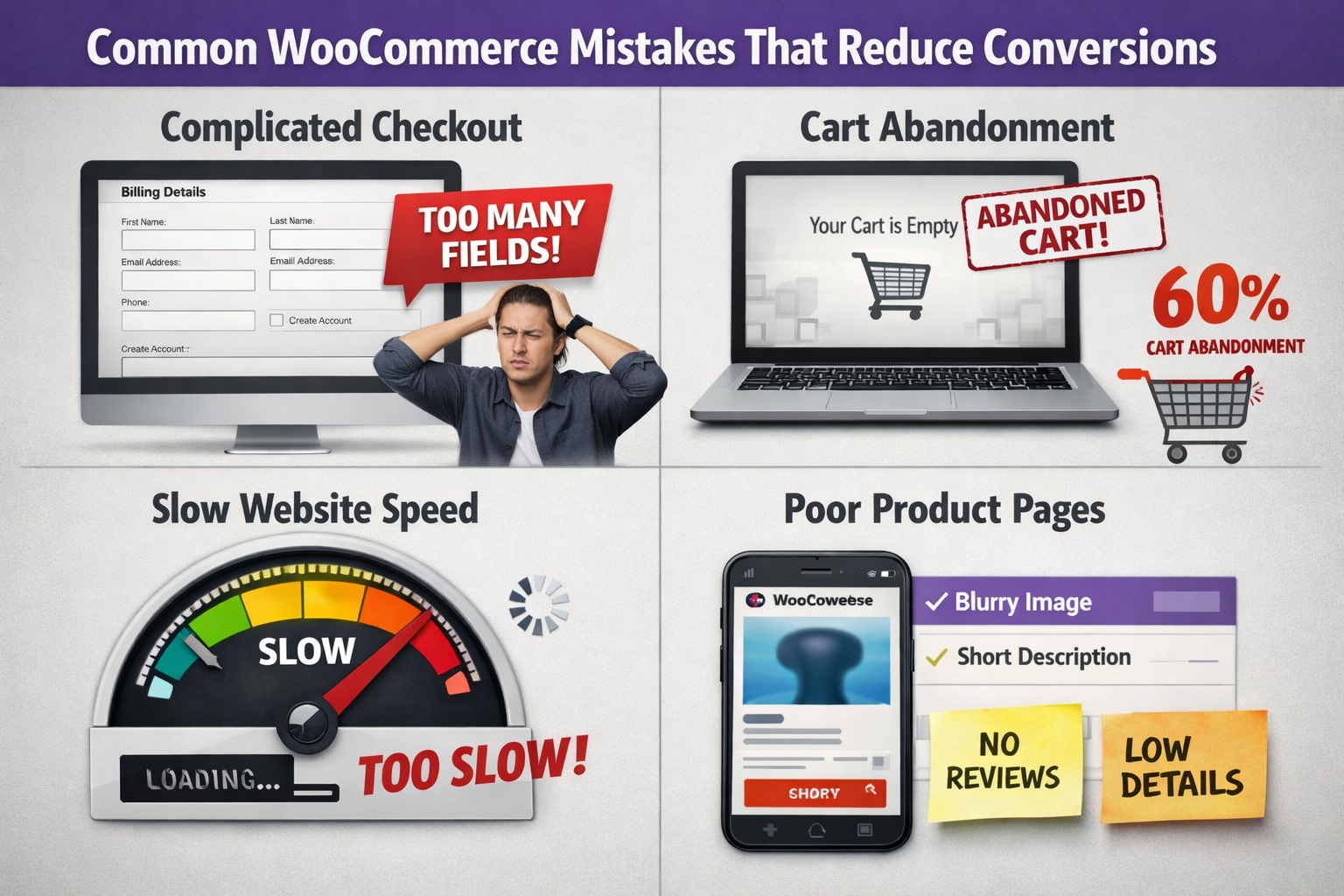
Running a store on WooCommerce gives you huge flexibility—but small mistakes can quietly kill your sales. Many store owners focus on traffic but overlook conversion blockers inside the store itself.
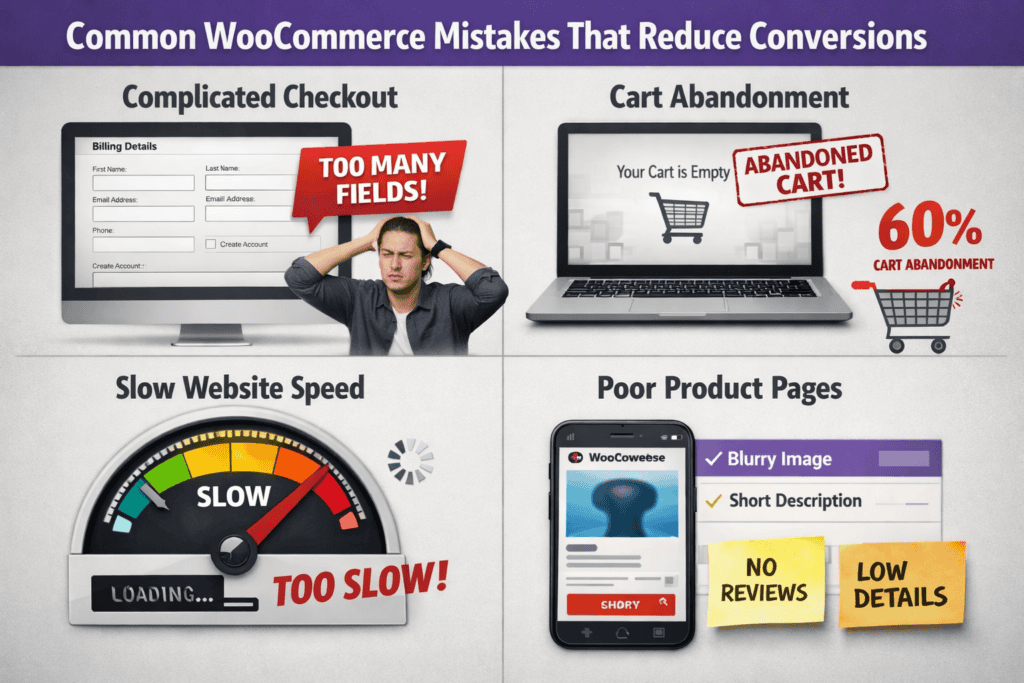
1. Slow Website Speed
Problem:
Why it hurts conversions:
Fix:
- Use a fast hosting provider
- Enable caching + CDN
- Optimize images (WebP)
- Remove unused plugins
- Optimize WooCommerce database and scripts
2. Complicated Checkout Process
Problem:
Why it hurts conversions:
Fix:
- Enable guest checkout
- Reduce fields to essentials only
- Use a single-page or one-step checkout
- Auto-fill address fields where possible
3. Poor Mobile Experience
Problem:
Why it hurts conversions:
Most WooCommerce traffic is mobile-first.
Fix:
- Use a mobile-optimized theme
- Test checkout on real devices
- Ensure sticky “Add to Cart” buttons
- Optimize font sizes and spacing
4. Hidden Shipping Costs
Problem:
Why it hurts conversions:
Fix:
- Show shipping estimates early
- Offer free shipping thresholds
- Display delivery info on product pages
5. No Trust Signals
Why it hurts conversions:
Fix:
- Enable product reviews & ratings
- Add SSL, payment badges, and trust seals
- Clearly show refund & return policies
- Display real testimonials
6. Weak Product Pages
Problem:
Why it hurts conversions:
Fix:
- Use multiple high-quality images
- Add zoom + gallery views
- Write benefit-focused descriptions
- Add FAQs and usage info
7. Too Many Plugins
Problem:
Why it hurts conversions:
Fix:
- Remove unused plugins
- Avoid overlapping functionality
- Use lightweight, well-maintained plugins only
8. Limited Payment Options
Problem:
Why it hurts conversions:
Users leave if their preferred method isn’t available.
Fix:
- Add UPI, cards, wallets, PayPal, Stripe
- Enable local payment methods for your market
- Ensure payment UX is smooth and fast
9. No Cart Recovery Strategy
Problem:
Abandoned carts are ignored.
Why it hurts conversions:
You lose warm, high-intent customers.
Fix:
- Enable abandoned cart emails
- Offer limited-time discounts
- Use exit-intent popups carefully
10. No Conversion Tracking
Problem:
You don’t know where users drop off.
Why it hurts conversions:
You can’t fix what you don’t measure.
Fix:
- Track add-to-cart, checkout, and purchases
- Use GA4 + conversion funnels
- Monitor checkout errors and drop-off points
Final Thoughts
At Trend Web Technologies, we’ve seen many WooCommerce stores struggle with low sales—not because of a lack of traffic, but due to common setup and user experience mistakes. Even small issues in checkout flow, page speed, or trust signals can significantly reduce conversions.
Still Have Questions?
Many WooCommerce stores receive traffic but fail to convert due to slow page speed, complicated checkout processes, poor mobile experience, hidden costs, or lack of trust signals like reviews and clear policies.
The most common mistake is a complicated checkout process. Too many form fields, forced account creation, and confusing steps often lead to cart abandonment.
Yes. Slow-loading WooCommerce websites increase bounce rates and cart abandonment. Faster load times improve user experience, trust, and overall conversion rates.
You can improve conversions by simplifying checkout, optimizing site speed, improving mobile usability, displaying trust signals, and offering multiple payment options.