
If you want your website to rank better on Google and other search engines, a sitemap is not optional—it’s essential. Whether you run a blog, business website, or large eCommerce store, a sitemap helps search engines discover, crawl, and index your pages faster and more accurately.
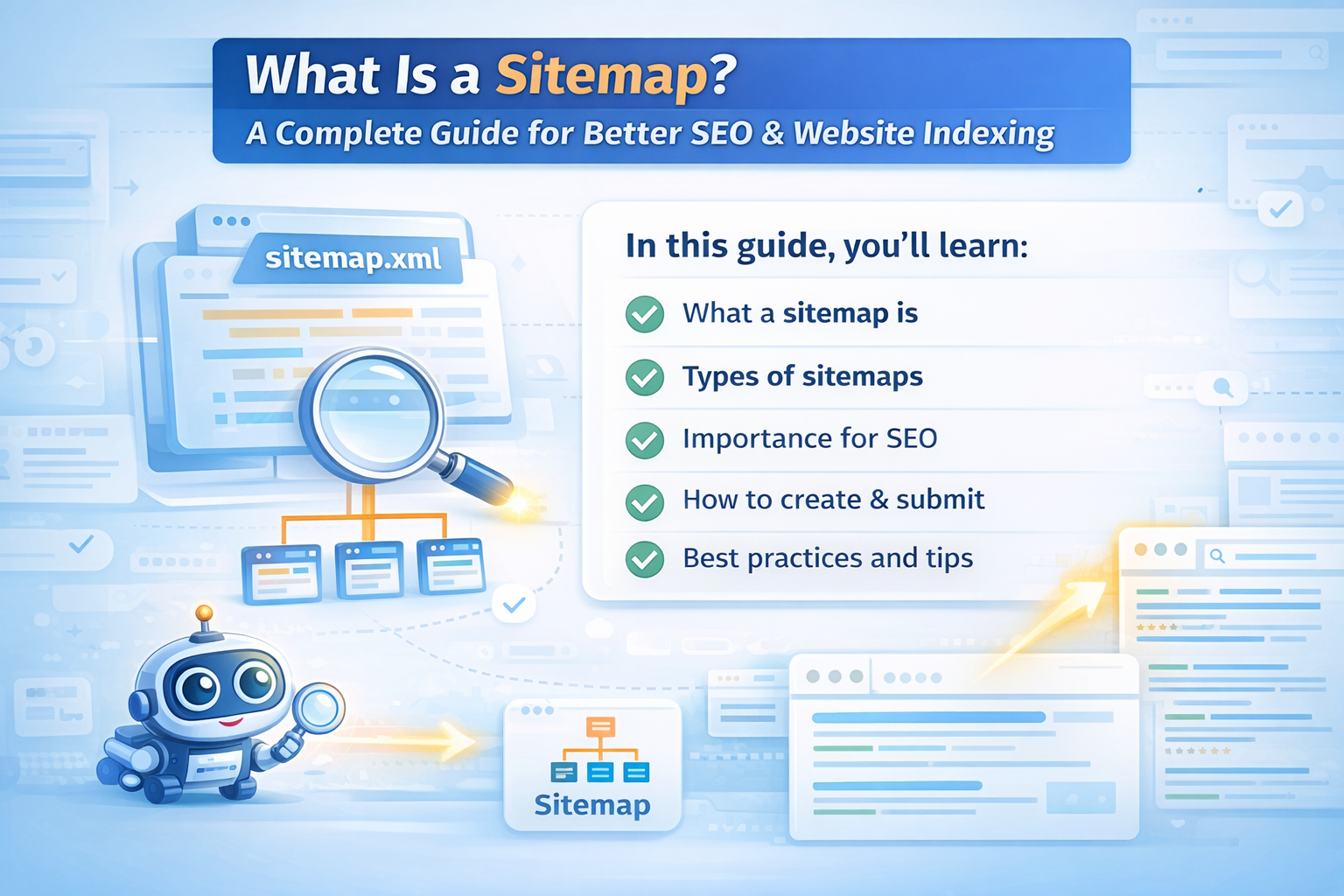
In this guide, you’ll learn:
- What a sitemap is
- Types of sitemaps
- Why sitemaps are important for SEO
- How to create and submit a sitemap
- Best practices to follow
What Is a Sitemap?
A sitemap is a file that lists the important pages of your website and provides information to search engines about how your site is structured. It acts like a roadmap for search engine bots, helping them find and understand your content efficiently.
Instead of guessing which pages matter, search engines use your sitemap to know:
- Which pages exist
- When they were last updated
- How often they change
- Which pages are most important
Types of Sitemaps
There are two main types of sitemaps, and both serve different purposes.
1. XML Sitemap (For Search Engines)
An XML sitemap is designed specifically for search engines like Google and Bing. It contains URLs along with metadata such as:
- Last modified date
- Priority
- Change frequency
2. HTML Sitemap (For Users)
An HTML sitemap is a regular web page that lists all important links on your site. It helps:
- Visitors find content easily
- Improve internal linking
- Reduce bounce rate
HTML sitemaps are especially useful for large websites.
Why Is a Sitemap Important for SEO?
A sitemap directly improves how search engines interact with your website.
Key SEO Benefits of a Sitemap
- Faster indexing of new pages
- Better crawling of large websites
- Helps search engines find deep or orphan pages
- Improves visibility of updated content
- Essential for new or low-authority websites
If your site has hundreds of pages, dynamic URLs, or frequent updates, a sitemap is critical.
When Do You Really Need a Sitemap?
You should definitely use a sitemap if:
- Your website is new
- Your site has many pages
- Some pages are not well internally linked
- You run an eCommerce or blog-heavy site
- Your content changes frequently
Even small websites benefit from having one.
How to Create a Sitemap
For WordPress Websites
The easiest way is using an SEO plugin:
- Rank Math
- Yoast SEO
- SEOPress
These plugins automatically generate and update your sitemap.
For Non-WordPress Websites
You can:
- Use online sitemap generators
- Create one manually for small sites
- Generate dynamically via server-side scripts
Make sure it follows XML sitemap standards.
How to Submit a Sitemap to Google
Submitting your sitemap ensures search engines know about it.
Google Search Console Steps
- Open Google Search Console
- Select your website
- Go to Sitemaps
- Enter your sitemap URL
- Click Submit
Once submitted, Google will regularly check your sitemap for updates.
Sitemap Best Practices
Follow these rules to avoid SEO issues:
- Only include indexable pages
- Exclude noindex pages
- Avoid duplicate URLs
- Keep URLs clean and canonical
- Split large sitemaps (50,000 URLs max)
- Update automatically when content changes
🚫 Do NOT include:
- Admin pages
- Login pages
- Thank-you pages
- Filter or duplicate URLs
Image, Video & News Sitemaps
Advanced websites can use special sitemaps:
- Image Sitemap – Helps images appear in Google Images
- Video Sitemap – Improves video indexing
- News Sitemap – For Google News publishers
These are optional but powerful for content-heavy sites.
Common Sitemap Mistakes to Avoid
- Submitting broken URLs
- Including redirected pages
- Forgetting to update sitemap
- Blocking sitemap via robots.txt
- Using wrong canonical URLs
Fixing these issues can instantly improve crawl efficiency.
| Sitemap | Robots.txt |
|---|---|
| Tells search engines what pages to crawl | Tells search engines what pages NOT to crawl |
| Helps search engines discover and index content faster | Controls crawler access to specific areas of the site |
| Improves SEO by guiding bots to important pages | Prevents crawling of admin, private, or duplicate pages |
Final Thoughts
A sitemap is one of the simplest yet most powerful SEO tools you can use. It ensures search engines understand your website structure, find your content faster, and index the right pages.
If you care about rankings, traffic, and visibility—your website must have a properly configured sitemap.
At Trend Web Technologies, we help businesses build SEO-friendly websites with proper indexing, technical SEO, and performance-driven strategies.
Still Have Questions?
A sitemap is a file that lists all important pages of a website and helps search engines crawl and index content more efficiently.
A sitemap helps search engines discover new and updated pages faster, improves indexing, and ensures important pages are not missed during crawling.
The two main types of sitemaps are XML sitemaps (for search engines) and HTML sitemaps (for website visitors). Advanced sites may also use image, video, or news sitemaps.
An XML sitemap is a file designed for search engines that provides information about website URLs, last updates, and page priority for better indexing.