
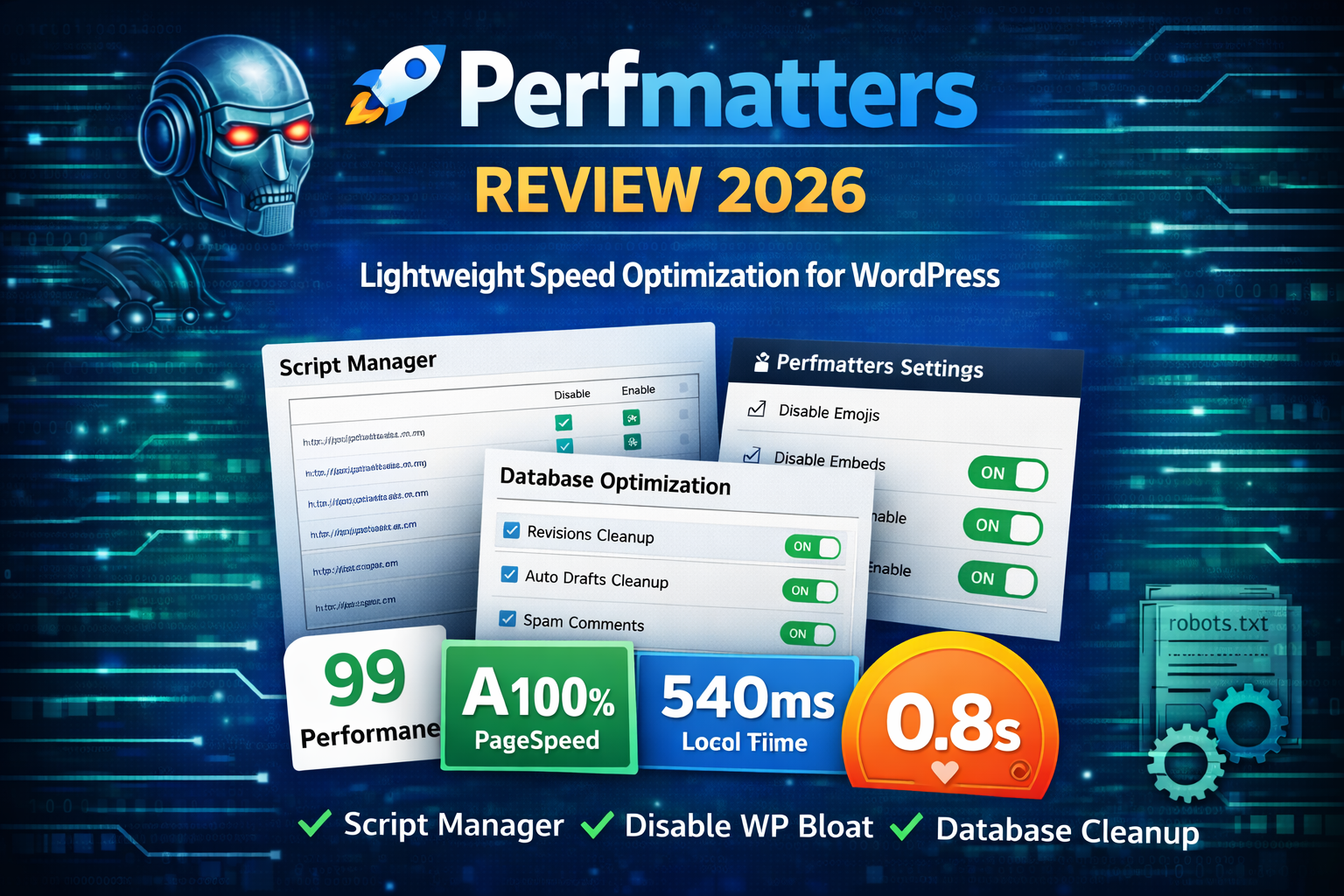
Speed affects everything.
Rankings.
Conversions.
User experience.
In 2026, bloated WordPress sites are one of the biggest performance problems.
That’s where Perfmatters comes in.
Unlike heavy caching plugins, Perfmatters focuses on removing unnecessary scripts and optimizing WordPress at a deeper level.
In this guide, you’ll learn:
-
What Perfmatters is
-
Key features
-
Perfmatters vs traditional optimization plugins
-
Who should use it
-
Pros & Cons
-
FAQs
-
How to get started
What Is Perfmatters?
Perfmatters is a lightweight WordPress performance plugin built to reduce bloat and improve load times.
Instead of adding caching or CDN features, it focuses on:
-
Disabling unused WordPress features
-
Removing unnecessary scripts
-
Reducing HTTP requests
-
Optimizing database
-
Improving Core Web Vitals
It works alongside caching plugins like WP Rocket or NitroPack.
Why Websites Slow Down
Most WordPress websites load scripts that are not needed on every page:
-
Emoji scripts
-
Embeds
-
WooCommerce scripts on non-shop pages
-
Form plugin scripts sitewide
-
Google Maps files on pages without maps
Perfmatters allows you to disable these selectively.
Key Features
1️⃣ Script Manager
One of the most powerful features.
You can:
-
Disable plugins per page
-
Remove scripts/styles where not needed
-
Reduce page weight significantly
This improves load speed instantly.
2️⃣ Disable WordPress Bloat
You can disable:
-
Emojis
-
Embeds
-
XML-RPC
-
Dashicons
-
RSS feeds (optional)
-
REST API (if not required)
Small changes = big performance gains.
3️⃣ Database Optimization
Perfmatters helps clean:
-
Post revisions
-
Auto drafts
-
Spam comments
-
Transients
A clean database improves performance.
4️⃣ Preloading & Resource Hints
It allows:
-
DNS prefetch
-
Preconnect
-
Preload important assets
This improves Core Web Vitals metrics.
5️⃣ Lazy Loading Enhancements
Perfmatters includes optimized lazy loading for:
-
Images
-
iFrames
-
Background images
Helping improve LCP scores.
Perfmatters vs Traditional Optimization Plugins
| Feature | Perfmatters | Basic Optimization Plugin |
|---|---|---|
| Script Manager | Yes | No |
| Disable WP Bloat | Yes | Limited |
| Database Cleanup | Yes | Sometimes |
| Caching | No | Yes |
| CDN | No | Sometimes |
| Page-Level Control | Advanced | Basic |
If you need caching → use WP Rocket/NitroPack.
If you want deep script-level control → Perfmatters is powerful.
Who Should Use Perfmatters?
Perfmatters is ideal for:
Performance-focused bloggers
WooCommerce stores
Developers
Agencies
High-traffic websites
Sites using many plugins
It’s especially useful when plugins load assets globally.
Pros & Cons
✅ Pros
Lightweight
Advanced script control
Easy to use
Works with other caching plugins
Improves Core Web Vitals
❌ Cons
No built-in caching
Requires understanding of scripts
Not beginner-focused like all-in-one tools
🚀 Get Perfmatters
If you want to optimize your WordPress website properly:
Performance Strategy Tip
The best setup in 2026:
Good Hosting
Caching Plugin
CDN
Perfmatters for script control
Performance is layered. No single plugin solves everything.
Still Have Questions?
They serve different purposes. WP Rocket handles caching. Perfmatters handles script optimization and WordPress bloat removal.
Yes. Especially LCP and CLS by reducing unnecessary assets.
Yes — but you must test properly. Disable scripts only when they are not required on specific pages.
Yes. It’s especially useful for disabling WooCommerce scripts on non-shop pages.
Final Thoughts
Perfmatters is one of the most powerful lightweight performance plugins in 2026.
It gives you:
-
More control
-
Cleaner WordPress setup
-
Faster load times
-
Better Core Web Vitals
If you want professional-level speed optimization, Perfmatters is worth it.
Need Professional Speed Optimization?
At Trend Web Technologies, we help businesses:
-
Improve Core Web Vitals
-
Configure Perfmatters correctly
-
Optimize WooCommerce performance
-
Remove plugin bloat
-
Improve SEO rankings
If you want your WordPress website optimized properly — without breaking functionality: