In 2026, building a simple WordPress website is no longer enough.
Businesses now need:
Dynamic content
Advanced filtering systems
Custom post types
Directory listings
Booking systems
Membership dashboards
Real estate listings
Marketplace features
This is where Crocoblock becomes powerful.
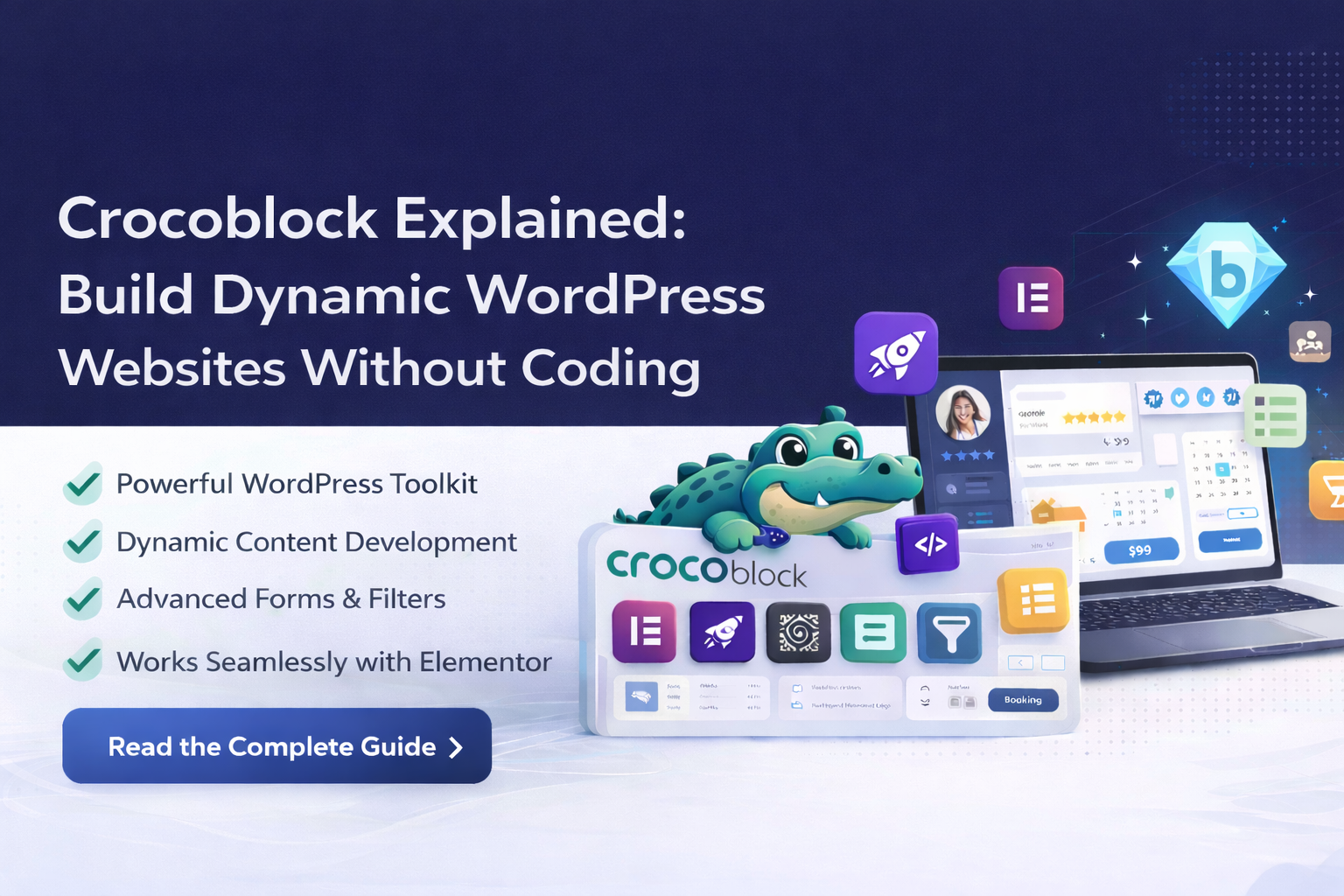
Crocoblock is not just a plugin — it’s a complete toolkit designed to build advanced, dynamic WordPress websites without custom coding.
In this guide, we’ll explain:
What Crocoblock is
What JetPlugins are
Why developers love it
How it compares to regular page builders
When you should use it
And whether it’s worth it in 2026
What Is Crocoblock?
Crocoblock is a suite of plugins built around Elementor (and now also Gutenberg support) that enables dynamic website development.
Instead of static pages, Crocoblock allows you to create:
Custom Post Types (CPT)
Custom fields
Dynamic templates
Advanced filters
User dashboards
Listing grids
Relationship systems
Core Crocoblock Plugins (JetPlugins Overview)
| Plugin | Purpose |
|---|---|
| JetEngine | Create dynamic content & custom post types |
| JetSmartFilters | Advanced AJAX filtering |
| JetElements | Extra Elementor widgets |
| JetTabs | Tabs & accordion layouts |
| JetAppointment | Booking system |
| JetBooking | Rental & booking features |
| JetWooBuilder | Custom WooCommerce templates |
| JetPopup | Popup builder |
| JetReviews | Review system |
JetEngine is the backbone of the entire system. It powers dynamic content, custom post types, meta fields, relationships, and listing structures that make advanced WordPress websites possible.
What Makes Crocoblock Different?
Standard page builders focus on design.
Crocoblock focuses on dynamic data structures.
Instead of manually designing every page, you:
Create a Custom Post Type
Add custom fields
Design a template once
Automatically populate all content dynamically
This makes it perfect for:
Real estate websites
Directory sites
Marketplace platforms
Job boards
Learning portals
Booking systems
Crocoblock vs Standard Elementor
| Feature | Standard Elementor | Crocoblock |
|---|---|---|
| Static Pages | Yes | Yes |
| Dynamic Content | Limited | Advanced |
| Custom Post Types | Manual | Built-in |
| Filtering | Basic | Advanced AJAX |
| Relationships | No | Yes |
| Directory Website | Difficult | Easy |
| Booking System | Third-party | Integrated |
If you’re building a simple brochure website, Elementor alone is enough.
If you’re building a dynamic platform — Crocoblock becomes essential.
Performance Considerations
Because Crocoblock adds advanced functionality, performance depends on:
Hosting quality
Database optimization
Query structure
Proper caching
When configured correctly, Crocoblock sites perform well. However, poor structure can lead to heavy queries.
If you need professional configuration and performance optimization, explore our services here:
Who Should Use Crocoblock?
Ideal For:
Developers building dynamic websites
Agencies creating directory sites
Real estate businesses
Course platforms
Booking websites
Multi-vendor marketplaces
Not Ideal For:
Simple blog websites
One-page landing sites
Basic informational websites
Example Use Cases
Real Estate Website
Create property CPT → Add custom fields → Design template → Add filters → Done.
Job Portal
Create job listings → Add location & salary fields → Filter by category.
Multi-Author Blog
Create author dashboards → Add post relationships → Assign content.
Crocoblock eliminates the need for heavy custom coding.
Crocoblock Pricing & Plans
Crocoblock offers:
Single-site license
Unlimited license
Lifetime plan options
For agencies building multiple client websites, unlimited plans offer better long-term value.
Is Crocoblock Worth It in 2026?
If you only need static pages → No.
If you need structured, dynamic content → Absolutely.Crocoblock replaces multiple plugins like:
Custom Post Type plugins
Advanced Custom Fields
Filtering plugins
Relationship plugins
Booking plugins
All under one ecosystem.
Common Mistakes to Avoid
Installing all JetPlugins unnecessarily
Poor database structure
Not optimizing queries
Overusing filters
Ignoring hosting performance
Dynamic websites require structured planning.
Still Have Questions?
Crocoblock works best with Elementor, but many of its plugins also support Gutenberg (Block Editor). Elementor users get the most flexibility and design control when using Crocoblock.
Basic WordPress knowledge is enough to get started. While advanced customizations may require some PHP or JavaScript, most Crocoblock features can be used without writing code.
JetEngine is a core plugin within the Crocoblock suite. Crocoblock includes JetEngine along with other plugins like JetSmartFilters, JetFormBuilder, JetBooking, and JetWooBuilder to create a complete dynamic website toolkit.
Yes. Crocoblock supports SEO-friendly URLs, dynamic content indexing, schema compatibility, and works well with SEO plugins like Rank Math and Yoast when configured properly.
It has a learning curve but becomes powerful once understood.
Only if poorly structured or hosted on weak servers.
Yes, newer versions support Gutenberg as well.
For non-developers, Crocoblock offers more visual control.
Final Thoughts
Crocoblock transforms WordPress from a blogging platform into a dynamic application builder.
It is not just about design — it’s about building structured systems that automate content management.
For dynamic business websites in 2026, Crocoblock remains one of the strongest toolkits available.
Need Help Building a Dynamic Website?
At Trend Web Technologies, we specialize in:
Crocoblock implementation
JetEngine setup
Advanced filtering systems
Directory website development
Booking platform creation
WooCommerce integration
Performance optimization
Secure hosting configuration
If you want a professionally structured dynamic WordPress website — not just a template — our team can build it correctly from day one.