About This Tool
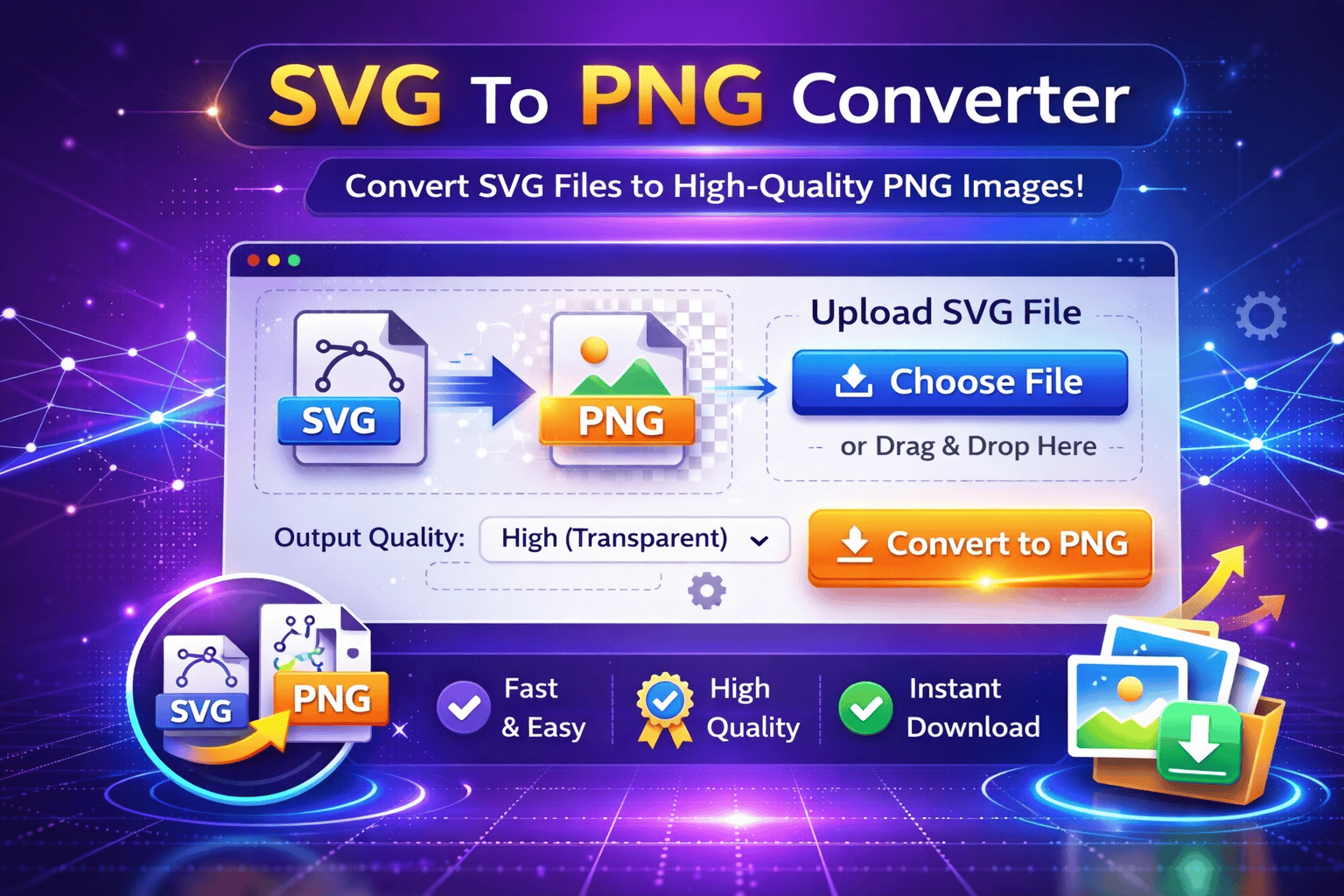
The All In One Image Converter is a powerful online tool that allows users to convert images between multiple file formats quickly and easily. Different platforms, websites, and applications often require specific image formats, and this tool helps users convert images without needing complex design software.
Image formats such as JPG, PNG, WebP, GIF, and BMP are widely used across the web and digital applications. Each format has its own advantages. For example, JPG files are commonly used for photographs because they offer good compression and smaller file sizes, while PNG files support transparency and are often used for logos and graphics.
The Image Format Converter makes it easy to switch between these formats depending on your needs. Whether you want to convert a PNG image to JPG, convert JPG to WebP for better website performance, or convert WebP back to PNG for compatibility, this tool handles the conversion instantly.
Website owners and developers often convert images to modern formats like WebP to reduce file sizes and improve page load speed. Faster websites provide better user experience and can improve SEO performance. The All In One Image Converter helps optimize images for websites and online platforms.
Designers, marketers, and content creators frequently need images in different formats for social media, presentations, and digital marketing campaigns. Instead of installing heavy software, users can simply upload their images and convert them directly in their browser.
This Online Image File Converter supports high-quality image processing to ensure that converted images maintain clarity and visual quality. It also helps users reduce file size when converting images to more efficient formats.
The JPG PNG WebP Converter is designed to be fast and user-friendly. Users only need to upload an image, choose the desired output format, and the tool will instantly process and generate the converted image.
The All In One Image Converter is perfect for developers, designers, bloggers, marketers, students, and anyone who needs a quick and reliable way to convert image formats.
How It Works
1️⃣ Upload Image
Select and upload the image file you want to convert from your device.
2️⃣ Choose Output Format
Select the format you want to convert the image to, such as JPG, PNG, WebP, or other supported formats.
3️⃣ Convert Image
The tool processes the image and converts it into the selected format.
4️⃣ Preview Converted Image
Preview the converted image to ensure it meets your requirements.
5️⃣ Download Image
Download the converted image file and use it for websites, social media, or other digital projects.
At Trend Web Technologies develops professional developer tools, SEO utilities, and website optimization solutions to help businesses improve digital workflows and website performance.