GZIP Compression Checker
Check if gzip/brotli compression is enabled on your website pages and view best-effort size savings.
About This Tool
The Gzip Checker tool helps website owners, developers, and SEO professionals determine whether Gzip compression is enabled on a website. Gzip compression is an important performance optimization technique that reduces the size of files sent from a web server to a user’s browser. By compressing files before they are transferred, websites can load faster and deliver a better user experience.
When a visitor opens a webpage, the browser requests various resources from the server, including HTML files, CSS stylesheets, JavaScript files, and sometimes fonts or other assets. If these files are large, they take longer to transfer across the network. Gzip compression reduces the size of these files by compressing them before sending them to the browser, which significantly decreases loading time.
The Gzip Checker tool allows users to quickly verify whether a website is using Gzip compression. This is important because enabling compression can dramatically improve page speed, especially for websites with large amounts of text-based resources. Faster websites provide better user experiences and often perform better in search engine rankings.
Search engines such as Google consider website speed as a ranking factor. Websites that load quickly are more likely to rank higher in search results compared to slow-loading websites. Gzip compression plays a significant role in improving page load performance by reducing the amount of data transferred between the server and the visitor’s browser.
Without compression, files like HTML, CSS, and JavaScript are sent to the browser in their original size. These files may contain many repeated characters, spaces, and formatting that increase their size. Gzip compression works by identifying repeated patterns in the file and encoding them more efficiently, which reduces the total file size without affecting the content.
The Gzip Checker tool analyzes the server response headers of a webpage to determine whether compression is enabled. If Gzip compression is active, the server typically sends a header indicating that the content is compressed before being delivered to the browser. If the tool detects that Gzip compression is disabled, users can take steps to enable it on their web server.
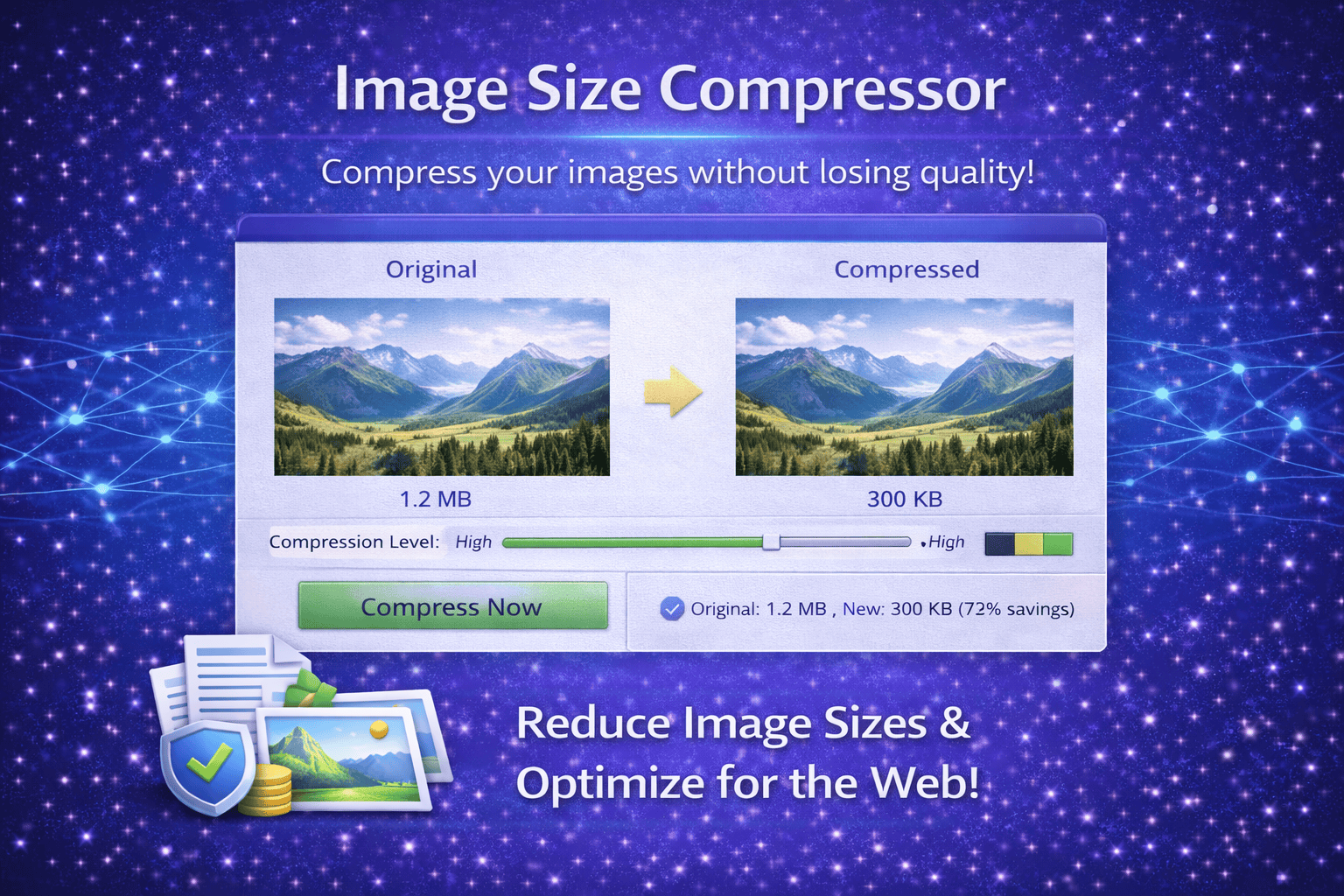
Enabling Gzip compression can significantly improve website performance. In many cases, compression can reduce file sizes by 60% to 80 percent. This means that browsers download much smaller files, resulting in faster page loading and reduced bandwidth usage.
This tool is particularly useful for developers and website administrators who want to optimize their site for performance and search engine visibility. During technical SEO audits or performance testing, checking Gzip compression is a common step in identifying opportunities for improvement.
The Gzip Checker is also valuable when launching a new website or migrating to a new hosting provider. Sometimes compression settings may not be enabled by default, which can negatively affect website speed. Running a quick Gzip test ensures that the server is properly configured to compress website resources.
Using the Gzip Checker tool is simple and requires no technical expertise. Users only need to enter the URL of a webpage to test whether compression is active. The tool then analyzes the server response and reports whether Gzip compression is enabled or disabled.
Maintaining fast loading speeds is essential for modern websites, especially for mobile users who may rely on slower network connections. By verifying that Gzip compression is enabled, website owners can improve performance, reduce bandwidth usage, and create a smoother browsing experience for visitors.
How It Works
1️⃣ Enter Your Website URL
Start by entering the URL of the webpage you want to test for Gzip compression.
2️⃣ Send Server Request
The tool sends a request to the server and retrieves the HTTP response headers of the webpage.
3️⃣ Detect Compression Headers
The Gzip Checker analyzes the response headers to determine whether the server is delivering compressed content.
4️⃣ Display Results
The tool reports whether Gzip compression is enabled or disabled for the tested webpage.
5️⃣ Improve Website Performance
If compression is not enabled, users can configure their web server settings to activate Gzip compression and improve page speed.
At Trend Web Technologies, we provide powerful online tools that help developers, marketers, and website owners analyze and optimize their websites. Our tools support technical SEO audits, performance optimization, and website diagnostics to help businesses improve their online presence and website performance.
Still Have Questions?
GZIP is a file compression method that reduces the size of web files before sending them to a browser.
Yes. Faster loading websites improve user experience and can positively impact search rankings.
You can enable GZIP via:
Apache
.htaccessNginx configuration
Hosting control panel
Performance plugins
Both are compression methods. Brotli usually offers better compression rates, but GZIP is more widely supported.