TTFB Checker
Check Time To First Byte (TTFB) and key network timings for one or more URLs.
About This Tool
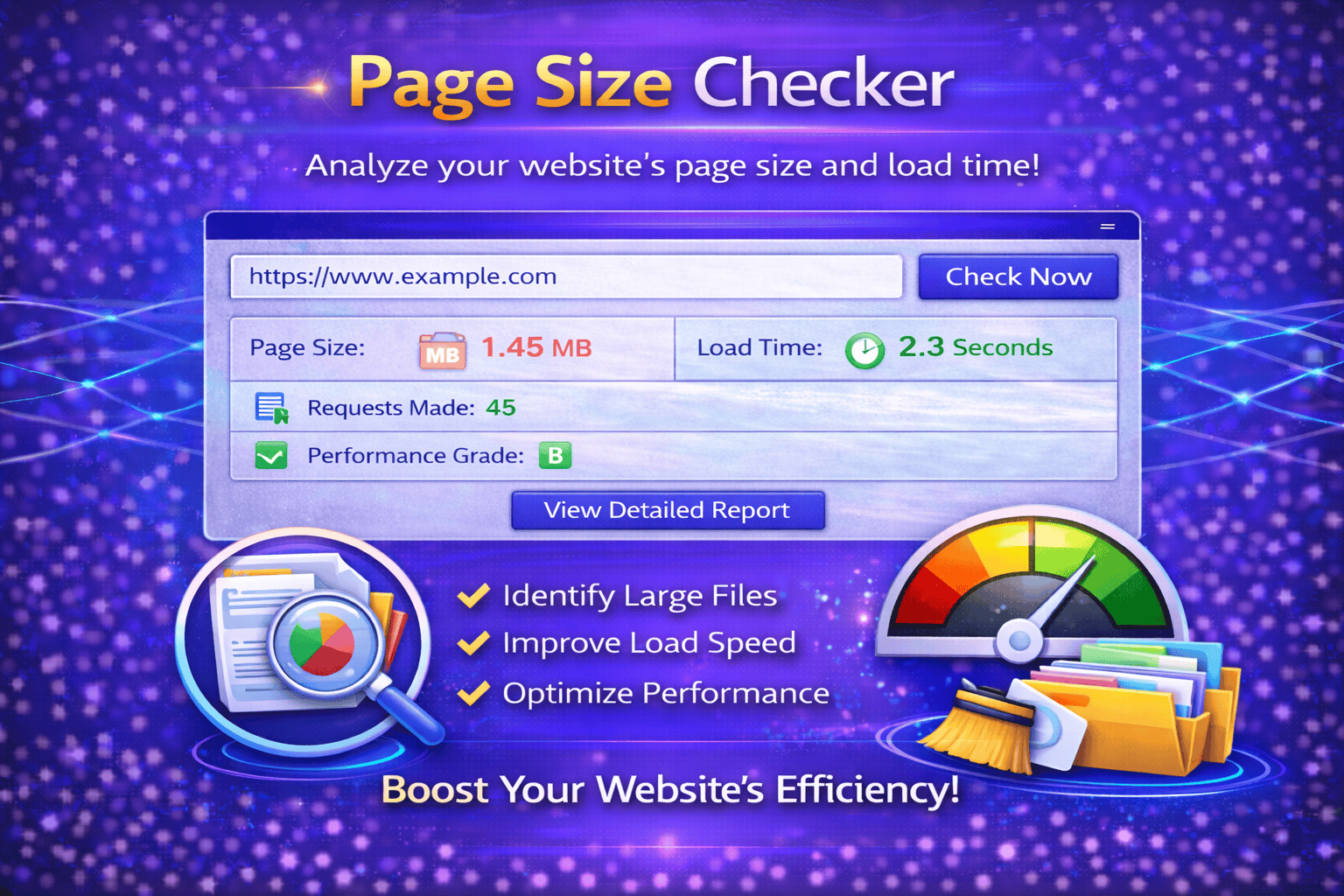
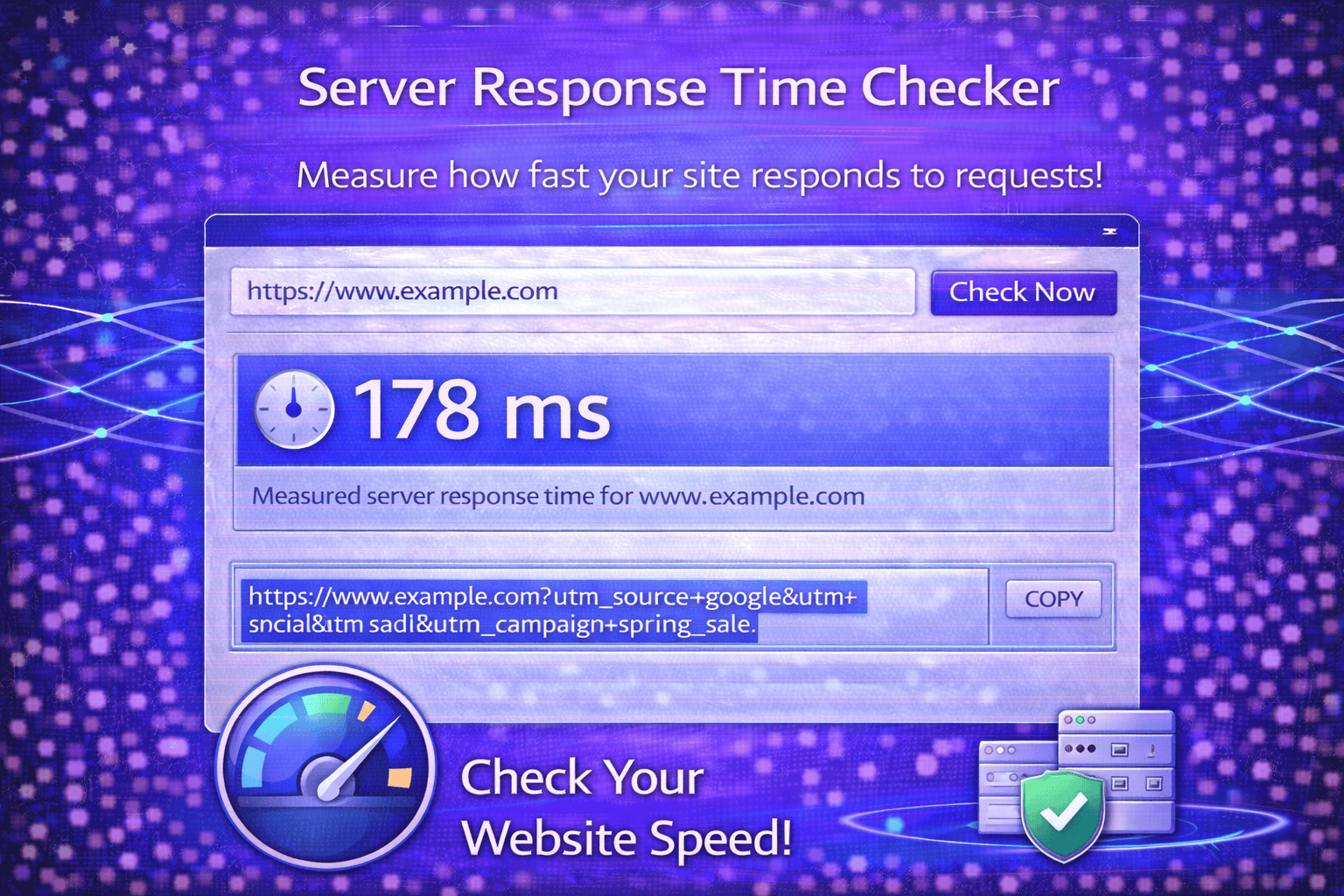
The TTFB Checker is a useful online tool that helps users measure how quickly a web server responds when a browser requests a webpage. TTFB stands for Time to First Byte, which is one of the most important performance metrics in website speed testing. It shows the time it takes from the moment a request is sent to the server until the first byte of data is received by the browser.
A slow Time to First Byte can negatively affect website performance, user experience, and even search engine optimization. If the server takes too long to respond, visitors may experience delays before the page begins loading. This can make the website feel slow, reduce engagement, and increase bounce rates. For website owners, developers, and SEO professionals, checking TTFB is an important step in understanding server-side speed issues.
This Free TTFB Checker makes it easy to test server response time without needing advanced technical knowledge. Users only need to enter a website URL, and the tool will measure how long it takes for the server to begin responding. This allows users to quickly identify whether a site has a fast or slow response time and whether further optimization may be needed.
The Time to First Byte Checker is especially useful when diagnosing speed problems caused by slow hosting, overloaded servers, poor caching setup, inefficient backend code, database delays, or content delivery issues. Even if a website looks well-designed, a high TTFB can still create performance bottlenecks that affect the overall loading process.
This tool is valuable for developers testing websites during launch, agencies reviewing client site performance, and businesses trying to improve page speed scores. Since TTFB is often included in technical performance reports, using a dedicated checker can help pinpoint server-related issues more accurately than general page speed tools alone.
The Website TTFB Test Tool is also helpful for comparing hosting quality and monitoring how infrastructure changes affect response time. For example, if users change hosting providers, enable caching, use a CDN, or optimize server settings, they can use this tool to check whether Time to First Byte improves after those updates.
Whether you are troubleshooting website speed issues, improving Core Web Vitals, or evaluating server performance, the TTFB Checker gives you a quick and practical way to measure response speed and better understand how your website performs at the server level.
How It Works
1️⃣ Enter the Website URL
Paste the full webpage or domain URL you want to test into the input field.
2️⃣ Send a Request to the Server
The tool connects to the website server and starts measuring the response process.
3️⃣ Measure Time to First Byte
The TTFB Checker calculates how long it takes for the first byte of data to be received from the server.
4️⃣ Review the Result
Check the measured response time to understand whether the server is responding quickly or slowly.
5️⃣ Optimize if Needed
Use the result to decide whether your hosting, caching, CDN, or backend performance needs improvement.
At Trend Web Technologies develops professional developer tools, SEO utilities, and productivity solutions that help businesses and website owners simplify technical tasks and improve digital workflows.
Still Have Questions?
TTFB (Time To First Byte) is the time taken for a server to start responding after a request is made.
Slow hosting, no caching, heavy backend processing, slow database queries, large server load, and missing CDN.
Yes. A slow server response can hurt page speed and Core Web Vitals, which impacts rankings and user experience.
Use fast hosting, enable caching, optimize WordPress, reduce plugin load, use CDN, and optimize server configuration.