Page Size Checker
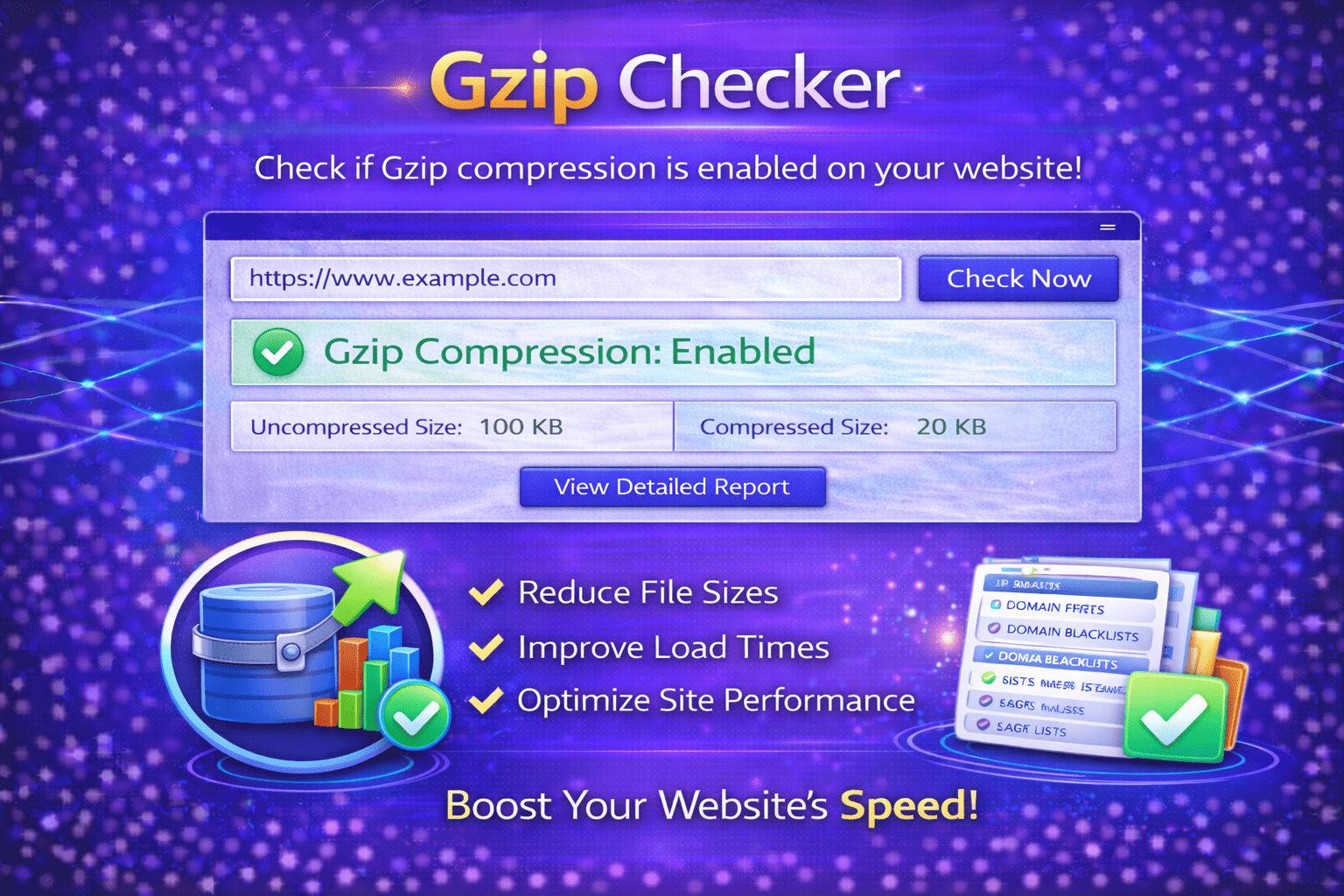
Check HTML size, gzip size (if provided), timings, and asset counts for a page on your website.
About This Tool
The Page Size Checker tool helps website owners, developers, SEO professionals, and digital marketers analyze the total size of a webpage. Page size plays a critical role in website performance, loading speed, and user experience. When webpages become too large due to heavy images, scripts, or stylesheets, they may load slowly and negatively affect both visitors and search engine rankings. This tool helps identify the total size of a webpage so users can understand how much data must be downloaded when someone visits their site.
Website speed is one of the most important factors in modern web development and search engine optimization. Search engines such as Google consider page loading performance when ranking websites. Pages that load quickly provide a better user experience and often achieve higher engagement and lower bounce rates. On the other hand, pages that are large in size may take longer to load, especially on mobile devices or slower internet connections.
The Page Size Checker tool allows users to evaluate the overall weight of a webpage by analyzing the total size of all elements required to load the page. This includes HTML files, CSS stylesheets, JavaScript files, images, fonts, and other resources. By understanding how much data is required to load a webpage, website owners can identify performance issues and optimize their pages more effectively.
Large page sizes are often caused by uncompressed images, unnecessary scripts, heavy animations, embedded videos, or poorly optimized code. These elements can significantly increase the amount of data that must be transferred from the server to the user’s browser. As a result, page load times may increase and the user experience may suffer.
The Page Size Checker tool helps identify these issues by showing the total size of the webpage and providing insights into how much data is being loaded. This information allows developers and website administrators to make improvements such as compressing images, reducing unnecessary scripts, minimizing CSS files, and optimizing overall page structure.
This tool is particularly useful during website optimization, performance audits, and SEO analysis. When launching a new website or redesigning an existing one, checking page size helps ensure that pages remain lightweight and efficient. Smaller page sizes typically lead to faster load times and improved accessibility for users on mobile networks.
Page size also affects bandwidth usage. Websites with very large pages require more data to load each time a visitor accesses them. This can increase hosting costs and slow down website performance when traffic levels grow. By keeping page sizes optimized, websites can deliver content more efficiently and reduce server load.
Developers often use page size analysis as part of a broader website performance strategy. By monitoring page size regularly, they can track changes over time and ensure that new features or design updates do not introduce unnecessary performance issues.
The Page Size Checker tool is designed to be simple and accessible. Users only need to enter the URL of the webpage they want to analyze. The tool then scans the page, measures the total data size required to load it, and provides a clear report showing the page weight.
Understanding page size is an important step toward building fast, efficient websites that provide excellent user experiences. Websites that load quickly not only improve visitor satisfaction but also support stronger SEO performance and higher search engine rankings.
How It Works
1️⃣ Enter Your Website URL
Start by entering the full URL of the webpage you want to analyze. The tool uses this URL to access the page and measure its size.
2️⃣ Page Scanning
The Page Size Checker scans the webpage and collects information about the HTML content, images, scripts, stylesheets, and other resources required to load the page.
3️⃣ Size Calculation
The tool calculates the total size of all resources used on the page and determines how much data must be downloaded by the browser.
4️⃣ Performance Analysis
You will receive a report showing the overall page size and insights into how page elements contribute to the total load weight.
5️⃣ Optimize Website Performance
Using the insights provided, you can optimize your webpage by compressing images, reducing scripts, and improving the structure of your website.
At Trend Web Technologies, we provide powerful online tools and digital solutions designed to help website owners optimize their sites for performance, SEO, and usability. Our collection of tools helps developers, marketers, and businesses analyze website health, diagnose technical issues, and improve overall website performance.
Still Have Questions?
Page size refers to the total amount of data (HTML, CSS, JS, images, etc.) loaded when a web page opens.
Ideally, a web page should be under 2MB for better performance, especially on mobile devices.
Yes. Large pages load slower, which can negatively impact user experience and search rankings.
You can compress images, enable GZIP/Brotli compression, minify files, and remove unnecessary scripts.