JSON to CSV Converter
Paste JSON and convert to CSV with automatic flattening (dot notation).
About This Tool
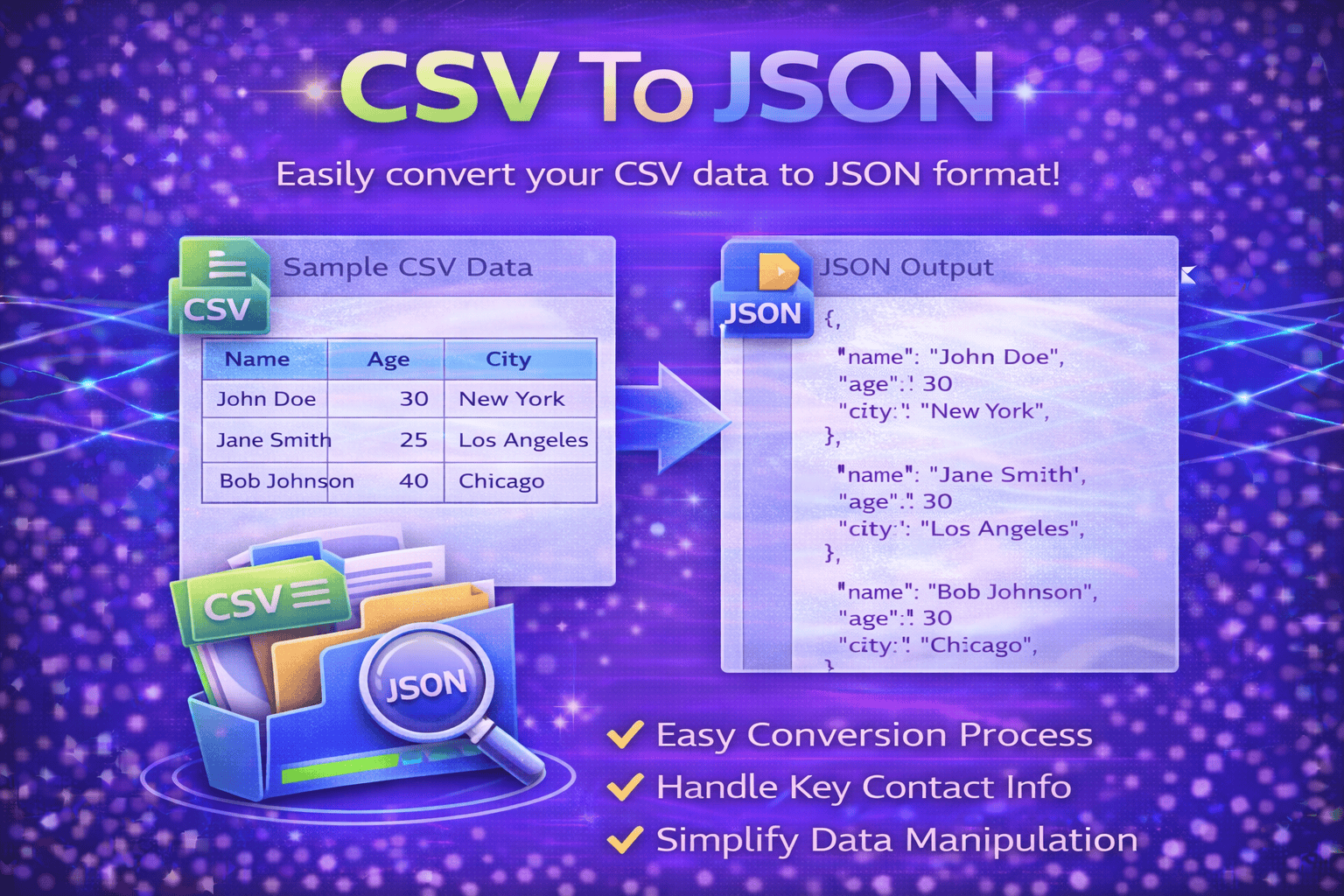
The JSON to CSV Converter is a simple and efficient online tool that helps users transform JSON data into CSV format quickly and accurately. JSON, which stands for JavaScript Object Notation, is widely used for storing and exchanging structured data in web applications, APIs, and software systems. While JSON is highly useful for developers and machines, it is not always the easiest format for viewing, editing, or analyzing data in spreadsheet software.
This tool solves that problem by converting structured JSON data into a clean CSV file that can be opened in Excel, Google Sheets, LibreOffice Calc, and other spreadsheet applications. CSV, or Comma-Separated Values, is one of the most commonly used file formats for organizing tabular data, making it much easier to review, filter, sort, and share information.
The Free JSON to CSV Converter is helpful for developers, analysts, marketers, students, and business users who often work with API responses, exported datasets, configuration files, or structured records. Instead of manually copying fields from JSON objects and placing them into spreadsheet columns, users can instantly automate the conversion process.
A major advantage of this tool is that it improves productivity when working with large data collections. JSON files can contain multiple nested objects, arrays, and repeated records, which may look complex when viewed in raw format. By converting them into CSV, users can turn raw structured content into a more accessible table format for reporting, data cleanup, migration, or import into other systems.
This Online JSON to CSV Converter is also useful for data preparation. Many platforms and business tools accept CSV uploads for importing customer details, product information, inventory lists, analytics reports, and other records. Converting JSON into CSV makes it easier to reuse data across platforms that do not directly support JSON file uploads.
The tool is designed to be fast, user-friendly, and convenient. Users can paste raw JSON code or upload JSON data, and the tool automatically processes the content into a downloadable CSV output. This saves time, reduces manual formatting errors, and ensures a cleaner workflow for data handling tasks.
Whether you are working with API outputs, application exports, structured datasets, or backend data records, the JSON to CSV Converter helps you simplify data transformation and make your information easier to manage, analyze, and share.
How It Works
1️⃣ Paste or Upload JSON Data
Enter your JSON data into the input field or upload a JSON file from your device.
2️⃣ Analyze the Structure
The tool reads the JSON format and detects records, keys, and values that can be converted into columns and rows.
3️⃣ Convert JSON to CSV
The JSON to CSV Converter automatically transforms the structured JSON data into CSV format.
4️⃣ Preview the Output
Review the converted table output to make sure the data is organized correctly.
5️⃣ Download the CSV File
Download the final CSV file and use it in Excel, Google Sheets, reporting tools, or other platforms.
At Trend Web Technologies develops professional developer tools, SEO utilities, and productivity solutions that help businesses and website owners simplify technical tasks and improve digital workflows.
Still Have Questions?
Most tools work best with JSON arrays of objects ([{}, {}, {}]). Single object JSON may be converted into a one-row CSV.
Basic conversion may flatten simple nesting, but deeply nested JSON may need a “flatten JSON” option.
Yes. JSON keys are converted into CSV header columns automatically.
Yes. You can paste JSON responses from APIs and convert them into CSV for analysis.