SVG to PNG Converter
Upload an SVG and convert it to a PNG image (server-side).
About This Tool
The SVG to PNG Converter tool helps users quickly convert scalable vector graphics (SVG) files into high-quality PNG images. SVG files are widely used for web graphics because they are lightweight, scalable, and resolution independent. However, not all platforms, tools, or applications support SVG format. In many cases, users need to convert SVG files into PNG format to ensure compatibility across different devices, software, and websites.
The SVG to PNG Converter tool provides a simple and efficient solution for this task. It allows users to upload an SVG file and instantly convert it into a PNG image without requiring complex software or design tools. Whether you are a developer, designer, blogger, digital marketer, or website owner, this tool makes image conversion fast and easy.
SVG stands for Scalable Vector Graphics. Unlike raster images such as PNG or JPEG, SVG images are vector-based, meaning they are built using mathematical paths rather than pixels. Because of this structure, SVG images can scale to any size without losing quality. This makes SVG ideal for logos, icons, illustrations, and responsive web graphics.
However, SVG files are not always suitable for every platform. Some applications, social media platforms, email clients, and content management systems may not support SVG files directly. In such situations, converting SVG images to PNG becomes necessary. PNG images are widely supported across browsers, operating systems, and image editors, making them one of the most compatible image formats available.
The SVG to PNG Converter tool solves this compatibility issue by allowing users to transform vector graphics into high-quality raster images. The conversion process preserves the visual appearance of the original SVG file while generating a PNG image that can be easily shared, uploaded, or embedded in websites and documents.
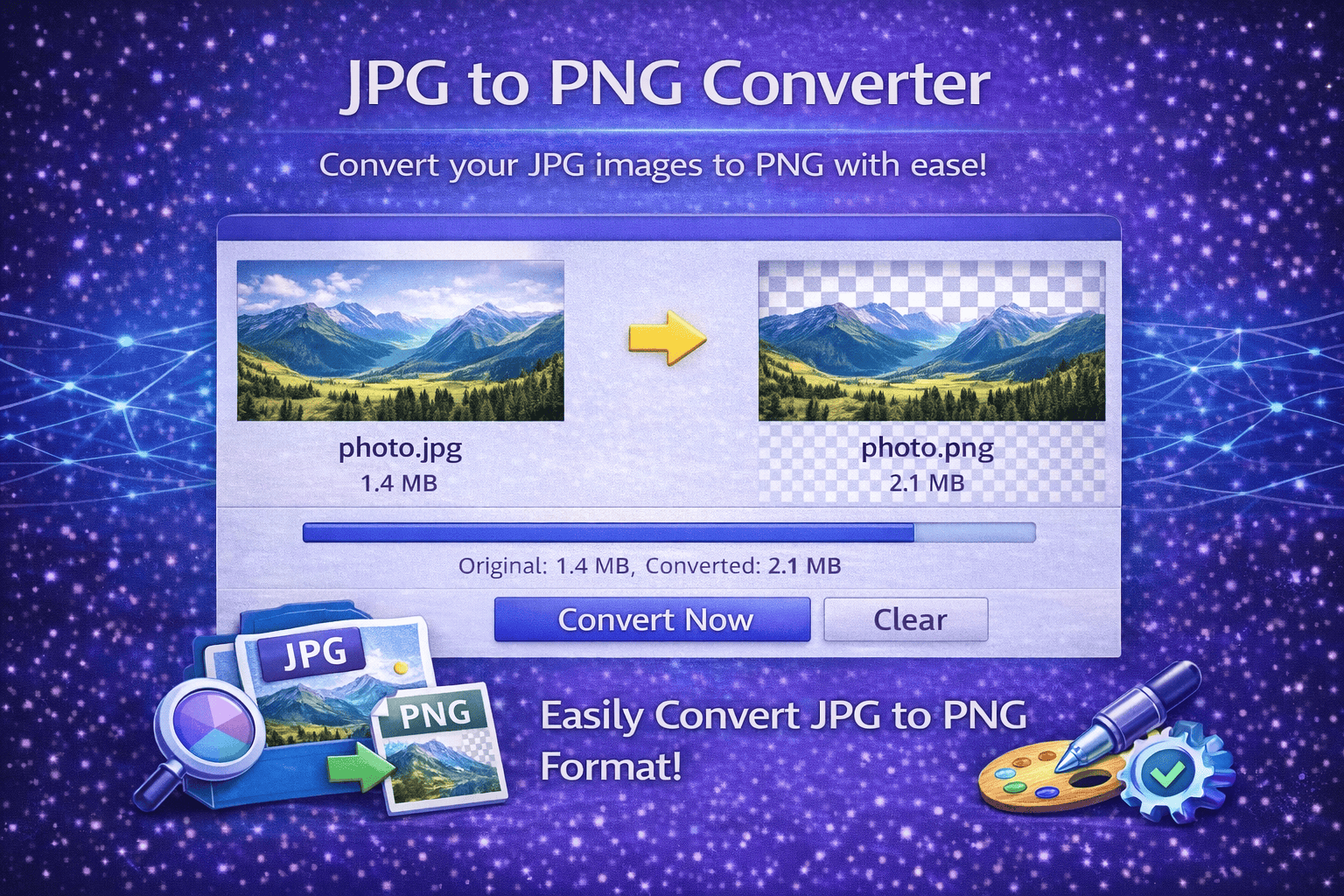
Another important advantage of converting SVG to PNG is image transparency support. PNG images support transparent backgrounds, which is useful for logos, icons, overlays, and graphic elements used in website design. This ensures that converted images maintain a clean and professional appearance when placed on different backgrounds.
The tool is designed to be user-friendly and accessible. Users do not need graphic design software such as Adobe Illustrator, Photoshop, or specialized image editing programs. Instead, the conversion process can be completed directly in a web browser with just a few clicks.
Developers often use SVG files for web icons and interface elements because they are lightweight and scalable. However, when creating thumbnails, social media images, or downloadable graphics, PNG format may be preferred. The SVG to PNG Converter makes it easy for developers to export these graphics into a more widely supported format.
Designers can also benefit from this tool when preparing assets for presentations, marketing materials, or client projects. Converting SVG graphics into PNG ensures that images maintain consistent appearance when viewed on different devices or shared with clients who may not have software capable of opening SVG files.
Another key benefit of this tool is speed and convenience. Instead of manually exporting images from design software, users can instantly convert files online. This saves time, especially when working with multiple graphics or preparing images for websites, blogs, or digital marketing campaigns.
The SVG to PNG Converter tool is especially helpful for website owners who want to convert vector graphics into standard image formats for easier uploading and sharing. PNG images can be used in blog posts, website banners, documentation, presentations, and social media content.
How It Works
1️⃣ Upload Your SVG File
Select the SVG file you want to convert. The tool accepts standard SVG graphics created in design software or downloaded from icon libraries.
2️⃣ Start Conversion
The tool processes the uploaded SVG file and converts the vector graphics into a PNG image while preserving the original design and transparency.
3️⃣ Generate PNG Image
The conversion engine renders the SVG paths into a raster image format that can be used across websites, applications, and devices.
4️⃣ Download the PNG File
Once the conversion is complete, you can instantly download the PNG image and use it in your projects, websites, or digital content.
5️⃣ Use the Image Anywhere
The converted PNG image can be used for websites, presentations, blog graphics, social media images, or any platform that requires standard image formats.
At Trend Web Technologies, we provide modern web tools and digital solutions designed to simplify everyday tasks for developers, marketers, and website owners. Our tools help improve productivity by offering quick, reliable, and easy-to-use solutions for common web development and SEO tasks.
Still Have Questions?
SVG (Scalable Vector Graphics) is a vector-based image format that scales without losing quality.
Yes, PNG supports transparent backgrounds, just like SVG (if exported properly).
PNG is raster-based, so quality depends on selected resolution. Higher dimensions maintain better clarity.
Yes, the basic version allows free conversion with standard resolution output.