About This Tool
The Color Picker is a simple and powerful online tool that allows users to select, identify, and generate color codes for digital design projects. Colors play a major role in web design, branding, graphic design, and user interface development. This tool helps designers and developers quickly find the exact color values they need.
The Online Color Picker provides an interactive interface where users can visually select colors from a color palette or spectrum. As you move the cursor across the palette, the tool instantly displays the corresponding color codes in formats such as HEX, RGB, and sometimes HSL.
This HEX Color Picker is especially useful for web designers and frontend developers who work with CSS and HTML styling. When designing a website, selecting the right colors for backgrounds, text, buttons, and UI elements is essential for creating an attractive and consistent design.
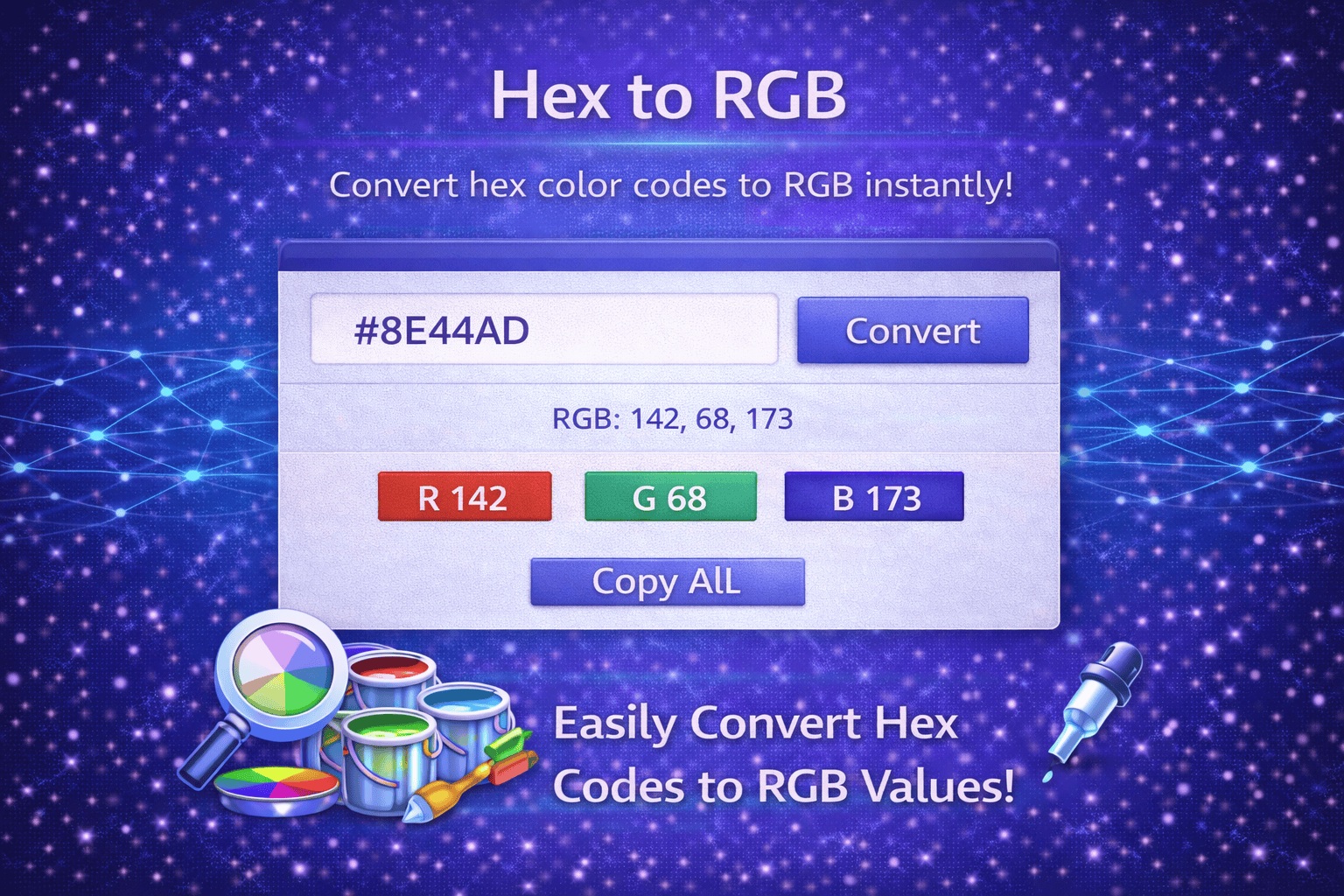
The RGB Color Picker Tool also helps developers convert selected colors into RGB format for use in CSS styling or JavaScript applications. Many design systems and frameworks rely on specific color formats, and this tool makes it easy to obtain the correct values.
Another advantage of using a Color Picker is maintaining brand consistency. Businesses often have specific brand colors that must be used across websites, marketing materials, and digital products. By selecting colors and copying their exact codes, designers can ensure that brand colors remain consistent across different platforms.
This Website Color Picker Tool is also helpful for beginners who are learning web design or graphic design. Instead of manually calculating color codes, users can simply pick a color visually and immediately obtain the exact HEX or RGB value.
Some color picker tools also allow users to pick colors directly from images. This feature helps designers extract colors from logos, photographs, or design inspiration sources.
The Color Picker is designed to be fast and easy to use. Users can select a color visually, view the generated color code, and copy it instantly for use in websites, graphics, or design software.
This tool is ideal for web designers, frontend developers, UI/UX designers, graphic designers, marketers, and anyone working with digital colors.
How It Works
1️⃣ Open the Color Picker
Launch the color picker interface to start selecting colors.
2️⃣ Choose a Color
Select a color from the palette or spectrum using the color selection tool.
3️⃣ View Color Codes
The tool displays the selected color’s HEX, RGB, or other color format values.
4️⃣ Copy the Color Value
Copy the color code you want to use in your design or development project.
5️⃣ Apply in Design or CSS
Use the selected color code in your website styles, graphics, branding materials, or applications.
At Trend Web Technologies develops professional developer tools, SEO utilities, and website optimization solutions to help businesses improve design workflows and digital creativity.
Still Have Questions?
The tool typically provides HEX, RGB, and sometimes HSL values.
Yes, you can upload an image and select any pixel to extract its exact color.
HEX is a six-digit code (e.g., #FF5733) used widely in web design to define colors.
Accurate colors ensure brand consistency and professional visual presentation.