CSV to JSON Converter
Paste CSV or upload a CSV file to convert it into JSON (Array or JSON Lines).
About This Tool
The CSV to JSON Converter is a useful online tool that helps users quickly convert CSV data into structured JSON format. CSV, which stands for Comma-Separated Values, is one of the most common file formats used for storing tabular data in spreadsheets, databases, and exported reports. JSON, which stands for JavaScript Object Notation, is a lightweight data format widely used in web development, APIs, applications, and software systems. This tool makes it easy to transform CSV content into readable and developer-friendly JSON output.
Many developers, analysts, and website owners work with CSV files when exporting data from Excel, Google Sheets, databases, or third-party systems. However, CSV data is not always suitable for direct use in web applications or APIs. In many cases, developers need JSON format because it is easier to parse, organize, and integrate into modern programming environments. The CSV to JSON Converter simplifies this process by converting rows and columns from CSV into properly structured JSON objects.
This tool is especially useful for developers working with JavaScript, Python, PHP, Node.js, and other programming languages where JSON is commonly used for data exchange. Instead of manually rewriting data or building conversion scripts, users can paste CSV content or upload a file and instantly generate JSON output.
The CSV to JSON Converter helps improve productivity and reduce formatting errors. Manual conversion from CSV to JSON can be time-consuming, especially when dealing with large datasets or multiple columns. This tool automatically detects headers, organizes values correctly, and creates valid JSON structure in seconds.
It is also helpful for API development and testing. Many APIs accept or return data in JSON format, which means developers often need to convert spreadsheet-based data into JSON before importing it into an application or sending it to a server. This tool provides a fast and simple solution for that workflow.
Students and beginners can also benefit from this tool when learning about data structures and format conversion. By seeing how tabular CSV data is transformed into JSON objects, users can better understand how structured data works in programming and development.
The tool is designed to be simple and accessible for everyone. Whether you are converting a small CSV dataset or a large exported file, the process is fast and easy. Clean JSON output can then be copied, downloaded, or used directly in your project.
How It Works
1️⃣ Paste or Upload CSV Data
Enter your CSV content into the tool or upload a CSV file you want to convert.
2️⃣ Read Column Headers
The tool detects the header row and uses it as the key names for the JSON structure.
3️⃣ Convert Rows into JSON Objects
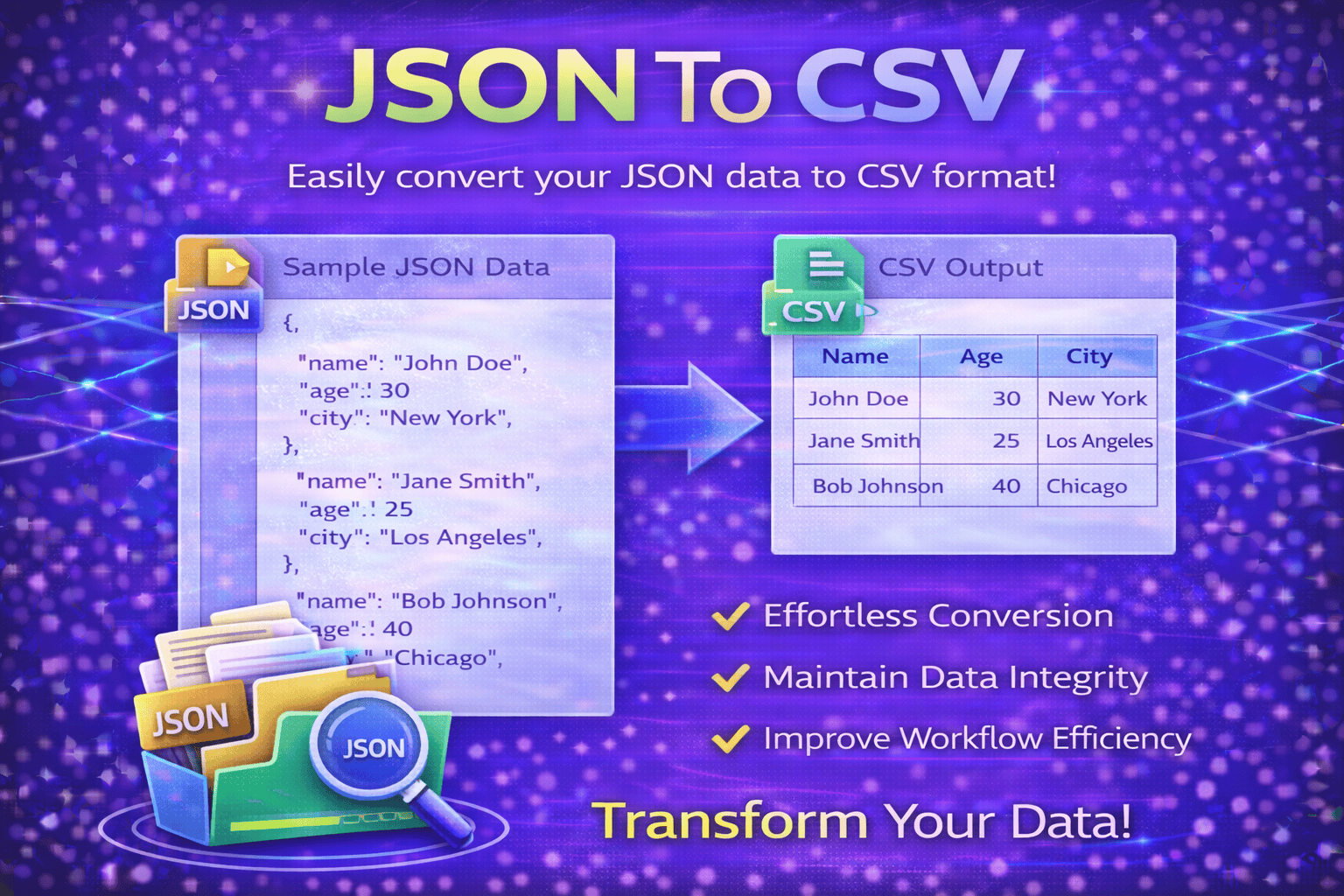
Each row of CSV data is transformed into a structured JSON object with matching key-value pairs.
4️⃣ Generate Clean JSON Output
The CSV to JSON Converter creates valid and readable JSON output instantly for development or data use.
5️⃣ Copy or Download the Result
You can copy the generated JSON data or use it directly in your application, API, or project workflow.
At Trend Web Technologies develops professional developer tools, SEO utilities, and web optimization solutions that help developers, marketers, and website owners improve productivity and simplify technical tasks.
Still Have Questions?
CSV (Comma-Separated Values) is a plain text file format used to store tabular data.
JSON (JavaScript Object Notation) is a structured data format used for APIs and web applications.
Yes. The first row is used as JSON keys by default.
Basic version supports standard file sizes. Larger datasets may require advanced tools.