About This Tool
The Image Size Compressor is a powerful online tool that helps users reduce the file size of images without significantly affecting their quality. Large images can slow down website loading speeds, consume more storage space, and make file sharing difficult. This tool makes it easy to compress images quickly and efficiently.
Image compression is an essential process for website optimization and digital performance. Smaller image files load faster, which improves user experience and can positively impact search engine rankings. The Image Size Compressor helps website owners optimize images for faster page loading.
This Image Compressor Tool is useful for bloggers, developers, designers, and digital marketers who regularly work with images. By compressing images before uploading them to websites or sharing them online, users can significantly reduce file size while keeping images visually clear.
The Compress Image Online feature supports popular image formats such as JPG, PNG, and sometimes WebP. Users can upload an image, compress it instantly, and download the optimized version in seconds.
The Reduce Image Size tool is particularly helpful for improving website performance. Large images are one of the main causes of slow website speed. Compressing images can reduce page load time, decrease bandwidth usage, and improve overall website efficiency.
The Photo Size Compressor also helps users share images more easily through email, messaging platforms, and social media. Smaller file sizes make uploads faster and prevent file size limitations on various platforms.
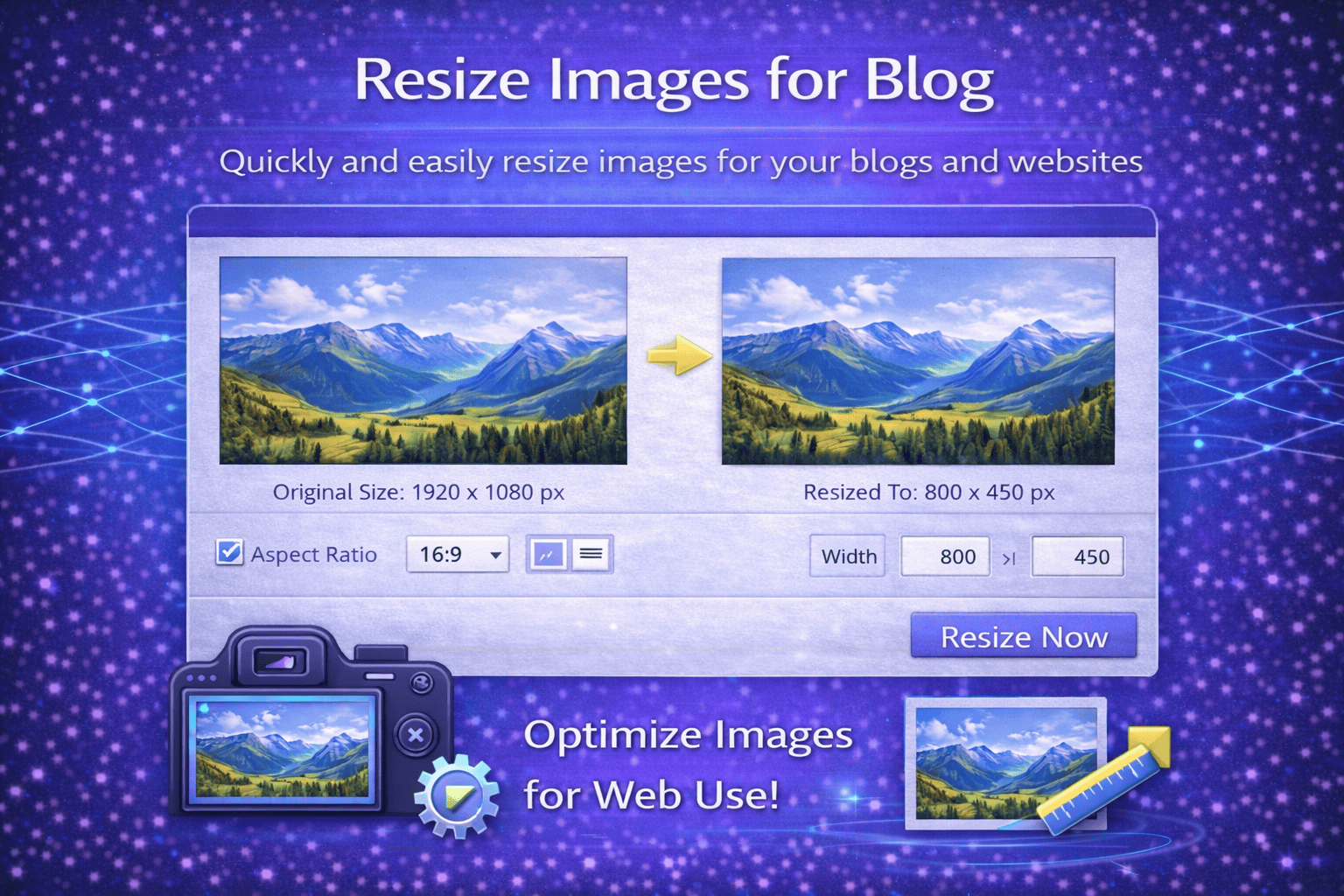
The Optimize Images for Web feature ensures that compressed images remain clear and visually appealing while using less storage space. This balance between file size and image quality is important for maintaining professional-looking visuals online.
The Image Size Compressor is designed to be simple and fast. Users only need to upload an image, allow the tool to process the compression, and download the optimized image file instantly.
This tool is ideal for web developers, photographers, designers, content creators, marketers, and anyone who wants to reduce image file size without losing quality.
How It Works
1️⃣ Upload Image
Select and upload the image you want to compress from your device.
2️⃣ Start Compression
The tool analyzes the image and applies compression techniques to reduce file size.
3️⃣ Optimize Image
The system balances compression and quality to maintain clear image appearance.
4️⃣ Preview Compressed Image
You can review the compressed image before downloading it.
5️⃣ Download Optimized Image
Download the compressed image and use it on websites, social media, or other digital platforms.
At Trend Web Technologies develops professional developer tools, SEO utilities, and website optimization solutions to help businesses improve website performance and digital workflows.