Minifier Tools
Minify & beautify HTML, CSS, JavaScript, JSON, and SQL in one place. No data is sent to any server.
About This Tool
The Minifier & Beautifier Tool is a powerful online utility that helps developers format and optimize code quickly and efficiently. It allows users to either minify code to reduce file size or beautify code to improve readability and structure. This tool supports common web development languages such as HTML, CSS, and JavaScript.
Minifying code is an important technique used to improve website performance. When code is minified, unnecessary characters such as extra spaces, line breaks, and comments are removed without affecting functionality. This reduces the file size and helps web pages load faster, improving user experience and search engine performance.
This Free Code Minifier is especially useful for developers who want to optimize website assets before deployment. Smaller file sizes mean faster download times for browsers, which can help improve page speed metrics and Core Web Vitals.
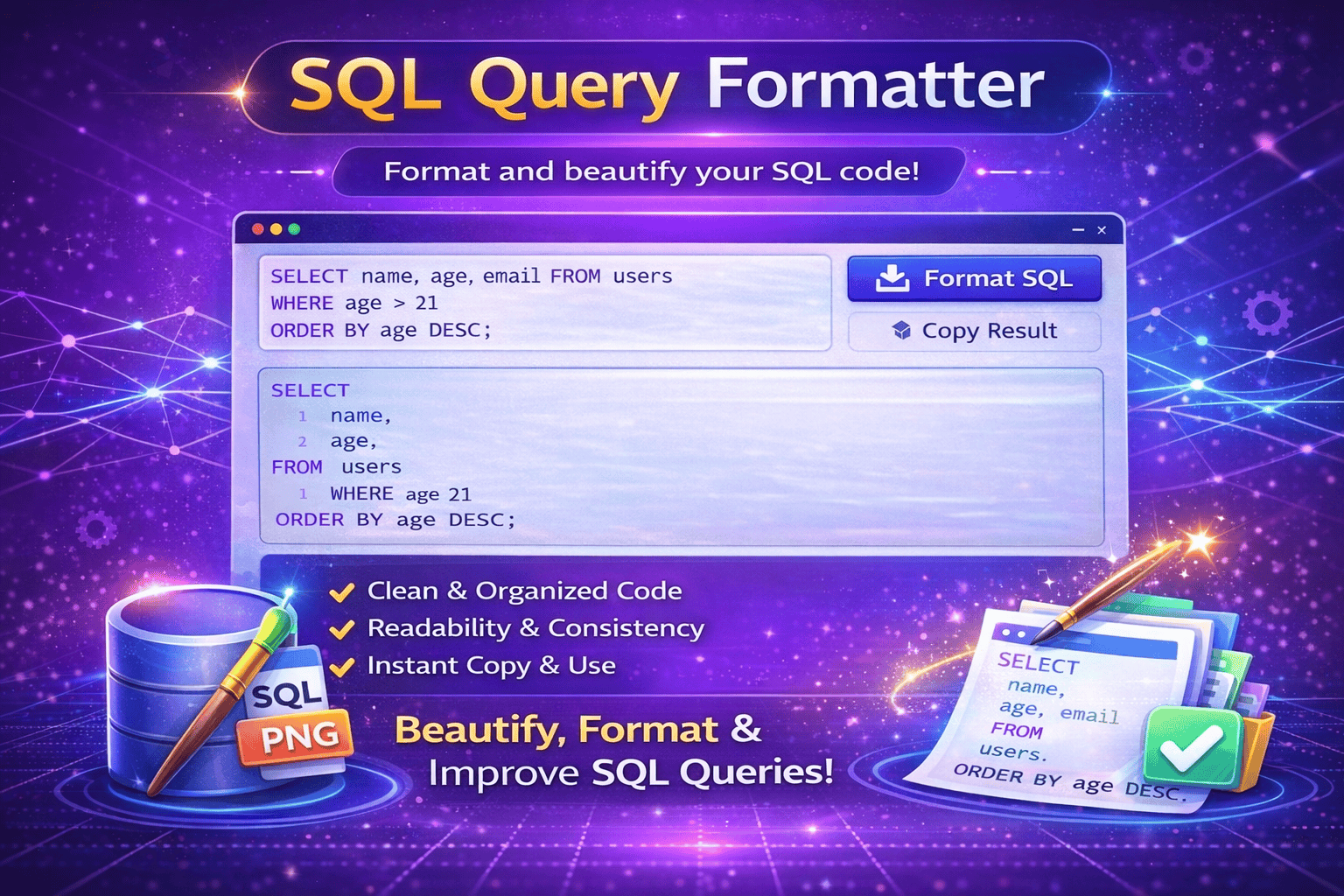
On the other hand, developers often need to analyze or debug code that has already been compressed or poorly formatted. The Code Beautifier Online feature solves this problem by automatically restructuring the code into a clean and readable format with proper indentation and spacing. This makes it easier to review, edit, and understand the code.
The CSS JS HTML Minifier is helpful during both development and optimization stages. Developers can write and test code in a readable format, then minify it for production environments. This improves both workflow efficiency and website performance.
This tool is widely used by web developers, designers, SEO specialists, and digital agencies who manage website code and want to maintain clean and optimized scripts. It helps simplify tasks such as debugging scripts, reviewing source code, optimizing web assets, and preparing files for deployment.
Whether you need to compress code for faster website loading or format messy code into a readable structure, the Minifier & Beautifier Tool provides a quick and reliable solution directly from your browser.
How It Works
1️⃣ Paste Your Code
Copy and paste your HTML, CSS, or JavaScript code into the editor.
2️⃣ Choose an Option
Select whether you want to minify the code or beautify it for readability.
3️⃣ Process the Code
The tool analyzes the input and applies the selected formatting or compression.
4️⃣ Review the Output
Check the formatted or compressed code displayed in the output section.
5️⃣ Copy and Use
Copy the processed code and use it in your development project or production website.
At Trend Web Technologies develops professional developer tools, SEO utilities, and productivity solutions that help businesses and website owners simplify technical tasks and improve digital workflows.
Still Have Questions?
Minifying removes unnecessary spaces, comments, and formatting to reduce file size.
Beautifying formats messy or compressed code into a clean and readable structure.
No. Proper minification does not change functionality; it only reduces file size.
Most tools support HTML, CSS, and JavaScript.