SQL Query Formatter
Format or minify SQL queries with clean indentation and readable structure.
About This Tool
The SQL Query Formatter tool helps developers, database administrators, analysts, and programmers automatically format and organize SQL queries into a clean, readable structure. SQL queries can become complex and difficult to read when working with large databases, multiple joins, nested queries, or advanced filtering conditions. This tool simplifies the process by automatically formatting SQL code to improve clarity and maintain consistency.
SQL, which stands for Structured Query Language, is the standard language used to interact with relational databases. It allows users to retrieve, insert, update, and delete data stored in database systems such as MySQL, PostgreSQL, SQL Server, Oracle, and SQLite. Because SQL queries are often written quickly during development or debugging, they may lack proper formatting, indentation, or structure. As a result, queries can become difficult to understand or maintain.
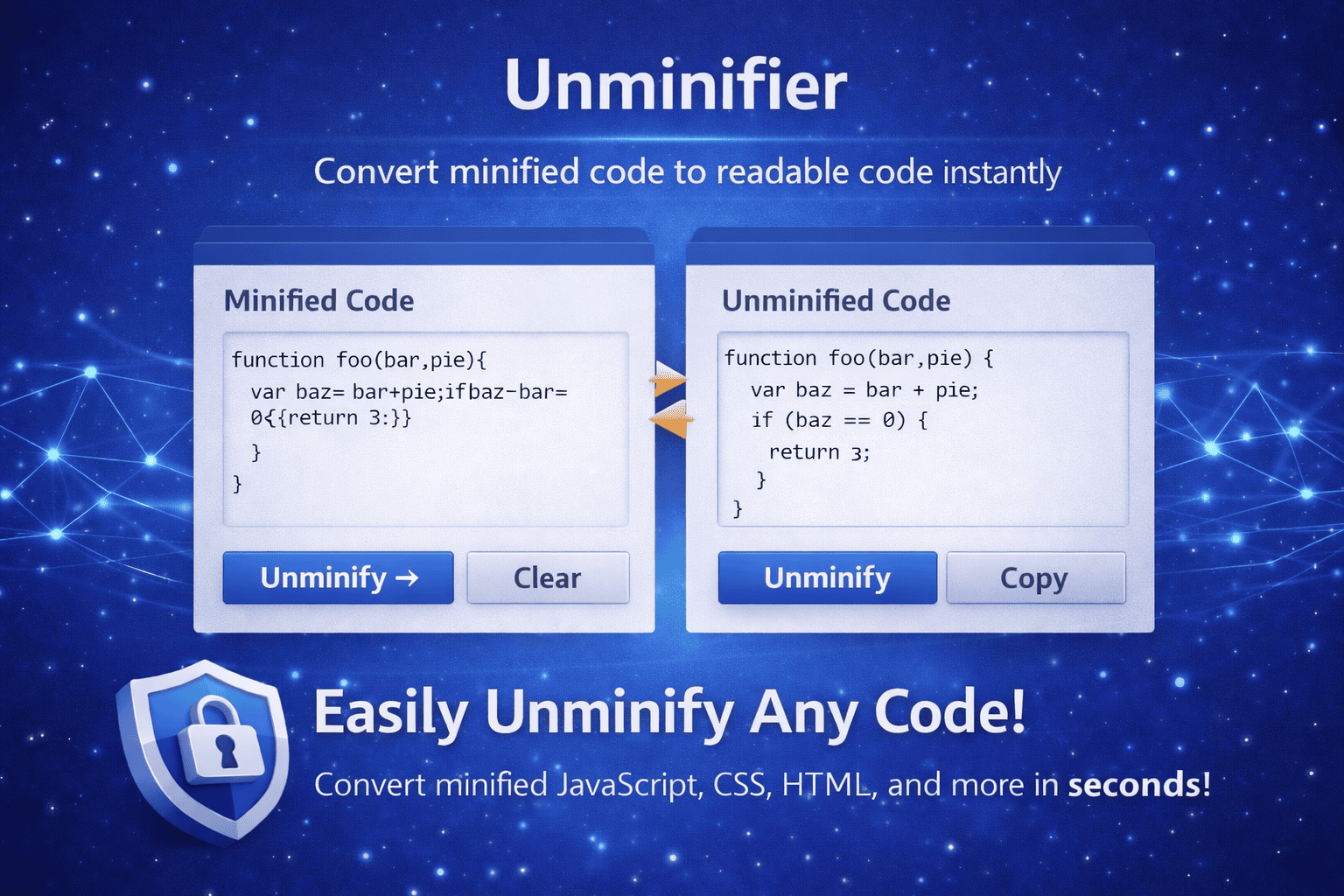
The SQL Query Formatter tool helps solve this problem by automatically organizing SQL code using proper indentation, line breaks, and keyword alignment. It restructures messy or compressed SQL queries into a well-formatted layout that is easier to read and analyze. This makes it easier for developers and teams to review queries, identify errors, and maintain database scripts.
Readable code is essential in software development and database management. When SQL queries are formatted properly, developers can quickly understand the purpose of the query, the tables being used, and the relationships between them. Clear formatting also helps reduce mistakes when modifying queries or troubleshooting database issues.
The SQL Query Formatter tool supports common SQL keywords such as SELECT, FROM, WHERE, JOIN, GROUP BY, ORDER BY, INSERT, UPDATE, and DELETE. It separates each logical part of the query into distinct lines and applies indentation to nested statements or subqueries. This structured layout allows developers to visualize the query flow more effectively.
Another advantage of using a SQL formatter is improved collaboration. In many development teams, multiple developers may work on the same database scripts or queries. Without consistent formatting, code can become inconsistent and difficult to review. By using a formatting tool, teams can standardize the appearance of SQL queries and maintain a consistent coding style.
This tool is especially useful when reviewing large database queries that include multiple joins or nested subqueries. Proper formatting helps developers quickly identify table relationships, filter conditions, grouping operations, and sorting instructions. It also makes debugging easier because errors can be spotted more quickly when the query structure is clearly organized.
Developers often copy SQL queries from logs, database consoles, or applications where formatting may be lost. These queries can appear in a single long line or without any spacing. The SQL Query Formatter instantly transforms such queries into a structured format that improves readability and usability.
The tool is also useful for students learning SQL and database management. Proper formatting helps beginners understand how SQL queries are structured and how different components interact with each other. By studying formatted queries, learners can better understand SQL syntax and query logic.
Using an online SQL formatter saves time and eliminates the need for manual formatting. Instead of adjusting indentation or spacing manually, developers can simply paste their SQL code into the tool and instantly receive a well-organized version of the query.
How It Works
1️⃣ Paste Your SQL Query
Copy and paste the SQL query you want to format into the input box provided by the tool.
2️⃣ Analyze SQL Syntax
The formatter analyzes SQL keywords, clauses, and query structure to understand how the query is organized.
3️⃣ Apply Formatting Rules
The tool automatically adds indentation, line breaks, and alignment to improve the readability of the SQL query.
4️⃣ Generate Clean SQL Code
You will receive a neatly formatted version of the SQL query that is easier to read and maintain.
5️⃣ Copy and Use the Query
Copy the formatted SQL query and use it in your database scripts, applications, or development environment.
At Trend Web Technologies, we develop professional developer tools, SEO utilities, and web optimization solutions that simplify technical tasks for developers and website owners. Our tools help improve productivity, code quality, and website performance by providing reliable and easy-to-use online utilities.
Still Have Questions?
It reorganizes SQL code with proper indentation, spacing, and line breaks so your query becomes easier to read and maintain.
No. A formatter only changes the appearance of the SQL, not the logic or output.
Most formatters work with common SQL dialects like MySQL, PostgreSQL, SQL Server, SQLite, and MariaDB.
Yes. You can paste multiple queries or a full SQL script, and the tool will format everything in one output.