Hosting affects everything when it comes to running a successful WordPress website. It directly influences your site’s speed, security, uptime, SEO rankings, and even your revenue. In 2026, poor hosting remains one of the biggest reasons WordPress websites struggle to perform well. Slow servers, frequent downtime, and weak security can negatively impact user experience and reduce search engine visibility.
Even if you use the fastest theme and the best optimized plugins, they cannot compensate for a poorly configured hosting environment. The server infrastructure, caching system, and network performance provided by your hosting company play a crucial role in how quickly your website loads and how reliably it operates under traffic.
Choosing the right hosting provider ensures your website runs smoothly, stays secure, and can handle growth as your traffic increases. Good hosting also provides reliable backups, strong security measures, expert technical support, and infrastructure optimized specifically for WordPress and WooCommerce websites.
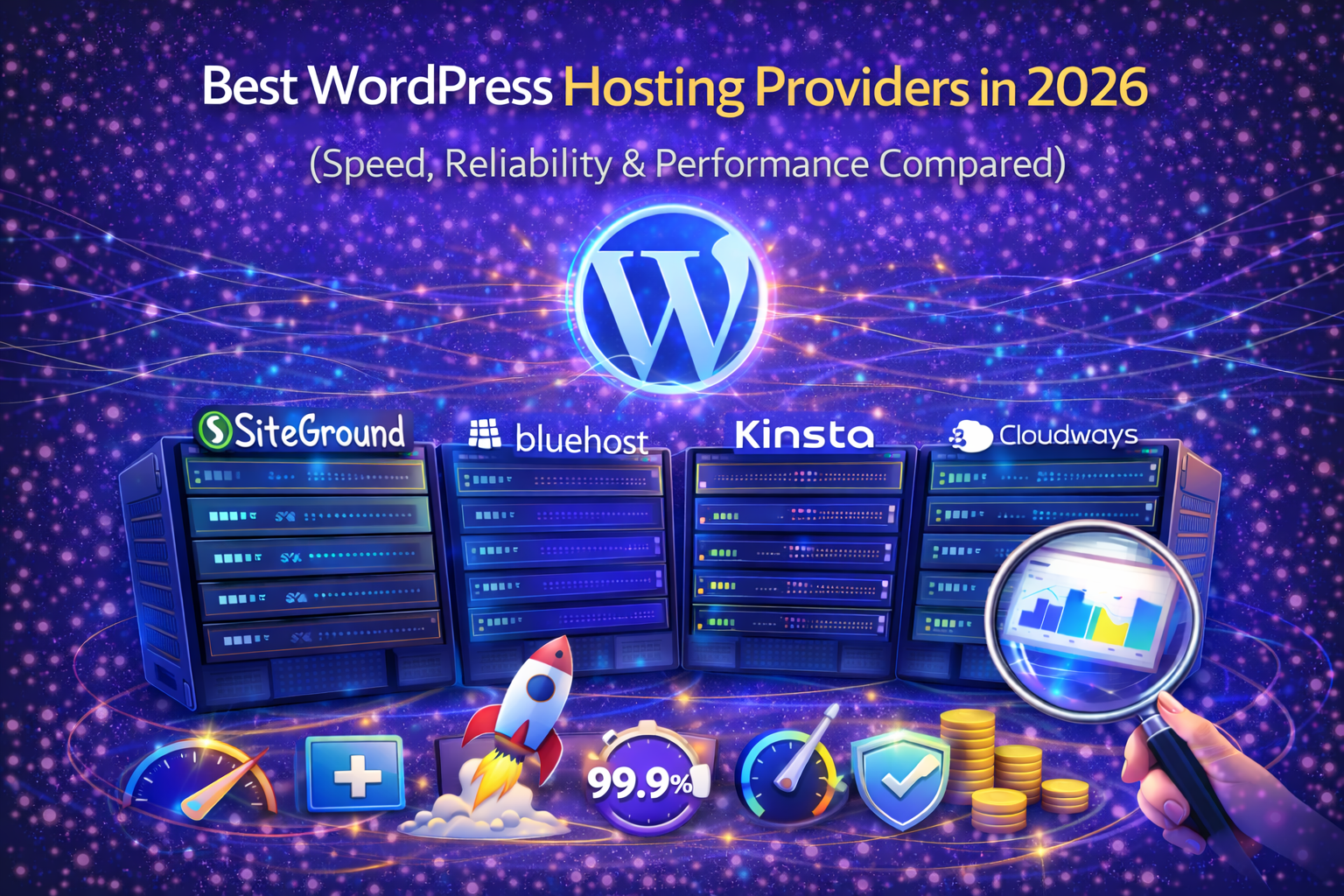
In this guide, we compare the best WordPress hosting providers based on important factors such as performance, reliability, pricing, scalability, support quality, and WooCommerce readiness to help you choose the right hosting solution for your website.
🏆 Best WordPress Hosting Providers in 2026
1️⃣ Hostinger
Best for: Budget-friendly performance
Hostinger has grown rapidly due to aggressive pricing and improved infrastructure.
Key Features
LiteSpeed servers
Free SSL
Free CDN
Managed WordPress hosting
Affordable pricing
Pros
Very affordable
Fast loading speeds
Beginner friendly
Cons
Entry plans have resource limits
Premium support tiers cost extra
2️⃣ SiteGround
Best for: Managed WordPress hosting
SiteGround is known for reliability and strong customer support.
Key Features
-
Google Cloud infrastructure
-
Built-in caching
-
Free CDN
-
Daily backups
Pros
-
Excellent support
-
Strong uptime
-
Optimized WordPress stack
Cons
-
Renewal pricing is higher
-
Storage limits on lower plans
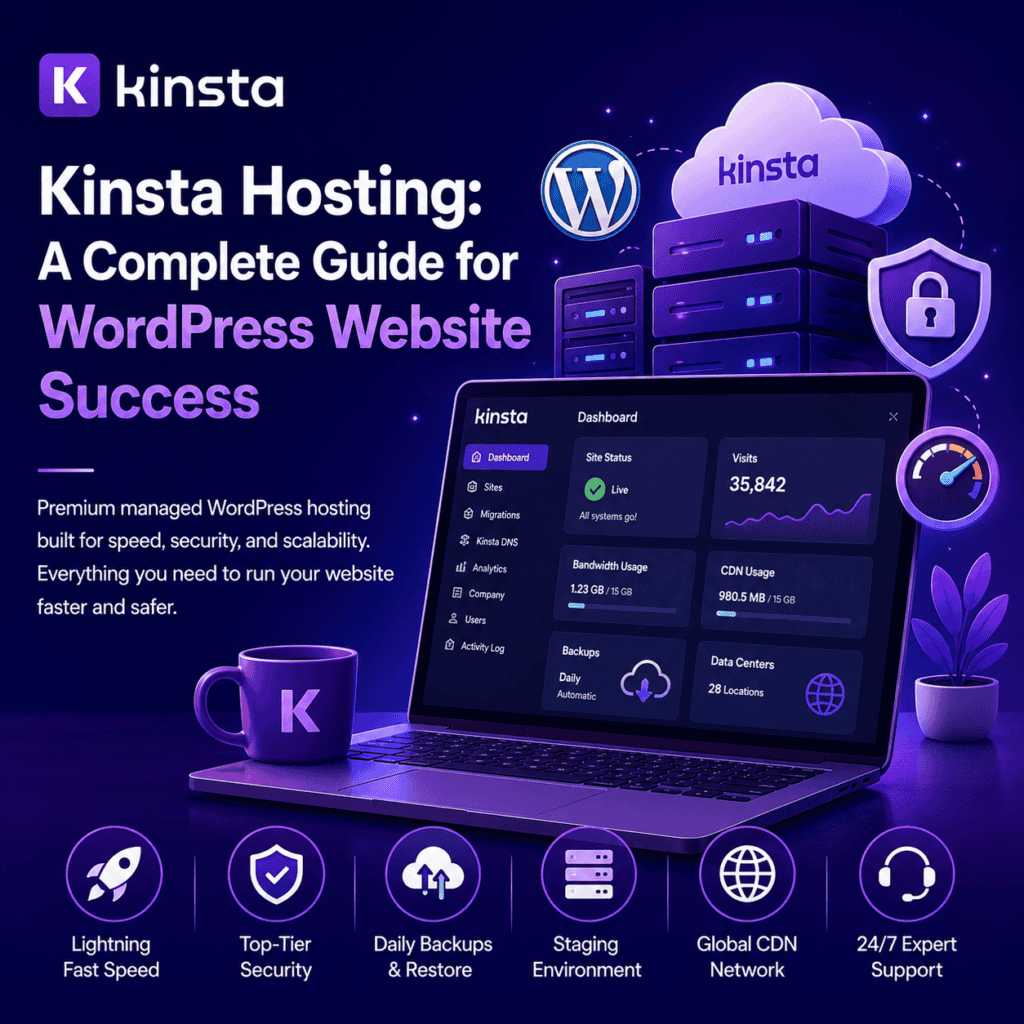
3️⃣ Kinsta
Best for: High-performance managed hosting
Kinsta runs on Google Cloud and focuses on premium managed hosting.
Key Features
-
Google Cloud premium tier
-
Automatic scaling
-
Built-in CDN
-
Daily backups
Pros
-
Extremely fast
-
Enterprise-grade performance
-
Excellent dashboard
Cons
-
Expensive
-
Overkill for small blogs
4️⃣ Bluehost
Best for: Beginners
Bluehost is officially recommended by WordPress.org.
Key Features
-
Easy WordPress setup
-
Free domain (first year)
-
SSL included
Pros
-
Beginner friendly
-
Affordable entry plans
Cons
-
Performance not as strong as premium hosts
-
Upsells common
5️⃣ InterServer
Best for: Price lock guarantee
InterServer offers stable pricing and reliable shared hosting.
Pros
-
Price lock guarantee
-
Unlimited storage (standard plan)
-
Good uptime
Cons
-
UI not modern
-
Not optimized like premium managed hosts
6️⃣ Hosting.com
Best for: Balanced performance hosting
Hosting.com (formerly A2 Hosting) focuses on speed-optimized servers.
Key Features
-
Turbo servers
-
SSD storage
-
Free site migration
Pros
-
Good speed
-
Reliable uptime
-
Developer-friendly
Cons
-
Turbo plans cost more
-
Renewal pricing higher
7️⃣ DreamHost
Best for: Long-term contracts
DreamHost is another WordPress-recommended host.
Key Features
-
Free domain
-
SSD storage
-
Unlimited bandwidth
Pros
-
Transparent pricing
-
97-day money-back guarantee
Cons
-
Custom control panel
-
Support can be slower
8️⃣ Cloudways
Best for: Cloud hosting flexibility
Cloudways allows you to deploy on DigitalOcean, AWS, Google Cloud, etc.
Key Features
-
Choose cloud provider
-
Built-in caching
-
Managed stack
-
Scalable resources
Pros
-
High performance
-
Flexible pricing
-
Ideal for growing businesses
Cons
-
Requires technical understanding
-
No email hosting included
9️⃣ Liquid Web
Best for: Enterprise & WooCommerce
Liquid Web specializes in high-performance managed hosting.
Key Features
-
Managed WooCommerce
-
Dedicated servers
-
VPS hosting
-
24/7 premium support
Pros
-
Extremely reliable
-
High-end infrastructure
-
Excellent support
Cons
-
Premium pricing
-
Not for small beginners
⚡ Why Hosting Impacts Performance
Your hosting determines:
-
Server response time
-
TTFB (Time To First Byte)
-
Database query speed
-
Scalability during traffic spikes
-
Core Web Vitals
Even the best caching plugin cannot fix poor hosting.
Good hosting reduces:
-
Server latency
-
Downtime
-
Security risks
-
Resource bottlenecks
Performance starts at the server level.
Quick Comparison Table
| Hosting | Speed | Best For | Pricing Level |
|---|---|---|---|
| Hostinger | ⭐⭐⭐⭐ | Budget | Low |
| SiteGround | ⭐⭐⭐⭐ | Managed WP | Medium |
| Kinsta | ⭐⭐⭐⭐⭐ | High traffic | High |
| Bluehost | ⭐⭐⭐ | Beginners | Low |
| InterServer | ⭐⭐⭐ | Budget stability | Low |
| Hosting.com | ⭐⭐⭐⭐ | Performance | Medium |
| DreamHost | ⭐⭐⭐ | Long-term users | Medium |
| Cloudways | ⭐⭐⭐⭐⭐ | Cloud flexibility | Medium–High |
| Liquid Web | ⭐⭐⭐⭐⭐ | Enterprise | High |
Still Have Questions?
Kinsta, Cloudways, and Liquid Web typically offer the best raw performance due to premium infrastructure.
For small blogs, yes. For WooCommerce or high traffic, managed or cloud hosting is better.
Yes. Slow servers increase load times, which directly impacts search rankings and user experience.
Cheap hosting may save money upfront but can cost more in lost performance and conversions.
Final Thoughts
Your hosting is the foundation of your website.
Themes and plugins improve performance —
But hosting defines it.
Choose:
Budget → Hostinger
Managed WordPress → SiteGround
Premium Performance → Kinsta
Cloud Flexibility → Cloudways
Enterprise → Liquid Web
Make the decision based on:
Traffic
Budget
Technical skill
Growth plans
Because upgrading hosting later is harder than choosing right the first time.
Need Professional Hosting & Speed Optimization?
At Trend Web Technologies, we help businesses:
-
Choose the right high-performance hosting provider
-
Improve Core Web Vitals at the server level
-
Optimize WordPress server configuration
-
Configure caching & CDN properly
-
Optimize WooCommerce hosting performance
-
Reduce server response time (TTFB)
-
Improve SEO rankings through better infrastructure
If you want your WordPress website hosted and optimized properly — without downtime, performance issues, or technical headaches —