Choosing the right hosting provider is very important for any website. A good hosting service helps your website load faster, stay secure, remain online, and work smoothly for visitors.
This is where Kinsta becomes useful.
Kinsta is a premium managed hosting provider mainly known for WordPress websites. It is used by businesses, agencies, bloggers, WooCommerce store owners, developers, and website owners who want strong performance, security, and professional hosting support.
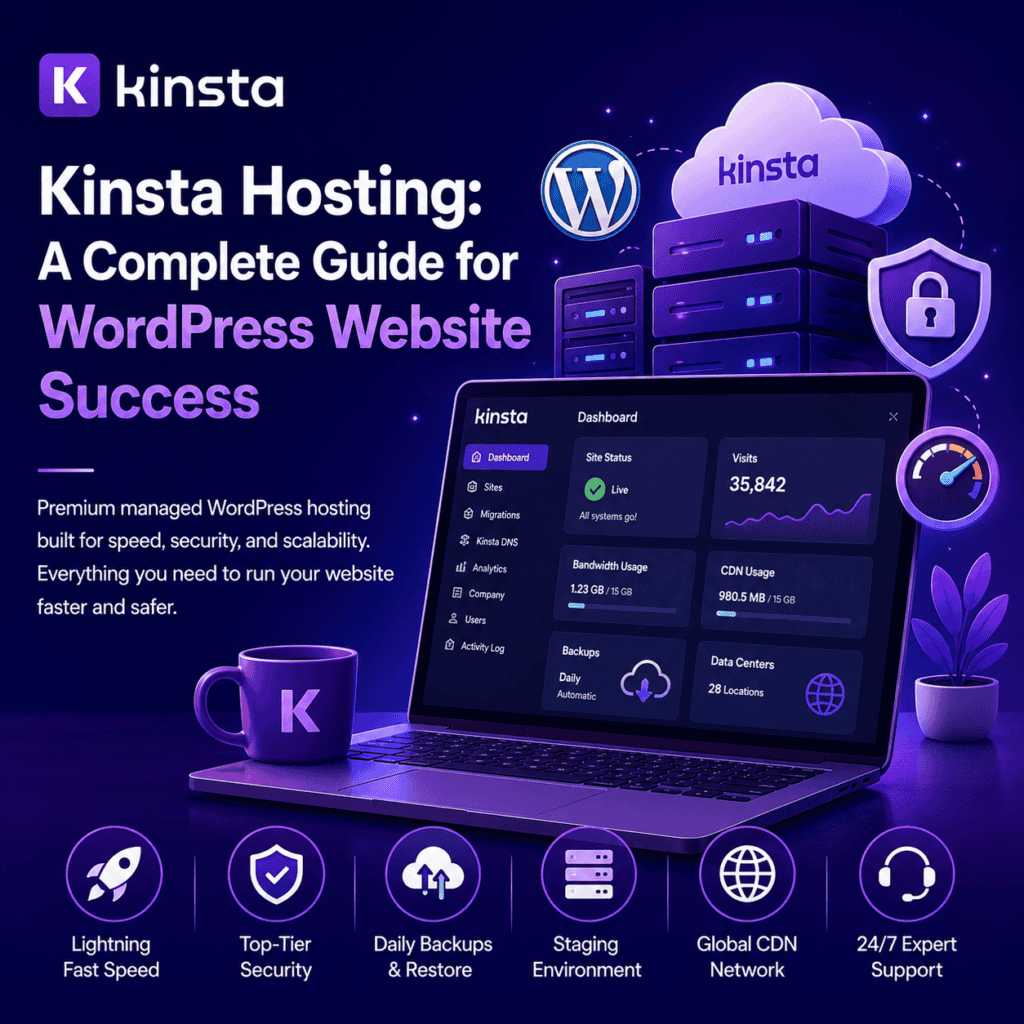
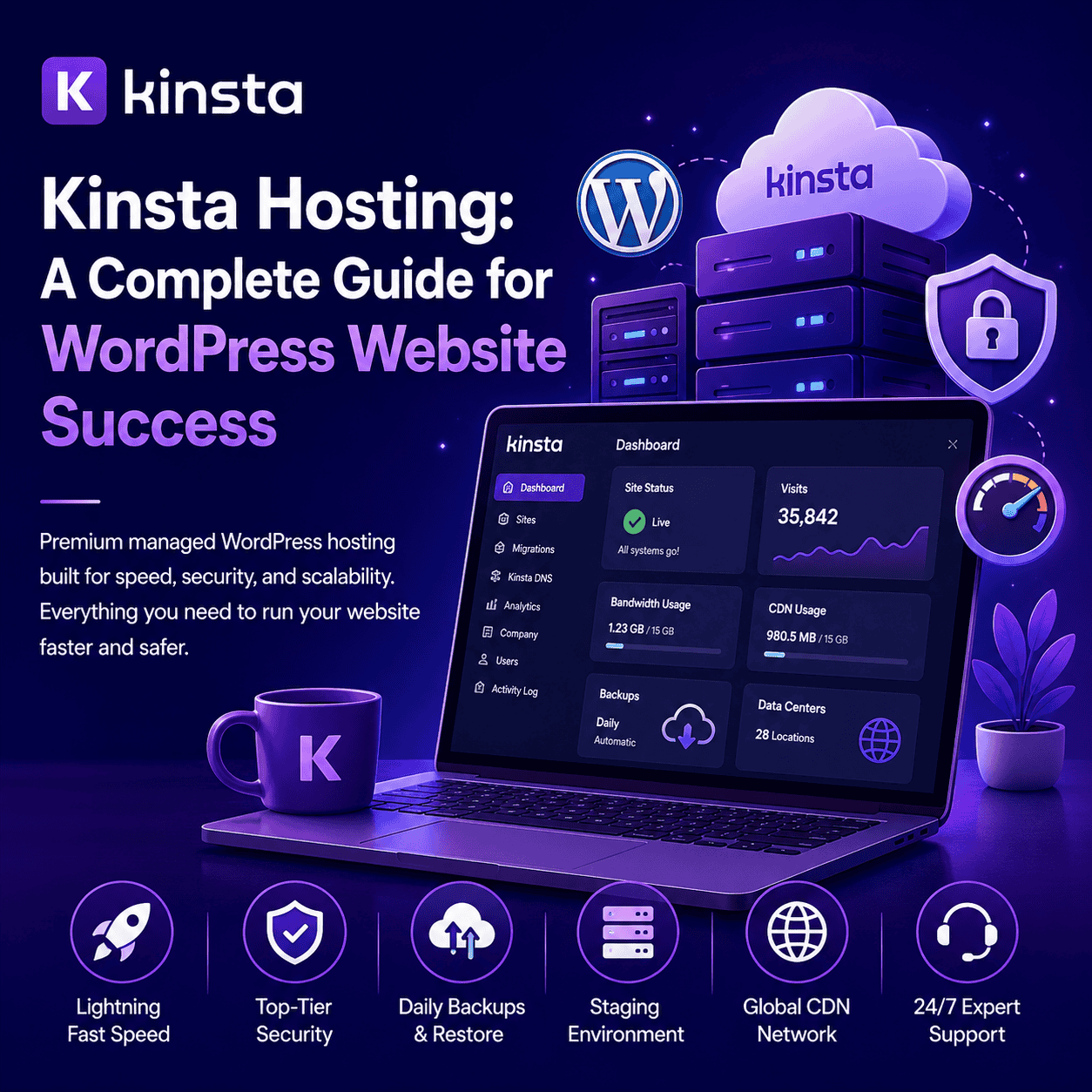
Kinsta helps you host your website, manage WordPress, use SSL, create staging websites, take backups, improve performance, and keep your website running smoothly.
What Is Kinsta?
Kinsta is a managed WordPress hosting company that provides hosting services for websites.
It allows you to store your website files, images, database, and content on a server so people can access your website online.
Kinsta is commonly used for:
WordPress websites
Business websites
Blog websites
Portfolio websites
WooCommerce stores
Agency websites
Landing pages
Service websites
High-traffic websites
Professional brand websites
It is a good option for users who want fast, secure, and managed WordPress hosting.
Why Kinsta Is Useful
Kinsta is useful because it gives website owners a managed hosting environment where many technical things are handled by the hosting provider.
Instead of managing servers manually, Kinsta provides tools for WordPress hosting, SSL, backups, staging, security, performance, migrations, and support from one dashboard.
It helps you:
Host your website online
Run WordPress smoothly
Use free SSL security
Create staging websites
Take website backups
Improve website speed
Manage website files
Monitor website performance
Protect your website from threats
Get expert hosting support
This makes Kinsta helpful for businesses, agencies, developers, bloggers, WooCommerce stores, and professional website owners.
Managed WordPress Hosting
One of the main benefits of Kinsta is managed WordPress hosting.
Managed WordPress hosting means the hosting environment is specially built and optimized for WordPress websites.
This is useful because WordPress websites often use themes, plugins, page builders, forms, WooCommerce, and dynamic content.
Kinsta helps WordPress websites by offering:
WordPress-focused hosting
Fast server performance
SSL certificate support
Staging environment
Daily backups
Security protection
Developer tools
Website migration support
Performance monitoring
Expert support
This makes it easier to build, manage, and maintain a professional WordPress website.
Easy WordPress Website Management
Kinsta makes WordPress website management easier through its hosting dashboard.
From one dashboard, users can manage important website settings without dealing with complicated server tasks.
You can manage:
WordPress websites
Domains
SSL certificates
Backups
Staging websites
Redirects
Caching
Database access
Performance tools
Security settings
This is useful for both beginners and experienced website owners.
Kinsta for WooCommerce Stores
Kinsta can also be used for WooCommerce websites.
WooCommerce stores need strong hosting because online stores handle products, payments, orders, customer accounts, checkout pages, and product images.
A slow or unstable WooCommerce store can affect sales and customer experience.
Kinsta can help WooCommerce store owners manage:
Product pages
Cart pages
Checkout pages
Customer accounts
Order details
Payment pages
Product images
Store performance
Website security
Traffic growth
For serious WooCommerce stores, Kinsta can be a useful hosting option because it focuses on performance, uptime, and security.
Website Speed and Performance
Website speed is very important for every website.
Visitors do not like slow websites. If a website takes too much time to load, users may leave before viewing the content.
A fast website can improve:
User experience
Page engagement
Lead generation
Online sales
SEO performance
Conversion rate
Customer trust
Kinsta is known for performance-focused managed hosting. However, website speed also depends on how your website is built.
To improve speed, you should use:
A lightweight theme
Optimized images
Caching
Clean plugins
Good hosting plan
Fast database setup
Content delivery network
Lazy loading
Proper code optimization
Kinsta can provide a strong hosting foundation, but proper WordPress optimization is still important.
Free SSL Certificate
Website security is very important for every website.
Kinsta provides SSL support, which helps secure the connection between your website and visitors.
SSL changes your website from HTTP to HTTPS.
HTTPS helps:
Protect visitor data
Improve website trust
Secure contact forms
Support online payments
Improve credibility
Avoid browser security warnings
For business websites, lead generation websites, and WooCommerce stores, SSL is very important.
Website Security
Kinsta provides security features to help protect websites.
Websites can face hacking attempts, malware, spam, brute-force login attempts, and other security risks.
Good website security helps protect:
Website files
Customer data
Login details
Payment pages
Business information
Website reputation
Good security practices include:
Using SSL
Keeping WordPress updated
Using strong passwords
Updating themes and plugins
Avoiding nulled plugins
Using two-factor authentication
Taking regular backups
Using trusted plugins only
Kinsta can be part of a secure website setup when combined with proper WordPress security practices.
Website Backup Options
Backups are very important for every website.
If something goes wrong, a backup can help restore the website.
Website issues can happen due to:
Plugin conflicts
Theme errors
Failed updates
Malware attacks
Server issues
Database problems
Accidental deletion
Code mistakes
Kinsta provides backup options for WordPress websites, which helps website owners restore their site when needed.
Regular backups help reduce the risk of data loss and make website management safer.
Staging Environment
A staging website is a copy of your live website where you can test changes safely.
This is very useful because you can make updates without affecting the live website.
With a staging environment, you can test:
New plugins
Theme updates
Design changes
Custom code
WooCommerce changes
Website fixes
New landing pages
Performance improvements
After testing, you can apply the changes to the live website.
This is helpful for developers, agencies, and business owners who want to avoid mistakes on the live website.
Kinsta Dashboard
Kinsta provides a hosting dashboard where users can manage their websites.
The dashboard helps users control important hosting settings from one place.
From the Kinsta dashboard, users can manage:
Websites
Domains
Backups
SSL
Staging
Redirects
Caching
Database tools
Security tools
Performance tools
A clear dashboard makes hosting management easier and more organized.
Website Migration Support
Moving a website from one hosting provider to another can be difficult.
There can be issues with files, database, domain settings, SSL, email, and redirects.
Kinsta provides migration support, which can help users move their website to Kinsta more easily.
This is useful for:
Business websites
WordPress websites
WooCommerce stores
Agency websites
Portfolio websites
Blogs
Service websites
A proper migration helps reduce downtime and technical problems.
Kinsta for Small Businesses
Kinsta is a useful hosting option for small businesses that want a professional and reliable website.
Small businesses can use Kinsta for:
Company websites
Service pages
Contact forms
Landing pages
Blogs
Booking websites
Online stores
Portfolio pages
Lead generation websites
It gives business owners a strong hosting setup with WordPress support, SSL, backups, staging, performance tools, and security features.
Kinsta for Agencies
Kinsta is also useful for agencies that manage multiple client websites.
Agencies need hosting that is reliable, fast, organized, and easy to manage.
Kinsta can help agencies manage:
Client websites
Staging websites
Website migrations
Backups
Security
Performance
Multiple WordPress installs
Team access
Developer tools
This makes Kinsta a good option for web design agencies, development agencies, SEO agencies, and digital marketing teams.
Kinsta for Bloggers
Kinsta can also be used by bloggers who want fast and reliable WordPress hosting.
Bloggers need hosting that supports content publishing, images, SEO plugins, categories, tags, and regular updates.
With Kinsta, bloggers can create:
Personal blogs
Niche blogs
Travel blogs
Food blogs
Tech blogs
Affiliate blogs
Educational blogs
Business blogs
A fast and secure blog can help improve user experience and content performance.
Kinsta for Developers
Kinsta is also helpful for developers because it provides tools that make website development easier.
Developers often need staging, backups, redirects, database access, and performance tools.
Kinsta can help developers with:
Testing changes
Managing staging sites
Restoring backups
Checking performance
Managing redirects
Working with databases
Handling client websites
Improving workflow
This makes Kinsta useful for professional WordPress development work.
Kinsta for High-Traffic Websites
Websites with high traffic need strong hosting.
If many visitors come to a website at the same time, weak hosting may become slow or unstable.
Kinsta can be useful for websites that need better performance, scalability, and reliability.
High-traffic websites may include:
Popular blogs
Business websites
WooCommerce stores
News websites
Learning websites
Agency websites
Marketing websites
SaaS landing pages
For growing websites, choosing a strong hosting provider is very important.
Best Practices for Using Kinsta
To get the best results from Kinsta hosting, it is important to manage your WordPress website properly.
Good practices include:
Choose the right hosting plan
Use a lightweight WordPress theme
Optimize website images
Keep WordPress updated
Update themes and plugins
Use only trusted plugins
Avoid too many plugins
Use SSL certificate
Take regular backups
Test changes on staging
Use strong passwords
Monitor website speed
Clean your database
Check website security regularly
These steps can help keep your website fast, secure, and reliable.
Still Have Questions?
Kinsta is used for hosting websites online, especially WordPress websites. It helps users manage WordPress hosting, SSL, backups, staging, security, and performance from one dashboard.
Yes, Kinsta is a good option for WordPress websites because it provides managed WordPress hosting, performance tools, security features, backups, staging, and expert support.
Yes, Kinsta can be used for WooCommerce stores. It can help manage product pages, cart pages, checkout pages, customer accounts, payments, and online store performance.
Yes, Kinsta provides SSL support, which helps secure websites and enable HTTPS.
Final Thoughts
Kinsta is a premium managed hosting provider for WordPress websites, business websites, blogs, WooCommerce stores, agency websites, and high-traffic websites.
It helps users host websites, manage WordPress, use SSL, create backups, test changes on staging, improve speed, and protect websites with security features.
For businesses, agencies, developers, bloggers, and serious website owners, Kinsta can make website management easier and more professional.
With the right WordPress theme, proper optimization, regular backups, and good security practices, Kinsta can help you build and manage a fast, secure, and reliable website successfully.