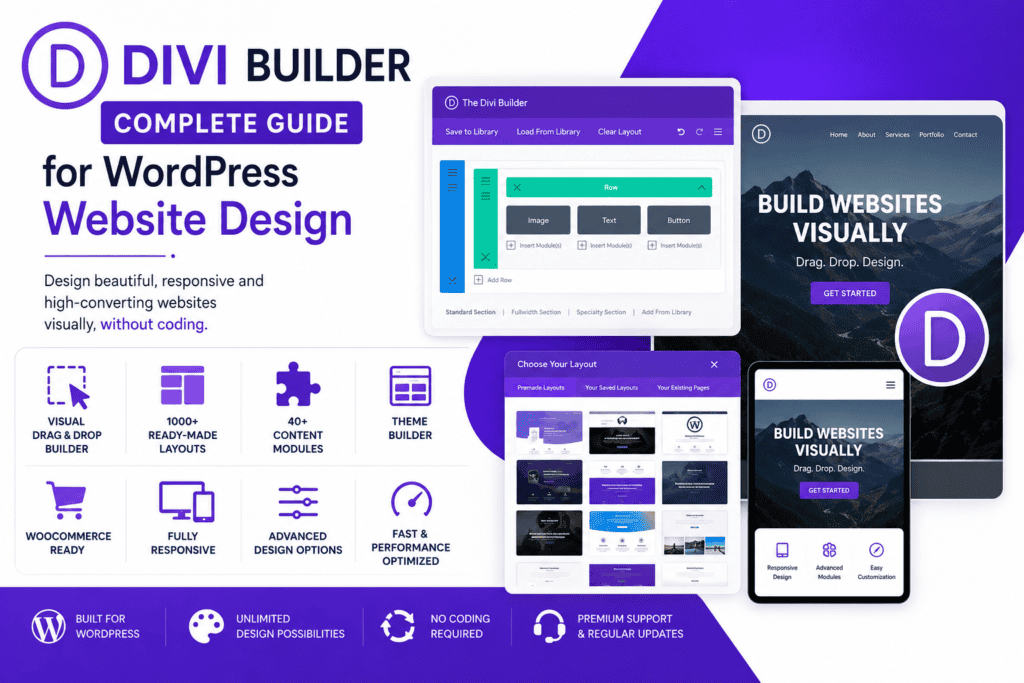
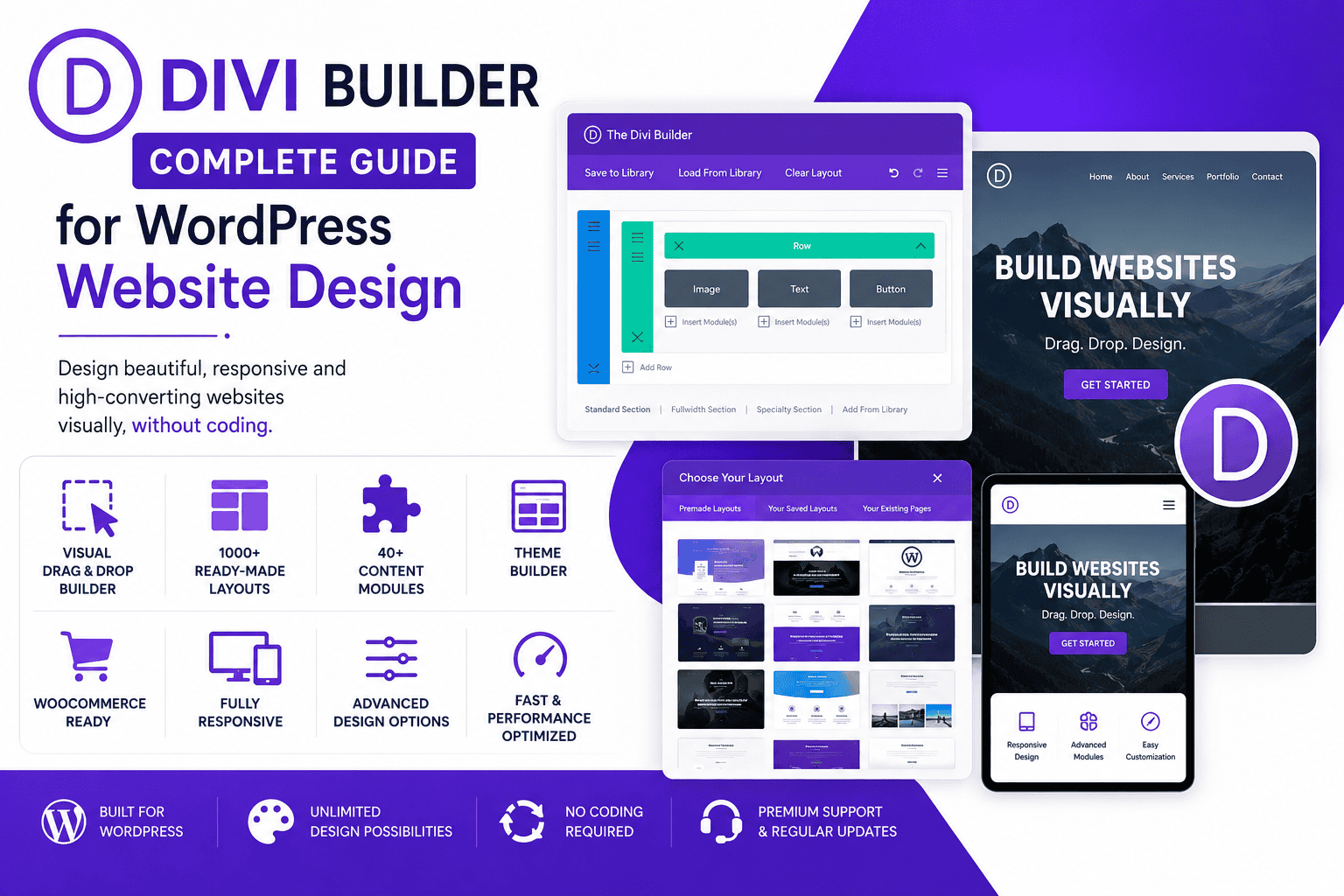
Divi Builder guide banner showing WordPress visual page builder, drag-and-drop editor, website templates, responsive layouts, design modules, theme builder, WooCommerce support, and landing page creation features.
Choosing the right WordPress page builder is very important for creating a professional and easy-to-manage website.
A good page builder helps you design pages, create layouts, add content sections, customize styling, and manage your website without writing complex code.
This is where Divi Builder becomes useful.
Divi Builder is a popular WordPress visual page builder by Elegant Themes. It helps users create websites using a drag-and-drop visual editor, so they can design pages and see changes in real time.
What Is Divi Builder?
Divi Builder is a WordPress visual page builder that allows users to create custom website layouts without advanced coding.
It works with a visual drag-and-drop editing system, which means users can add sections, rows, columns, and modules directly on the page.
Instead of building pages only from the WordPress backend, Divi Builder lets users design visually and see how the page looks while editing.
Divi Builder is commonly used for:
WordPress websites
Business websites
Portfolio websites
Landing pages
Service websites
Agency websites
Blog websites
WooCommerce stores
Marketing websites
Personal brand websites
Professional company websites
It is a good option for users who want creative design control and easy visual editing.
Why Divi Builder Is Useful
Divi Builder is useful because it makes website design easier for WordPress users.
Many business owners, freelancers, agencies, and website owners want to create professional pages without writing code from scratch.
Divi Builder helps users:
Create pages visually
Use drag-and-drop editing
Build responsive layouts
Add content modules
Use ready-made layouts
Customize design settings
Create landing pages
Design business websites
Build portfolio pages
Manage website sections easily
This makes Divi Builder helpful for beginners, designers, developers, agencies, bloggers, and business owners.
Explore Divi Builder Features
Divi Builder comes with many useful features for WordPress website design.
It focuses on visual editing, design flexibility, layout control, and easy page building.
Visual Drag-and-Drop Builder
One of the main benefits of Divi Builder is its visual drag-and-drop builder.
Users can add sections, rows, columns, and modules to create custom page layouts.
This makes website design easier because users can see changes in real time while editing. Elegant Themes describes Divi as a no-code visual drag-and-drop website builder for WordPress.
You can create:
Hero sections
About sections
Service sections
Portfolio sections
Pricing sections
Contact sections
Call-to-action blocks
Landing pages
Blog layouts
Product sections
This is useful for users who want more control over their WordPress website design.
Front-End Visual Editing
Divi Builder allows front-end visual editing.
This means users can edit the website while looking at the live page design.
Front-end editing helps users save time because they do not need to switch between backend editing and front-end preview again and again.
You can edit:
Text
Images
Buttons
Rows
Columns
Sections
Backgrounds
Spacing
Fonts
Colors
Layouts
This makes the design process faster and easier.
Ready-Made Layouts
Ready-made layouts are very useful when building websites quickly.
Divi provides layout options that help users start with pre-designed page structures instead of creating every section from scratch.
These layouts can be customized according to the website brand, content, colors, and business needs.
Ready-made layouts are useful for:
Homepages
About pages
Service pages
Landing pages
Contact pages
Portfolio pages
Sales pages
Blog pages
Product promotion pages
This saves time and helps users create professional designs faster.
Divi Modules
Divi Builder uses modules to create different types of content sections.
Modules are design elements that can be added to pages.
Elegant Themes says Divi includes many native content elements that can be used to build different types of websites, and each content element includes customization settings.
Common Divi modules may include:
Text
Image
Button
Video
Slider
Gallery
Contact form
Call to action
Blog
Accordion
Tabs
Testimonial
Pricing table
These modules help users create complete website sections without writing custom code.
Responsive Website Design
A modern website should work properly on desktop, tablet, and mobile devices.
Divi Builder helps users create responsive layouts for WordPress websites.
Responsive design is important because many users visit websites from mobile phones.
A responsive website can improve:
User experience
Mobile readability
Website engagement
Lead generation
SEO performance
Customer trust
Conversion rate
With Divi Builder, users can adjust design settings for different devices and make pages look better on all screen sizes.
Divi Theme Builder
Divi is more than only a page builder.
It also supports full-site design through Divi’s website building framework. Elegant Themes describes Divi as a visual page builder and a website building framework that helps users design websites visually.
With Divi Theme Builder, users can design important website areas such as:
Headers
Footers
Blog post templates
Archive pages
Category pages
Product pages
Global sections
Custom layouts
This gives more design control over the complete WordPress website.
Global Design Settings
Global design settings are useful for keeping a website consistent.
Instead of changing the same style again and again, users can manage common design settings and reuse them across the website.
This is useful for:
Brand colors
Fonts
Button styles
Section styles
Global modules
Reusable layouts
Design consistency
A consistent design helps a website look more professional and organized.
Divi for Business Websites
Divi Builder is useful for business websites because it helps create clean and professional pages.
A business website needs clear information, strong service sections, contact options, testimonials, and call-to-action buttons.
With Divi Builder, businesses can create:
Homepages
Service pages
About pages
Contact pages
Team sections
Testimonials
Pricing sections
FAQ sections
Lead generation pages
A professional business website can help build trust and make it easier for visitors to contact the company.
Divi for Landing Pages
Landing pages are important for marketing and lead generation.
A landing page is usually created for one specific goal, such as collecting leads, promoting a service, selling a product, or getting booking inquiries.
Divi Builder can help create landing pages with:
Strong headings
Clear service information
Call-to-action buttons
Lead forms
Images
Testimonials
Pricing sections
Feature blocks
Conversion-focused layouts
This is useful for Google Ads, social media campaigns, service promotions, and business offers.
Divi for Portfolio Websites
Portfolio websites need attractive layouts to show work, projects, services, and skills.
Divi Builder can help freelancers, designers, developers, and creative professionals create portfolio websites.
It is useful for:
Web designers
Developers
Photographers
Writers
Agencies
Creative freelancers
Consultants
Marketing professionals
A good portfolio website can help showcase work professionally and attract better opportunities.
Divi for Agencies
Divi Builder is also useful for agencies and freelancers.
Agencies often create websites for different clients, so they need a builder that is flexible, reusable, and easy to manage.
Divi can help agencies create:
Client websites
Business websites
Landing pages
Service websites
Portfolio websites
Marketing pages
Blog layouts
WooCommerce pages
Agencies can use Divi layouts, modules, and global elements to speed up website development.
Divi for Bloggers
Bloggers can use Divi Builder to improve the design of important website pages.
A blog website may need a homepage, about page, newsletter section, featured post section, category pages, and landing pages.
Divi can help bloggers create:
Blog homepages
Single post layouts
Archive layouts
Featured post sections
Author sections
Newsletter blocks
Resource pages
Contact pages
A better blog design can improve reading experience and keep visitors engaged.
Divi and WooCommerce
Divi Builder can also be useful for WooCommerce websites.
WooCommerce stores need clear product presentation, strong category layouts, product promotion sections, and easy shopping experience.
Divi can help create:
Product sections
Offer pages
Sales landing pages
Category banners
Store homepage layouts
Product promotion blocks
Trust sections
FAQ sections
For advanced WooCommerce customization, proper theme setup, payment configuration, speed optimization, and checkout testing are still important.
Website Speed and Performance
Website speed is very important for every WordPress website.
A slow website can affect user experience, SEO, and conversions.
Divi Builder can help create attractive pages, but website speed also depends on your full WordPress setup.
To improve speed, you should:
Use good hosting
Optimize images
Use caching
Avoid too many plugins
Use only required modules
Optimize fonts
Minify CSS and JavaScript
Keep the design clean
Use a CDN if needed
Test website speed regularly
A good WordPress website should look professional and also load fast.
Website Security
Security is important for every WordPress website.
When using Divi Builder or any other WordPress tool, it is important to keep everything updated.
Good security practices include:
Update WordPress regularly
Update Divi regularly
Update themes and plugins
Use strong passwords
Use SSL certificate
Avoid nulled plugins
Take regular backups
Use trusted plugins only
Limit admin access
Monitor website activity
These steps can help protect your website from common security risks.
Free and Premium Options
Divi Builder is a premium WordPress builder from Elegant Themes.
It is commonly available through Elegant Themes membership plans.
Before choosing Divi, users should check their website requirements, design needs, budget, and long-term maintenance plan.
Divi can be a good option for users who want a powerful visual builder, ready-made layouts, design modules, and full website customization features.
Best Practices for Using Divi Builder
To get the best results from Divi Builder, it is important to use it properly.
Good practices include:
Use a clean layout
Keep design consistent
Use global colors and fonts
Optimize images before uploading
Use only required modules
Check mobile responsiveness
Avoid too many plugins
Keep Divi updated
Use reusable layouts
Take backups before major changes
Test website speed regularly
These practices can help keep your website professional, fast, and easy to manage.
Who Should Use Divi Builder?
Divi Builder can be useful for many types of WordPress users.
It is suitable for:
Business owners
Freelancers
Web designers
WordPress developers
Digital agencies
Bloggers
Portfolio owners
Marketing teams
Small businesses
Website owners
It is especially useful for users who want visual design control and flexible WordPress page building.
Still Have Questions?
Divi Builder is used to create and customize WordPress website pages using a visual drag-and-drop editor.
Yes, Divi Builder is a popular WordPress visual page builder that helps users create professional layouts without advanced coding.
Yes, Divi Builder can be used to create landing pages for marketing campaigns, lead generation, services, and product promotions.
No, Divi Builder allows users to create pages visually without coding. However, custom CSS or development knowledge can help with advanced customization.
Final Thoughts
Divi Builder is a powerful WordPress visual page builder for creating professional websites.
It helps users design pages visually, use drag-and-drop editing, create responsive layouts, add modules, use ready-made layouts, and build landing pages without advanced coding.
It can be useful for business websites, portfolio websites, blogs, agencies, freelancers, developers, WooCommerce stores, and marketing teams.
With the right hosting, optimized images, clean layouts, updated plugins, and proper speed optimization, Divi Builder can help you create a professional and easy-to-manage WordPress website successfully.