Events are a powerful way to engage audiences and build strong connections with your community. Whether you’re organizing conferences, workshops, webinars, community meetups, festivals, or online classes, having a reliable event management system is essential. Managing events manually can quickly become complicated, especially when you need to handle schedules, registrations, and ticket sales all in one place.
WordPress event plugins simplify the entire process by giving you the tools to create, organize, and manage events directly from your website. These plugins allow you to display professional event calendars, manage attendee registrations, sell tickets online, and even synchronize events with platforms like Google Calendar. With the right plugin, you can streamline event management while providing a smooth and professional experience for your audience.
Choosing the right event plugin depends on the type of events you host and the features you need. Some plugins focus on simple event listings, while others provide advanced ticketing systems, recurring event management, and powerful integrations with payment gateways and marketing tools.
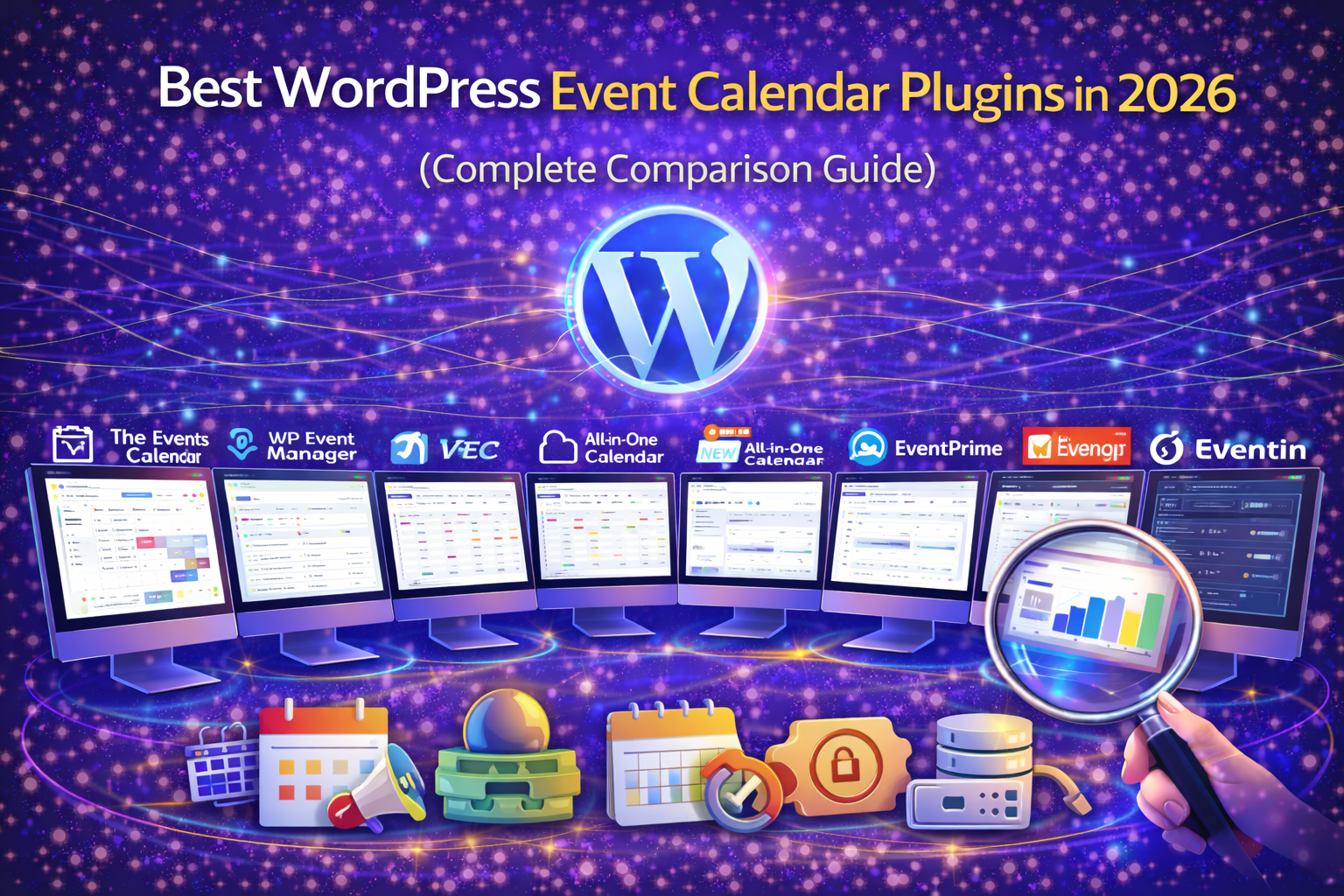
In this guide, we compare the best WordPress event plugins in 2026 based on important factors such as features, ease of use, ticketing capabilities, integrations, and overall performance to help you choose the right solution for your website.
🏆 Best WordPress Event Plugins in 2026
1️⃣ The Events Calendar
Best for: Professional event management
The Events Calendar is one of the most widely used event plugins for WordPress.
Key Features
Event calendar views
Recurring events
Event categories and tags
Google Calendar integration
Ticketing support
Pros
Very popular plugin
Strong ecosystem
Easy event management
Cons
Advanced features require paid add-ons
2️⃣ WP Event Manager
Best for: Lightweight event management
WP Event Manager focuses on simplicity and flexibility.
Key Features
-
Frontend event submission
-
Event listings
-
Event registration
-
Add-ons for advanced features
Pros
-
Lightweight plugin
-
Highly extendable
-
Good free version
Cons
-
Many features require add-ons
3️⃣ Modern Events Calendar
Best for: Advanced event features
Modern Events Calendar offers powerful scheduling and ticketing features.
Key Features
-
Advanced event scheduling
-
Ticket sales
-
Multiple calendar views
-
Booking system
Pros
-
Rich feature set
-
Beautiful calendar layouts
-
Good booking tools
Cons
-
Interface can feel complex
4️⃣ All-in-One Event Calendar
Best for: Simple event calendars
This plugin focuses on clean event display and calendar functionality.
Pros
-
Easy event creation
-
Clean calendar interface
-
Google Calendar syncing
Cons
-
Limited ticketing features
5️⃣ EventPrime
Best for: Ticketing and registration
EventPrime is designed for managing both events and ticket sales.
Key Features
-
Event ticketing
-
Registration management
-
Event analytics
Pros
-
Built-in ticket system
-
Flexible event setup
Cons
-
Smaller ecosystem compared to competitors
6️⃣ EventON
Best for: Stylish event displays
EventON focuses heavily on design and visual event presentation.
Key Features
-
Beautiful calendar layouts
-
Custom event colors
-
Multiple event styles
Pros
-
Stunning event layouts
-
Highly customizable
Cons
-
Premium plugin
7️⃣ My Calendar
Best for: Simple event scheduling
My Calendar is a lightweight plugin for managing events across multiple calendars.
Pros
-
Free plugin
-
Simple event management
-
Lightweight
Cons
-
Limited advanced features
8️⃣ Eventin
Best for: Event ticketing and virtual events
Eventin provides modern event management with ticketing support.
Key Features
-
Ticket sales
-
Zoom integration
-
Event registration
Pros
-
Good for online events
-
WooCommerce integration
Cons
-
Premium required for full features
9️⃣ Event Organiser
Best for: Developers and custom event setups
Event Organiser offers flexible event management with developer-friendly features.
Pros
-
Powerful scheduling
-
Clean interface
-
Flexible API
Cons
-
Smaller user base
-
Limited modern UI
⚡ Performance Considerations for Event Plugins
Event plugins can increase:
Database queries
Page load size
Dynamic content generation
To maintain performance:
-
Use caching
-
Optimize database queries
-
Disable unused add-ons
-
Use lightweight themes
Event websites often require optimized hosting.
Quick Comparison Table
| Plugin | Ticketing | Calendar Views | Best For |
|---|---|---|---|
| The Events Calendar | Yes | Yes | Professional events |
| WP Event Manager | Yes | Yes | Lightweight events |
| Modern Events Calendar | Yes | Yes | Advanced features |
| All-in-One Event Calendar | Limited | Yes | Simple calendars |
| EventPrime | Yes | Yes | Ticket sales |
| EventON | Limited | Yes | Design-focused |
| My Calendar | No | Yes | Basic events |
| Eventin | Yes | Yes | Virtual events |
| Event Organiser | Limited | Yes | Developers |
Still Have Questions?
The Events Calendar remains one of the most reliable and widely used WordPress event management plugins.
Yes. Many plugins such as EventPrime, Eventin, and Modern Events Calendar support ticket sales.
Eventin works well for virtual events because it integrates with Zoom and online registrations.
Yes. Event plugins can increase database queries and dynamic content, so performance optimization is important.
Final Thoughts
Event plugins help transform your website into a complete event management platform.
The best choice depends on your needs.
For professional events → The Events Calendar
For lightweight management → WP Event Manager
For advanced features → Modern Events Calendar
For ticketing → EventPrime or Eventin
For design → EventON
Choose the plugin that balances functionality, usability, and performance.
Need Professional Event Website Setup?
At Trend Web Technologies, we help businesses:
Build event management websites
Configure event plugins and ticketing systems
Optimize performance for event-heavy websites
Integrate booking and registration systems
Improve SEO and user experience
If you want your WordPress event website built and optimized properly —