Online payments are the backbone of modern eCommerce. Whether you are selling products, services, subscriptions, courses, or digital downloads, having a secure and reliable payment gateway is essential for running a successful online business. Payment gateways act as the bridge between your website and the financial institutions that process transactions, ensuring that customers can pay safely and quickly.
A good payment gateway does much more than simply process payments. It helps businesses accept payments from customers around the world, securely handle credit card transactions, and support recurring billing for subscriptions or memberships. In addition, a well-integrated gateway can significantly improve the checkout experience by making payments faster and smoother, which ultimately leads to higher conversion rates and better customer satisfaction.
Choosing the right payment gateway is therefore a critical decision for any WordPress or WooCommerce website. Factors such as security standards, transaction fees, global availability, and ease of integration can have a direct impact on both your operating costs and your customers’ experience.
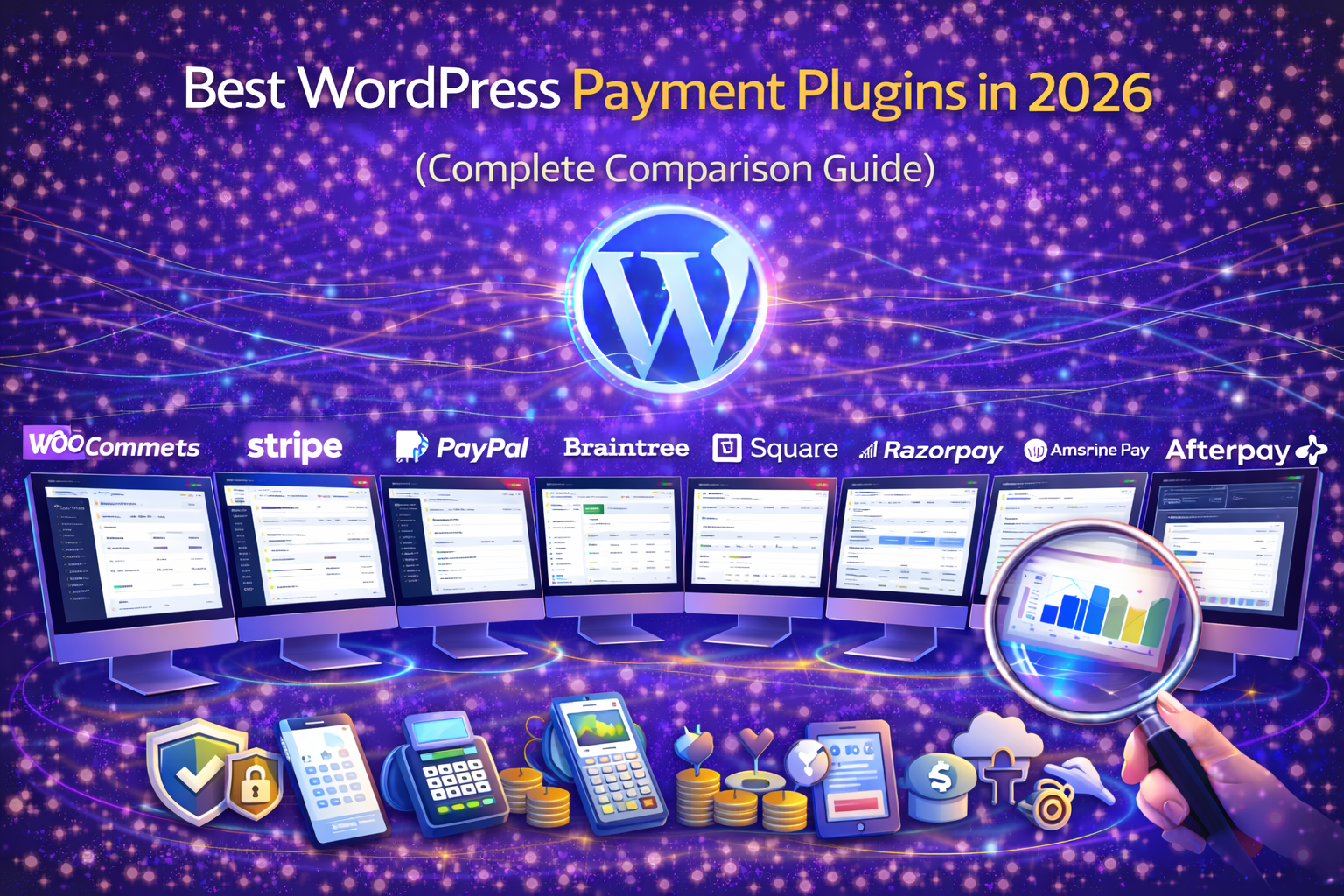
In this guide, we compare the best WordPress payment gateways in 2026 based on key factors such as security, transaction fees, global availability, WooCommerce integration, and checkout experience to help you choose the best solution for your online store.
🏆 Best WordPress Payment Gateways in 2026
1️⃣ WooCommerce Payments
Best for: WooCommerce stores
WooCommerce Payments allows store owners to accept payments directly within the WooCommerce dashboard.
Key Features
Integrated WooCommerce dashboard
Accept credit cards and digital wallets
Automatic payouts
Subscription support
Pros
Seamless WooCommerce integration
Easy setup
Built-in payment management
Cons
Available only in selected countries
2️⃣ Stripe
Best for: Global payment processing
Stripe is one of the most popular payment gateways worldwide.
Key Features
-
Credit card payments
-
Apple Pay and Google Pay
-
Subscription billing
-
Fraud detection
Pros
-
Powerful API
-
Global availability
-
Supports many currencies
Cons
-
Transaction fees apply
3️⃣ PayPal
Best for: Customer trust and global payments
PayPal remains one of the most recognized payment platforms online.
Key Features
-
PayPal wallet payments
-
Credit card support
-
Buyer protection
-
Express checkout
Pros
-
High user trust
-
Easy integration
-
Global reach
Cons
-
Higher transaction fees
4️⃣ Braintree
Best for: Subscription-based businesses
Braintree (owned by PayPal) offers advanced payment processing.
Key Features
-
Recurring billing
-
Multiple payment methods
-
Fraud protection
Pros
-
Advanced payment features
-
Good for SaaS businesses
Cons
-
Setup can be complex
5️⃣ Square
Best for: Online + physical store integration
Square allows businesses to accept both online and in-person payments.
Key Features
-
POS integration
-
Online checkout
-
Inventory syncing
Pros
-
Excellent for retail stores
-
Unified payment ecosystem
Cons
-
Limited international support
6️⃣ Razorpay
Best for: Indian businesses
Razorpay is widely used for payment processing in India.
Key Features
-
UPI payments
-
Credit/debit cards
-
Subscription billing
-
Instant settlements
Pros
-
Strong local support
-
Multiple payment methods
Cons
-
Limited global availability
7️⃣ WP Simple Pay
Best for: Stripe payments without WooCommerce
WP Simple Pay allows WordPress websites to accept Stripe payments without running a full eCommerce store.
Key Features
-
Stripe integration
-
Payment forms
-
Recurring payments
Pros
-
Simple setup
-
No WooCommerce required
Cons
-
Limited advanced eCommerce features
8️⃣ Amazon Pay
Best for: Amazon users
Amazon Pay allows customers to use their Amazon accounts to pay on your website.
Key Features
-
Amazon account checkout
-
Fast payment processing
-
Trusted brand
Pros
-
Trusted by customers
-
Easy checkout experience
Cons
-
Limited regions
9️⃣ Afterpay
Best for: Buy now pay later payments
Afterpay allows customers to split purchases into installments.
Key Features
-
Buy now pay later
-
Installment payments
-
Easy checkout
Pros
-
Increases conversions
-
Popular with younger shoppers
Cons
-
Merchant fees higher
⚡ Why Payment Gateways Matter for Performance
Payment systems affect:
Checkout speed
Transaction success rate
Customer trust
Conversion rate
Slow or complicated checkout processes can cause customers to abandon purchases.
Optimized payment gateways improve:
-
Checkout experience
-
Mobile payments
-
Subscription management
Quick Comparison Table
| Gateway | Best For | WooCommerce | Global |
|---|---|---|---|
| WooCommerce Payments | WooCommerce stores | Yes | Limited |
| Stripe | Global payments | Yes | Yes |
| PayPal | Customer trust | Yes | Yes |
| Braintree | Subscriptions | Yes | Yes |
| Square | Retail stores | Yes | Limited |
| Razorpay | India | Yes | Limited |
| WP Simple Pay | Simple Stripe forms | No | Yes |
| Amazon Pay | Amazon users | Yes | Limited |
| Afterpay | Installment payments | Yes | Limited |
Still Have Questions?
Stripe and PayPal are among the most widely used payment gateways due to their global availability and strong security.
Yes. Payment gateways like Stripe, PayPal, and WooCommerce Payments allow websites to accept credit and debit card payments.
WooCommerce Payments, Stripe, and PayPal are the most commonly used gateways for WooCommerce stores.
Yes. Most payment gateways charge a small percentage per transaction along with a fixed fee.
Final Thoughts
Choosing the right payment gateway improves both security and conversions.
The best option depends on your business model.
For WooCommerce stores → WooCommerce Payments
For global payments → Stripe
For trusted checkout → PayPal
For subscriptions → Braintree
For Indian businesses → Razorpay
A fast, secure payment system builds trust and increases revenue.
Need Professional WooCommerce Setup?
At Trend Web Technologies, we help businesses:
Set up secure payment gateways
Optimize WooCommerce checkout performance
Configure subscription payments
Improve conversion rates
Build scalable eCommerce systems
If you want your WordPress payment system configured professionally —