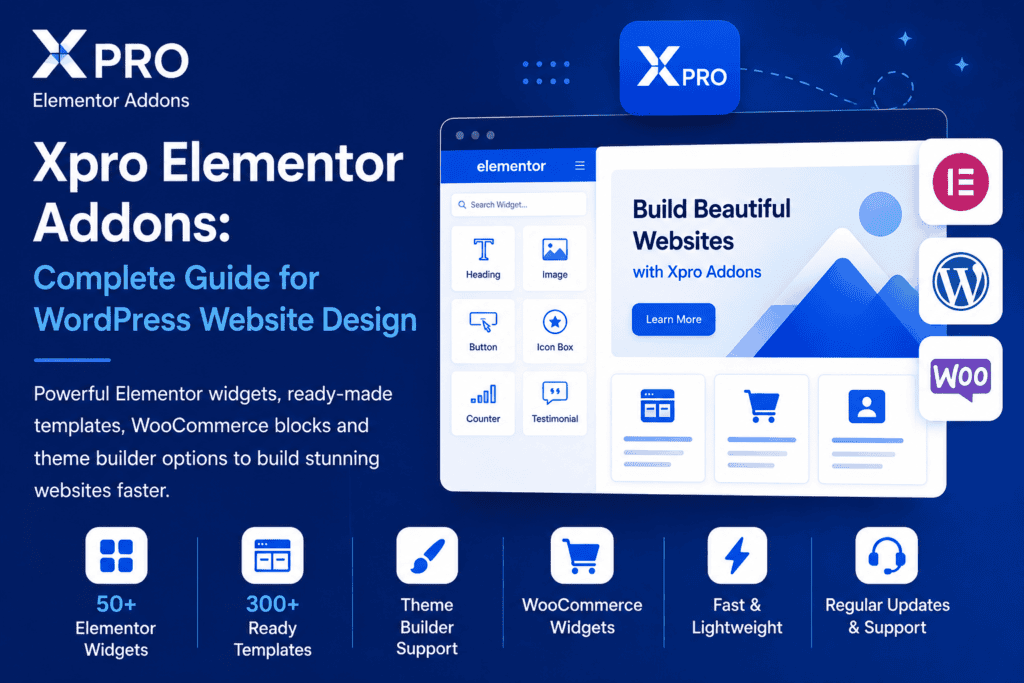
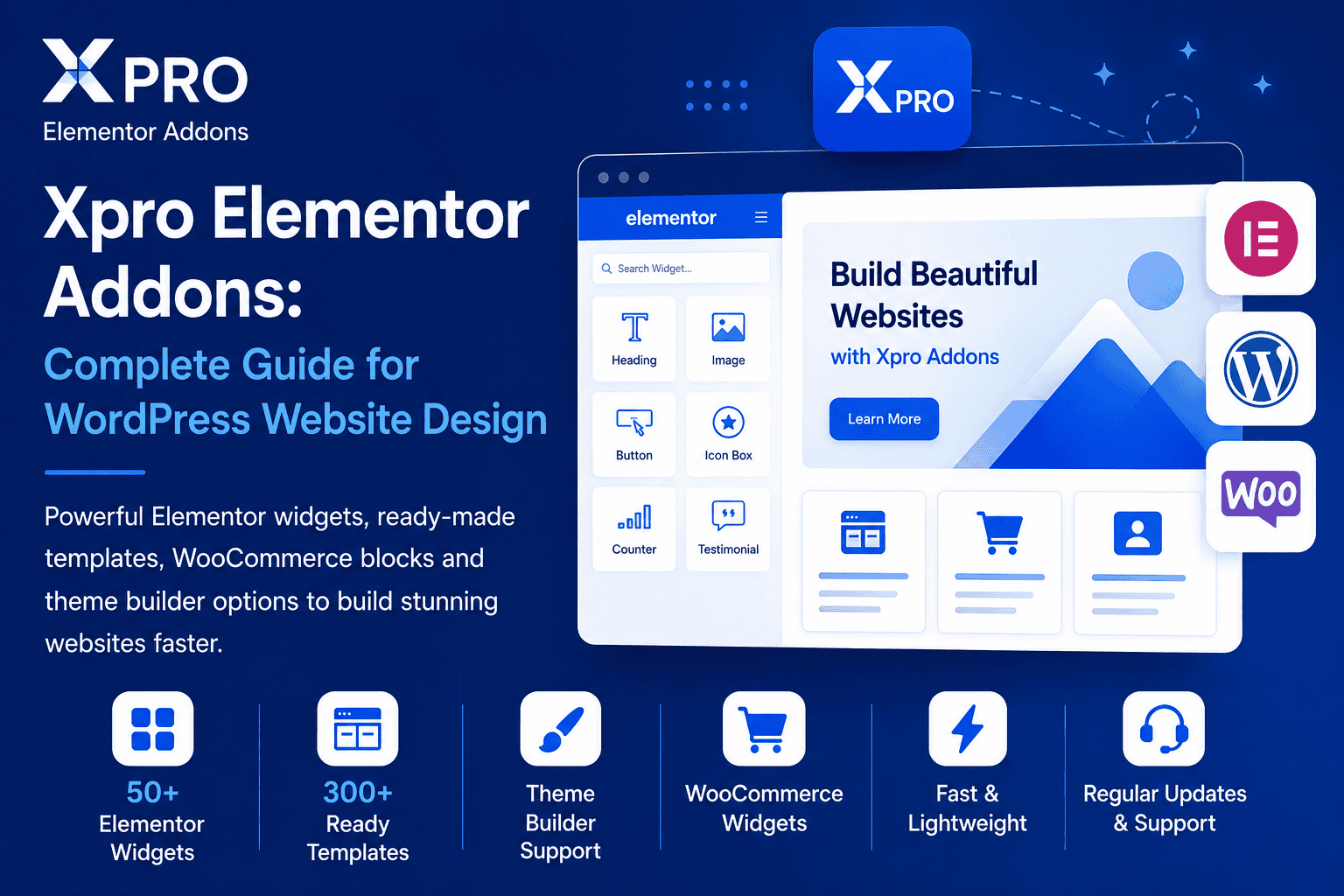
Xpro Elementor Addons guide banner showing Elementor widgets, WordPress website sections, drag-and-drop design tools, WooCommerce blocks, templates, theme builder, and responsive website layout features.
TrendWebTechnologies July 6, 2026 0 Comments WordPress
Choosing the right Elementor addon is very important for building a professional WordPress website.
Elementor already gives many useful design options, but sometimes website owners, designers, and developers need extra widgets, templates, creative sections, WooCommerce elements, and advanced design controls.
This is where Xpro Elementor Addons becomes useful.
Xpro Elementor Addons is a WordPress plugin made for Elementor users. It helps you create modern websites with extra widgets, ready-made templates, theme builder options, WooCommerce widgets, and design extensions.
It is useful for business websites, portfolio websites, blogs, landing pages, WooCommerce stores, agency websites, and service websites.
What Is Xpro Elementor Addons?
Xpro Elementor Addons is an Elementor addon plugin that extends the functionality of the Elementor page builder.
It adds extra widgets, design elements, templates, and extensions so users can create more attractive website sections without writing custom code.
Xpro Addons provides 50+ free Elementor widgets, a theme builder, templates, WooCommerce widgets, and design extensions for Elementor users. The official Xpro website also mentions 140+ Elementor widgets and 300+ templates and sections.
Xpro Elementor Addons is commonly used for:
WordPress websites
Business websites
Portfolio websites
Landing pages
Service websites
Agency websites
WooCommerce stores
Blog websites
Marketing websites
Creative websites
Professional brand websites
It is a good option for users who want to design better Elementor websites with more widgets and layout options.
Why Xpro Elementor Addons Is Useful
Xpro Elementor Addons is useful because it gives extra design power to Elementor.
Many website owners use Elementor because it is easy to use and does not require coding. But for advanced sections like pricing tables, testimonials, carousels, image effects, WooCommerce layouts, headers, footers, and creative blocks, extra widgets can save time.
Xpro Elementor Addons helps users create these sections faster.
It helps you:
Add more Elementor widgets
Create modern website sections
Use ready-made templates
Design headers and footers
Build WooCommerce layouts
Improve page design
Create creative content blocks
Add interactive elements
Build websites without coding
Save design and development time
This makes Xpro Elementor Addons helpful for beginners, designers, developers, agencies, and business owners.
Explore Xpro Elementor Addons Features
Xpro Elementor Addons comes with many useful features for Elementor websites.
It gives users access to widgets, templates, extensions, WooCommerce elements, and theme builder options.
These features help users create complete websites more easily.
Elementor Widgets
One of the main benefits of Xpro Elementor Addons is its widget collection.
Widgets are small design elements that can be added to Elementor pages.
With widgets, you can create different types of sections such as headings, buttons, cards, sliders, testimonials, pricing tables, forms, product sections, and more.
Xpro Addons offers 50+ free widgets for Elementor users, and its official website highlights a larger collection of 140+ Elementor widgets.
These widgets help users design pages faster and make websites look more professional.
Easy Drag-and-Drop Website Design
Xpro Elementor Addons works with Elementor’s drag-and-drop editor.
This means users can add widgets to a page, change content, adjust styling, and design sections visually.
You do not need advanced coding knowledge to use most of the features.
This is useful for:
Beginners
Small business owners
Freelancers
Web designers
WordPress developers
Agencies
Bloggers
WooCommerce store owners
Drag-and-drop editing makes website building faster, easier, and more flexible.
Ready-Made Templates
Templates are very useful when creating a website quickly.
Instead of designing every section from scratch, users can import ready-made layouts and customize them according to their brand.
Xpro Elementor Addons provides access to templates and sections that can help users build pages faster. The official Xpro website mentions 300+ templates and sections.
Templates can be useful for:
Homepages
About pages
Service pages
Landing pages
Contact sections
Hero sections
Call-to-action sections
Portfolio layouts
Product sections
Agency websites
Business websites
This saves time and helps maintain a professional design structure.
Xpro Theme Builder
Xpro also offers a theme builder for Elementor.
A theme builder helps users design important website parts like headers, footers, single post templates, archive pages, and other theme areas.
This is useful because many WordPress themes have limited customization options.
With a theme builder, users can create:
Custom headers
Custom footers
Single blog post layouts
Archive page layouts
Custom post templates
WooCommerce layouts
Dynamic website sections
The Xpro Theme Builder plugin page says it provides dedicated widgets to create header, footer, singular, and archive layouts.
This gives more control over the complete website design.
WooCommerce Widgets
Xpro Elementor Addons can also be useful for WooCommerce websites.
WooCommerce stores need strong product layouts, cart sections, checkout pages, category sections, and product display blocks.
Xpro offers WooCommerce widgets that help users create better online store layouts.
The official Xpro website mentions WooCommerce widgets such as Woo Category Carousel, Woo My Account, Woo Category Grid, Woo Add To Cart, Woo Notices, Woo Custom Checkout, Woo Related Products, Woo Mini Cart, Woo Product Images, Woo Product Price, and Woo Product Title.
These widgets can help store owners improve:
Product display
Category layout
Shopping experience
Cart section
Checkout design
Product page design
Customer account pages
Store navigation
For WooCommerce websites, better design can improve user experience and make the store look more professional.
Useful for Business Websites
Xpro Elementor Addons is useful for business websites because it helps create clean and attractive pages.
A business website needs clear sections, strong design, service blocks, testimonials, contact sections, and call-to-action buttons.
With Xpro widgets and templates, users can create:
Hero sections
Service sections
About sections
Team sections
Testimonials
Pricing tables
Contact sections
FAQ sections
Call-to-action blocks
Portfolio sections
This helps businesses present their services in a better way.
Useful for Portfolio Websites
Portfolio websites need creative layouts to show work, skills, projects, and experience.
Xpro Elementor Addons can help users create attractive portfolio sections using cards, grids, image effects, sliders, and content widgets.
It is useful for:
Web designers
Developers
Photographers
Agencies
Freelancers
Creative professionals
Marketing experts
Design studios
A good portfolio design helps visitors understand your work and increases trust.
Useful for Agencies
Agencies often build many websites for different clients.
They need tools that save time and provide design flexibility.
Xpro Elementor Addons can be useful for agencies because it provides widgets, templates, WooCommerce elements, and theme builder options in one Elementor-based workflow.
Agencies can use it for:
Client websites
Landing pages
Service websites
WooCommerce stores
Portfolio websites
Blog layouts
Marketing pages
Lead generation pages
This can help agencies speed up website development and deliver professional layouts.
Useful for Bloggers
Bloggers can also use Xpro Elementor Addons to improve blog design.
A blog website needs readable layouts, post grids, author sections, categories, newsletter sections, and call-to-action blocks.
Xpro widgets and theme builder features can help bloggers design:
Blog pages
Single post layouts
Archive pages
Featured post sections
Category sections
Author areas
Sidebar sections
Newsletter blocks
A clean blog design can improve reading experience and keep visitors engaged.
Website Design Without Coding
One of the biggest benefits of Elementor and Xpro Elementor Addons is that users can design websites without writing code.
This is helpful for non-technical users who want to manage their own website.
Users can change text, images, colors, spacing, icons, buttons, and layouts visually.
However, for advanced customization, performance optimization, and complex WooCommerce websites, professional WordPress development support may still be needed.
Website Speed and Performance
Website speed is very important for every WordPress website.
Using too many plugins or heavy widgets can affect website speed if the site is not optimized properly.
Xpro Elementor Addons can help with design, but website performance also depends on your full WordPress setup.
To improve speed, you should:
Use only required widgets
Disable unused features if available
Use optimized images
Use a lightweight theme
Use caching
Avoid too many plugins
Use good hosting
Optimize fonts
Minify CSS and JavaScript
Test website speed regularly
A good Elementor website should look professional and load fast.
Website Security
Security is important for every WordPress website.
When using any Elementor addon plugin, you should keep it updated.
WordPress plugins can receive updates for bug fixes, compatibility improvements, and security patches.
Good security practices include:
Keep WordPress updated
Keep Elementor updated
Keep Xpro Elementor Addons updated
Use trusted plugins only
Avoid nulled plugins
Use strong passwords
Use SSL
Take regular backups
Use security monitoring
Remove unused plugins
Keeping plugins updated helps reduce website security risks.
Free and Premium Options
Xpro Elementor Addons provides free widgets and also offers premium features.
The free version can be useful for basic website design needs.
The premium version can be useful for users who need more widgets, advanced features, WooCommerce elements, and professional design options.
According to Xpro’s official website, the plugin offers 50+ free widgets, 15+ extensions, 300+ themes and templates, and WooCommerce widgets.
Before choosing the premium version, users should check which widgets and features they actually need.
Best Practices for Using Xpro Elementor Addons
To get the best results from Xpro Elementor Addons, it is important to use it properly.
Good practices include:
Use only the widgets you need
Keep the plugin updated
Use a lightweight WordPress theme
Avoid installing too many Elementor addon plugins
Optimize images before uploading
Test pages on mobile devices
Check website speed after adding widgets
Use global colors and fonts
Keep layouts clean and simple
Test WooCommerce pages carefully
Take backups before major changes
These steps can help keep your website fast, clean, and professional.
Who Should Use Xpro Elementor Addons?
Xpro Elementor Addons can be useful for many types of WordPress users.
It is suitable for:
Business owners
Freelancers
Web designers
WordPress developers
Digital agencies
Bloggers
Portfolio owners
WooCommerce store owners
Landing page creators
Marketing teams
It is especially useful for users who already use Elementor and want more design options.
Xpro Elementor Addons for Small Businesses
Small businesses need websites that look professional and are easy to manage.
Xpro Elementor Addons can help small businesses create better layouts for services, contact forms, testimonials, pricing, and lead generation sections.
Small businesses can use it for:
Company websites
Service pages
Landing pages
Contact pages
Portfolio sections
Booking sections
Product pages
Blog sections
A well-designed website can help small businesses build trust and get more inquiries.
Xpro Elementor Addons for WooCommerce Stores
WooCommerce stores need good product presentation and smooth shopping experience.
Xpro Elementor Addons can help store owners improve product pages, category sections, cart areas, checkout design, and related product layouts.
This can make the store look more polished and easier to use.
For online stores, design is important because customers need clear product information, easy navigation, and a simple checkout process.
Xpro Elementor Addons for Developers
Developers can use Xpro Elementor Addons to speed up website development.
Instead of creating every section manually, developers can use widgets and templates to build layouts faster.
Developers can also combine Xpro with custom CSS, theme builder layouts, WooCommerce customization, and performance optimization.
This makes it useful for professional WordPress development workflows.
Still Have Questions?
Xpro Elementor Addons is used to add extra widgets, templates, extensions, WooCommerce elements, and design options to Elementor websites.
Yes, Xpro Elementor Addons can be useful for WordPress websites that are built with Elementor. It helps users create more advanced and creative website layouts.
Yes, Xpro Elementor Addons includes WooCommerce widgets that can help improve product pages, category layouts, cart sections, checkout areas, and store design.
No, most features can be used with Elementor’s drag-and-drop editor. However, custom CSS or development knowledge can help with advanced customization.
Final Thoughts
Xpro Elementor Addons is a useful Elementor addon plugin for WordPress websites.
It helps users create modern layouts, use extra widgets, import templates, design theme parts, and improve WooCommerce store pages.
It can be useful for business websites, portfolio websites, blogs, agencies, freelancers, developers, and WooCommerce store owners.
With the right WordPress theme, clean design, optimized images, updated plugins, and proper speed optimization, Xpro Elementor Addons can help you build a professional and attractive Elementor website successfully.