Choosing the right email delivery service is very important for sending website emails successfully.
A good SMTP service helps your website send contact form notifications, WooCommerce order emails, password reset messages, customer confirmations, and admin alerts without depending completely on the default hosting mail system.
This is where SMTP2GO becomes useful.
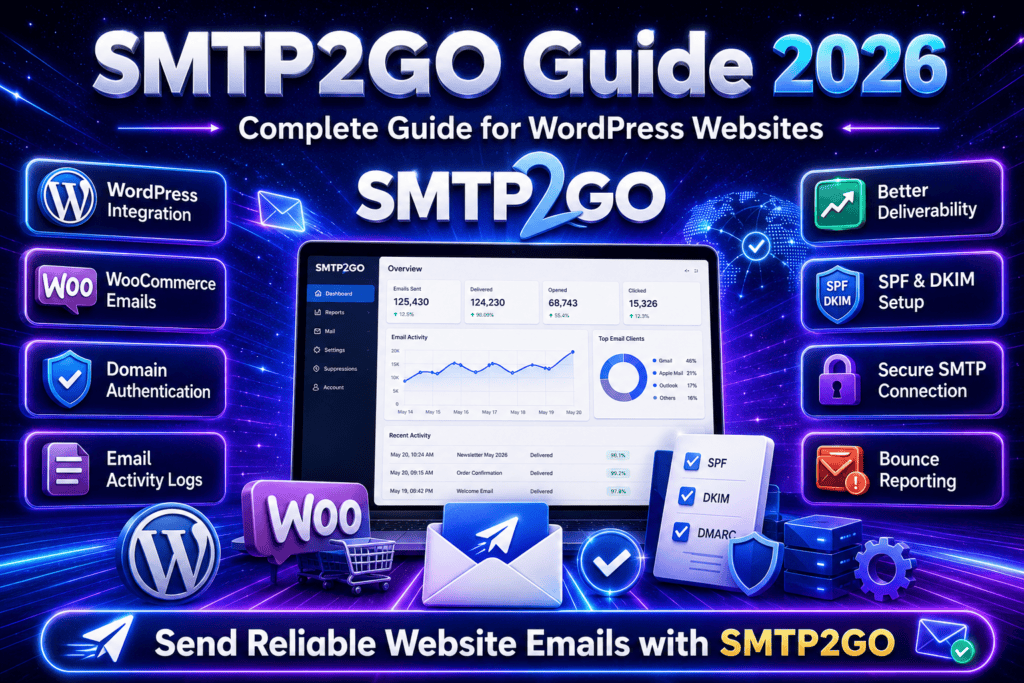
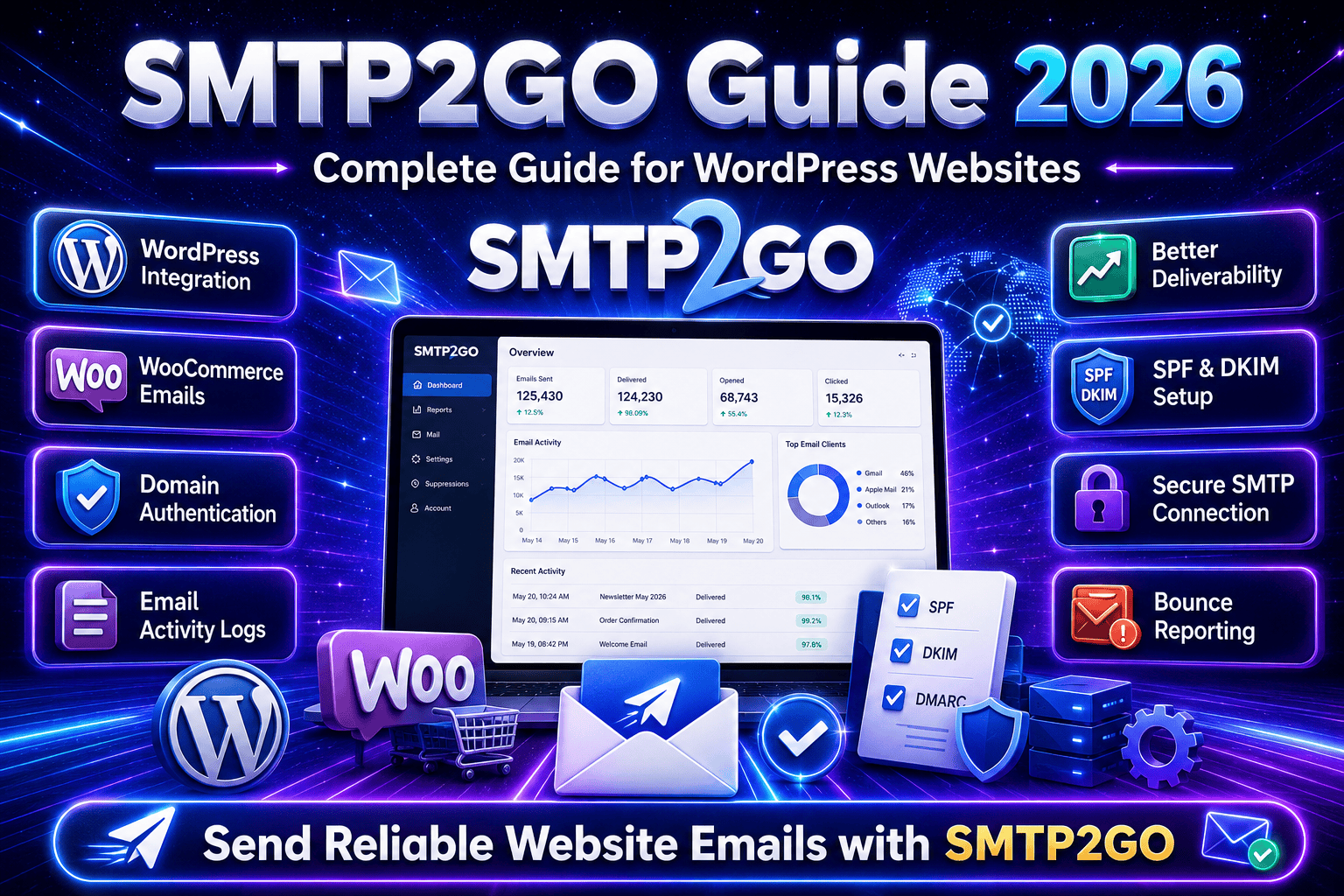
SMTP2GO is a cloud-based email delivery service that helps websites and applications send emails through secure and authenticated mail servers. It can improve email deliverability, reduce failed messages, and provide useful email tracking information.
What Is SMTP2GO?
SMTP2GO is an email delivery platform that allows websites, applications, and business systems to send emails using SMTP authentication.
SMTP stands for Simple Mail Transfer Protocol. It is a standard method used for sending emails from one server to another.
Instead of sending emails directly through the default WordPress PHP mail function, SMTP2GO sends them through its managed email infrastructure.
SMTP2GO is commonly used for:
WordPress websites
WooCommerce stores
Business websites
Contact forms
Membership websites
Booking websites
Learning management systems
Website notifications
Transactional emails
Application emails
Customer confirmation emails
Password reset emails
It is a useful option for businesses that need more reliable and trackable website email delivery.
Why SMTP2GO Is Useful
SMTP2GO is useful because the default email system available on many website hosting servers may not always deliver emails successfully.
Some hosting servers have email restrictions, poor sending reputation, or incomplete email authentication settings.
This can cause important website emails to:
Go to the spam folder
Get delayed
Fail to send
Get rejected
Bounce back
Reach the wrong address
Disappear without clear error information
SMTP2GO helps website owners:
Send emails through authenticated servers
Improve email deliverability
Track email activity
Check rejected messages
Review bounce reports
Protect sender reputation
Monitor sending problems
Use professional domain emails
Reduce dependency on web hosting email servers
Troubleshoot missing emails
This makes SMTP2GO useful for website owners, developers, agencies, online stores, membership websites, and service-based businesses.
Explore SMTP2GO Features
SMTP2GO provides useful tools for website email delivery, monitoring, authentication, and troubleshooting.
It focuses on reliable email sending, sender verification, email tracking, and delivery management.
Authenticated SMTP Email Delivery
One of the main benefits of SMTP2GO is authenticated SMTP email delivery.
Authentication confirms that the website or application has permission to send emails through the SMTP2GO account.
WordPress connects to SMTP2GO using details such as:
SMTP host
SMTP port
Encryption method
SMTP username
SMTP password
From email address
From name
After authentication, website emails are processed through SMTP2GO instead of being sent directly from the hosting server.
This can help improve the reliability of:
Contact form emails
Order confirmation emails
Password reset messages
Customer account emails
Booking notifications
Membership emails
Admin alerts
Website enquiry notifications
Invoice emails
Transactional messages
This is useful for businesses that depend on email communication with customers.
Better Email Deliverability
Email deliverability means the ability of an email to reach the recipient successfully.
A website may show that an email was sent, but this does not always mean it reached the recipient’s inbox.
Emails may be rejected or marked as spam when:
The sender is not authenticated
The website server has a poor reputation
The From email address is incorrect
SPF records are missing
DKIM records are missing
The sending domain is not verified
The message contains suspicious content
The recipient address is invalid
SMTP2GO helps improve email deliverability by using managed email servers and proper sender authentication.
Better deliverability can improve:
Customer communication
Lead response time
Order updates
Website reliability
Customer trust
Business operations
Support communication
Account management
A properly configured email system helps ensure that important website messages reach the correct recipients.
Email Activity Tracking
SMTP2GO provides email activity information that can help users monitor outgoing messages.
The default WordPress email system normally provides limited information about what happens after an email is generated.
SMTP2GO may allow users to review:
Processed emails
Delivered emails
Bounced emails
Rejected emails
Blocked emails
Spam complaints
Sending errors
Recipient addresses
Email subjects
Delivery time
Sending status
This information is useful when a customer says they did not receive an email.
Instead of guessing, the website administrator can review the email activity and identify what happened.
Bounce and Rejection Reporting
An email bounce happens when a message cannot be delivered to the recipient.
Emails may bounce because:
The email address does not exist
The recipient mailbox is full
The domain is incorrect
The recipient server rejected the message
The sender failed authentication
The message was blocked
The recipient server was unavailable
SMTP2GO provides bounce and rejection information that can help website owners identify invalid addresses and delivery problems.
This is useful for:
Contact form notifications
Customer accounts
WooCommerce orders
Membership registrations
Booking confirmations
Invoice delivery
Support messages
Application notifications
Monitoring bounced emails can help keep the email system clean and reliable.
Domain Authentication
Domain authentication is an important part of professional email delivery.
It helps email providers confirm that SMTP2GO is authorized to send messages using your website domain.
SMTP2GO may provide DNS records that need to be added to the domain.
These records may include:
SPF records
DKIM records
CNAME records
Tracking domain records
Return-path records
DNS records can usually be added through:
Cloudflare
GoDaddy
Namecheap
Hostinger
SiteGround
cPanel
Domain registrar
Hosting provider
DNS management panel
After the records are added, the domain can be verified in the SMTP2GO account.
Domain authentication can improve sender trust and reduce the chance of emails being rejected or marked as spam.
SPF Authentication
SPF stands for Sender Policy Framework.
It is a DNS record that tells email providers which servers are allowed to send emails for your domain.
For example, when SMTP2GO sends an email using your business domain, the receiving email server may check the SPF record.
A properly configured SPF record can help confirm that SMTP2GO is an approved sender.
SPF authentication can help improve:
Sender verification
Email deliverability
Domain reputation
Spam protection
Email security
Recipient trust
It is important to avoid creating multiple conflicting SPF records for the same domain.
If an SPF record already exists, the SMTP2GO information may need to be added to the existing record instead of creating a separate SPF record.
DKIM Authentication
DKIM stands for DomainKeys Identified Mail.
DKIM adds a digital signature to outgoing emails.
The recipient’s email server can check this signature to confirm that:
The email came from an authorized sender
The message was not changed during delivery
The sending domain is properly authenticated
DKIM authentication can improve email trust and deliverability.
It is especially useful when sending emails to services such as:
Gmail
Outlook
Yahoo Mail
Apple Mail
Business email systems
Corporate email servers
SPF and DKIM should be configured carefully to support reliable website email delivery.
Secure SMTP Connection
SMTP2GO supports secure SMTP connections.
A secure connection helps protect SMTP login details and email communication while the website connects to the mail server.
Common connection settings may include:
TLS encryption
SSL encryption
Secure SMTP ports
Authenticated username
Authenticated password
The correct settings depend on the WordPress SMTP plugin and SMTP2GO account configuration.
Using secure encryption is important because SMTP credentials should not be transmitted through an unprotected connection.
WordPress SMTP Integration
SMTP2GO can be connected to WordPress using an SMTP plugin.
Common WordPress SMTP plugins include:
WP Mail SMTP
FluentSMTP
Post SMTP
Easy WP SMTP
SMTP Mailer
Other compatible SMTP plugins
The general setup process includes:
Create an SMTP2GO account
Verify the sender or domain
Copy the SMTP credentials
Install a WordPress SMTP plugin
Enter the SMTP host
Select the correct SMTP port
Choose the encryption method
Enter the SMTP username
Enter the SMTP password
Set the From email address
Set the From name
Save the settings
Send a test email
After the test is successful, the important website forms and notifications should also be tested.
SMTP2GO for Contact Forms
Contact forms are one of the most common reasons for using an SMTP service.
A contact form may show a success message even when the email notification is not delivered.
SMTP2GO can help send notifications generated by:
Elementor Forms
Contact Form 7
Gravity Forms
WPForms
Ninja Forms
Fluent Forms
Formidable Forms
Custom WordPress forms
Quote request forms
Booking enquiry forms
A contact form may send emails to:
Website administrator
Sales team
Support team
Customer
Form submitter
Multiple recipients
The recipient address, sender address, and Reply-To address should be configured correctly.
Configure the Reply-To Address
The Reply-To address is important for contact forms.
The From email should usually use an authenticated email address from the website domain.
For example:
The Reply-To address can use the email address entered by the person submitting the form.
For example:
This setup allows the website to send an authenticated email while still allowing the administrator to reply directly to the customer.
Using the customer’s email address as the From email can cause authentication problems because the website may not have permission to send emails from that external domain.
SMTP2GO for WooCommerce
SMTP2GO can be useful for WooCommerce websites because online stores send many important transactional emails.
WooCommerce emails may include:
New order notifications
Processing order emails
Completed order emails
Cancelled order emails
Failed order notifications
Refund notifications
Customer invoices
New account emails
Password reset emails
Order note emails
If these messages are not delivered, customers may not know whether their order was successfully received or processed.
SMTP2GO can help improve the delivery of WooCommerce emails and provide activity records for troubleshooting.
WooCommerce email settings should also be checked under:
WooCommerce → Settings → Emails
Website administrators should confirm:
Emails are enabled
Recipient addresses are correct
The From email is authenticated
The From name is correct
Email templates are working
Customer emails are being generated
SMTP logs show the messages
SMTP2GO for Membership Websites
Membership websites send important account and access-related emails.
These emails may include:
New member registrations
Membership confirmations
Payment notifications
Subscription reminders
Account activation emails
Password reset emails
Membership expiration notices
Renewal reminders
Course access emails
Admin notifications
SMTP2GO can help improve the reliability of these messages.
It can be used with websites built using tools such as:
MemberPress
Paid Memberships Pro
WooCommerce Memberships
WooCommerce Subscriptions
LearnDash
LifterLMS
Tutor LMS
Custom membership systems
The membership plugin must still be configured correctly to generate the emails.
SMTP2GO manages the delivery process after the website creates the message.
SMTP2GO for Booking Websites
Booking websites depend on timely email communication.
Customers may expect immediate confirmation after submitting a booking request or completing a reservation.
Booking emails may include:
Booking confirmations
Appointment reminders
Cancellation notices
Payment confirmations
Rescheduling notifications
Admin booking alerts
Customer instructions
Event reminders
SMTP2GO can help send these messages through authenticated servers.
This is useful for:
Hotels
Clinics
Consultants
Rental websites
Salons
Restaurants
Training services
Event businesses
Appointment websites
Property booking platforms
Reliable booking emails can improve customer experience and reduce confusion.
Send a Test Email
After connecting SMTP2GO to WordPress, a test email should be sent.
Most SMTP plugins include a test email option.
The test should be sent to an email address you can access.
After sending the test email, check:
Whether the email was sent successfully
Whether it reached the inbox
Whether it went to spam
Whether the sender name is correct
Whether the sender address is correct
Whether the email formatting is correct
Whether SMTP2GO recorded the email
Whether any error message appeared
A successful SMTP test confirms that the basic connection is working.
However, it does not confirm that every contact form, plugin, or WooCommerce email is configured correctly.
Test Website Forms Separately
Every important website form should be tested separately after SMTP configuration.
You should test:
Contact forms
Quote forms
Newsletter forms
Booking forms
Registration forms
Checkout emails
Password reset emails
Account creation emails
Membership forms
Job application forms
Support forms
Custom enquiry forms
For each form, confirm that:
The administrator receives the notification
The customer receives the confirmation
The subject line is correct
The From email is correct
The Reply-To email is correct
The message contains the submitted details
SMTP2GO records the email
No error message appears
This helps confirm that the complete email workflow is functioning properly.
Professional From Email Address
A professional domain email should be used as the From email address.
For example:
info@yourdomain.com
support@yourdomain.com
orders@yourdomain.com
website@yourdomain.com
notifications@yourdomain.com
Avoid using an unrelated personal email address as the From email.
For example, a website should normally not send authenticated domain emails using random Gmail or Yahoo addresses.
The From email should match the domain verified in SMTP2GO.
This can improve:
Email authentication
Brand consistency
Sender trust
Customer confidence
Email deliverability
Professional appearance
Many WordPress SMTP plugins also provide a Force From Email option.
This can help ensure that all plugins use the same verified sender address.
Transactional Emails
SMTP2GO is commonly used for transactional website emails.
Transactional emails are messages sent because of a specific user action or website event.
Examples include:
Order confirmations
Password resets
Account registrations
Form confirmations
Booking confirmations
Payment receipts
Shipping updates
Membership notifications
Invoice emails
Support notifications
These emails are different from large promotional marketing campaigns.
Transactional emails are usually expected by the recipient and contain information related to an action they completed.
SMTP2GO and Email Marketing
SMTP2GO is mainly useful for website-generated and transactional emails.
Email marketing platforms normally provide additional features such as:
Subscriber management
Campaign templates
Marketing automation
Audience segmentation
Unsubscribe management
Campaign scheduling
Open tracking
Click tracking
Consent management
Marketing reports
For newsletters and promotional campaigns, businesses may use a dedicated email marketing platform.
Common marketing platforms include:
Mailchimp
Klaviyo
Brevo
HubSpot
ActiveCampaign
MailerLite
Constant Contact
The correct service depends on the business requirements, subscriber list, automation needs, and marketing strategy.
Email Sending Limits
SMTP2GO accounts may have sending limits depending on the selected plan.
Before using the service, website owners should check:
Monthly email limit
Daily sending allowance
Account restrictions
Sender verification requirements
Allowed email types
Overage charges
Plan features
Reporting period
Support availability
A small business website may send only a limited number of emails each month.
A WooCommerce store, membership website, or large application may need a higher sending allowance.
The account plan should be selected according to expected email volume.
Email Logs and Troubleshooting
Email logs are useful when website emails are missing.
SMTP2GO activity records can help identify whether an email was:
Accepted
Processed
Delivered
Rejected
Bounced
Blocked
Delayed
A WordPress SMTP plugin may also provide local email logs.
Using both SMTP2GO activity and WordPress email logs can make troubleshooting easier.
When an email is missing, check:
Was the email generated by WordPress?
Was it sent to SMTP2GO?
Was the recipient address correct?
Was the message delivered?
Did the message bounce?
Was the email rejected?
Did it go to spam?
Was the sender domain authenticated?
Did the website exceed its sending limit?
This process can help find the actual cause of the problem.
Website Speed and Performance
SMTP2GO processes email delivery outside the main website hosting server.
This can reduce dependence on the hosting provider’s mail system.
However, website performance still depends on the full WordPress setup.
To maintain good website performance, you should:
Use reliable hosting
Keep WordPress updated
Remove unused plugins
Optimize the database
Use caching
Optimize images
Monitor scheduled tasks
Avoid unnecessary email notifications
Check plugin conflicts
Test website speed regularly
A good website should load quickly and also send emails reliably.
Website Security
Security is important when using SMTP2GO or any other email service.
SMTP usernames and passwords should be treated as private information.
Good security practices include:
Use a strong SMTP password
Use secure TLS or SSL connections
Keep WordPress updated
Update the SMTP plugin
Use trusted plugins only
Limit administrator access
Use an SSL certificate
Take regular backups
Do not share credentials publicly
Remove access for former developers
Monitor unusual email activity
Change exposed credentials immediately
SMTP credentials should never be added to frontend code, public documents, screenshots, or publicly accessible files.
These steps can help protect the SMTP account from unauthorized use.
Free and Paid Options
SMTP2GO may provide different account plans based on email volume and required features.
The available plan may depend on:
Number of emails sent
Monthly sending volume
Reporting requirements
Support requirements
Number of verified senders
Business size
Application usage
Email tracking needs
Before choosing a plan, users should review their website requirements and expected number of outgoing emails.
A small contact form website may need fewer emails than a busy WooCommerce store or membership platform.
Best Practices for Using SMTP2GO
To get the best results from SMTP2GO, it is important to configure it properly.
Good practices include:
Verify the sending domain
Add the required SPF record
Add the required DKIM record
Use a professional From email
Configure the Reply-To address correctly
Use secure SMTP encryption
Protect SMTP credentials
Send a test email
Test all website forms
Test WooCommerce emails
Monitor bounce reports
Review rejected messages
Remove invalid email addresses
Keep the SMTP plugin updated
Check email activity regularly
Retest emails after website migration
Retest emails after DNS changes
Avoid sending spam messages
Choose the correct account plan
These practices can help keep website email delivery reliable, secure, and easy to manage.
Who Should Use SMTP2GO?
SMTP2GO can be useful for many types of website owners and businesses.
It is suitable for:
Business owners
WordPress developers
Digital agencies
WooCommerce stores
Membership websites
Booking websites
Online course websites
Service businesses
Website administrators
Application developers
E-commerce businesses
Marketing teams
Support teams
Freelancers
Professional companies
It is especially useful for websites that depend on contact forms, customer notifications, order emails, registrations, bookings, and transactional messages.
Still Have Questions?
SMTP2GO is used to send website and application emails through authenticated SMTP servers. It can help improve deliverability and provide email activity tracking.
Yes. SMTP2GO can be connected to WordPress using a compatible SMTP plugin such as WP Mail SMTP, FluentSMTP, Post SMTP, or Easy WP SMTP.
Yes. SMTP2GO can send WooCommerce transactional emails, including order confirmations, invoices, account emails, refund notifications, and password reset messages.
No email service can guarantee that every message will reach the inbox. Delivery also depends on domain authentication, sender reputation, email content, recipient engagement, and recipient server rules.
Final Thoughts
SMTP2GO is a useful email delivery service for WordPress websites, WooCommerce stores, membership platforms, booking websites, and business applications.
It helps websites send emails through authenticated SMTP servers instead of relying only on the default WordPress PHP mail function.
SMTP2GO can help improve email deliverability, track outgoing messages, identify bounced emails, review rejected messages, and troubleshoot missing notifications.
It can be used for contact form emails, order confirmations, password resets, customer registrations, booking notifications, membership emails, invoices, and other transactional messages.
With proper domain verification, SPF and DKIM authentication, secure SMTP settings, professional sender details, regular testing, and email activity monitoring, SMTP2GO can help create a more reliable and professional website email syste